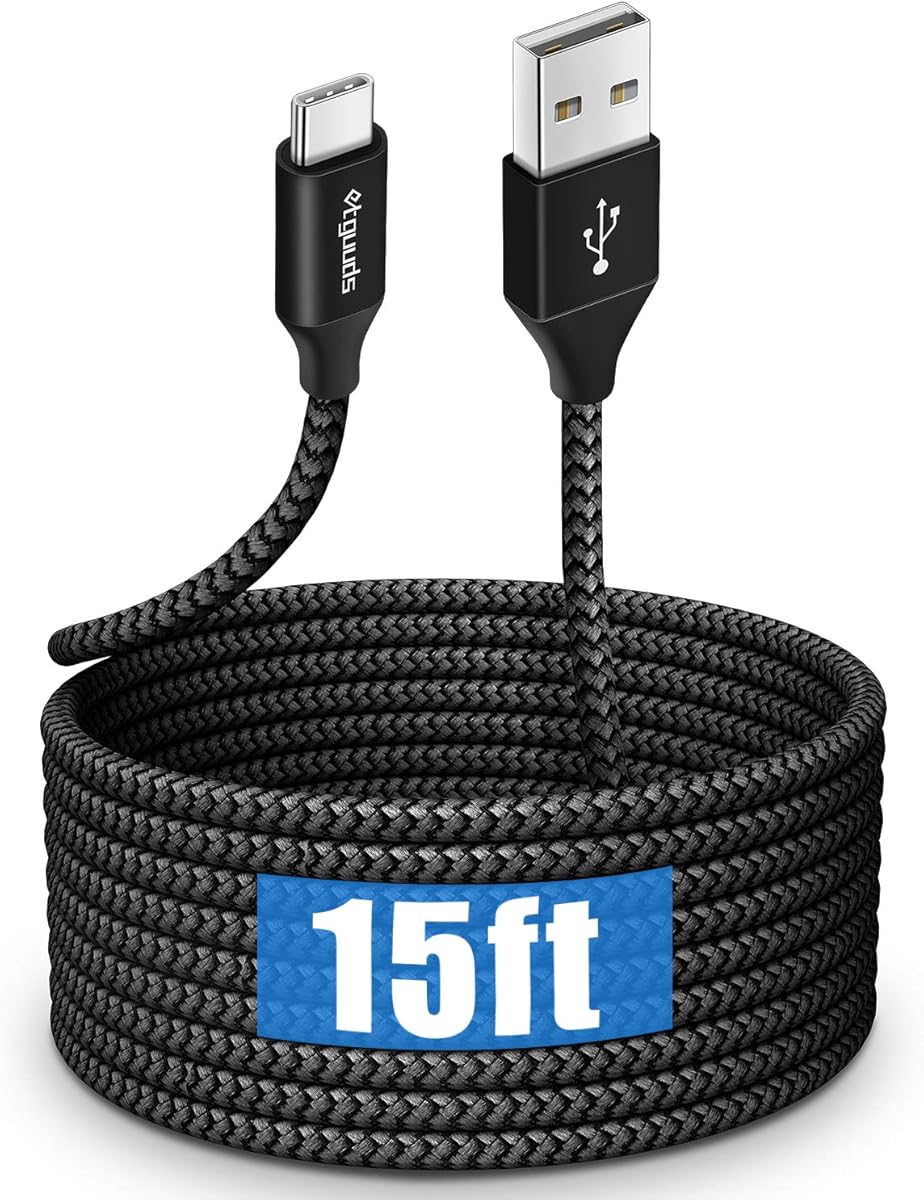
etguuds Long USB C Cable 15ft
4.6Editor score
15 feet extra long reach
3A fast charging support
Tangle-free nylon design
Discover the top long USB cables for fast data transfer and charging. We compare durability, speed, and compatibility to help you choose the best fit.
Finding the right long USB cable can transform how you interact with your devices daily. Whether you need extra reach for a home office setup or a durable connection for gaming, the right cable ensures seamless connectivity without cluttering your space.
We evaluated ten top-rated long USB cables based on build quality, data transfer speeds, and real-world durability. Our analysis focuses on nylon braiding, connector strength, and compatibility across various devices to ensure you get reliable performance for years.
Each pick in this guide highlights specific strengths like fast charging support or heavy-duty shielding for professional use. Keep in mind that availability and stock levels may fluctuate, so checking current listings ensures you secure the best option for your needs.
4.6Editor score

4.7Editor score

4.6Editor score
This table provides a side-by-side comparison of the top ten long USB cables available today. We break down key specifications to help you quickly identify which cable matches your specific connectivity requirements.


This 20-foot USB 3.0 cable stands out as a top choice for users needing fast data transfer over long distances. With a rating of 4.7 stars, it delivers reliability for connecting external hard drives and monitors without signal loss.
We may earn a commission when you buy through this link, at no additional cost to you.
The reinforced nylon braided jacket and aluminum alloy case ensure the cable withstands daily wear and tear. Gold plated connectors prevent oxidation, maintaining a clean connection for years of consistent performance in home or office setups.
While it excels at data syncing, users should note this cable is not intended for charging devices. Additionally, the male to male design limits its use to specific peripherals like hubs rather than direct power sources.
If you prioritize speed and durability for transferring large files between computers and storage, this cable is an excellent investment. It combines professional-grade build quality with practical length to suit diverse connectivity needs.
Data transfer rates up to 5 Gbps ensure quick backups and syncing for large media files.
Passes 10000 bending tests with a design that resists rupture and wear over time.
We may earn a commission when you buy through this link, at no additional cost to you.
The CLEEFUN 20-foot USB C cable offers freedom to charge and use your smartphone from anywhere in the room. Its sturdy construction supports fast charging protocols, making it a reliable partner for Android devices and tablets.
We may earn a commission when you buy through this link, at no additional cost to you.
Heavy duty nylon braiding protects the internal wiring from tangling and breaking. This design choice ensures the cable remains functional even after extensive daily use, whether draped over a couch or stretched across a floor.
While the charging capabilities are robust, data transfer speeds are capped at 480Mbps which is standard for USB 2.0. This might be a limitation for users needing to move large files quickly but is fine for most daily tasks.
Choose this cable if you need a long reach for charging a phone or tablet while watching videos or gaming. It balances durability with practical length to keep your devices powered without restricting your movement.
Supports QC 2.0 and 3.0 fast charging to reduce time needed to power up devices.
The extra long 20ft length allows you to use your device while charging from a distance.
We may earn a commission when you buy through this link, at no additional cost to you.
Offering 15 feet of length, this USB C cable provides an affordable solution for charging and data syncing. It supports up to 3A charging which is ideal for modern smartphones that require higher power to charge efficiently.
We may earn a commission when you buy through this link, at no additional cost to you.
The nylon braided jacket adds durability without adding bulk. A 56 kΩ resistor ensures stable conductivity protecting your devices from potential power fluctuations during the charging process.
While it does not reach the 20ft mark of some competitors, the 15ft length is sufficient for most bedrooms and living rooms. The material choice ensures it remains tangle-free and easy to manage over time.
This cable is perfect for budget-conscious buyers who need reliable performance for daily charging tasks. It handles fast charging well and fits a wide range of Android devices and tablets effectively.
Designed to support 3A charging for quick power delivery to compatible smartphones.
With a 20000+ bend lifespan it resists wear and tear from frequent plugging.
We may earn a commission when you buy through this link, at no additional cost to you.
Designed specifically for printers and scanners, this 40-foot active cable bridges the distance gap in larger offices. The active signal boost ensures data integrity over the long run preventing dropouts during large print jobs.
We may earn a commission when you buy through this link, at no additional cost to you.
Multiple layers of shielding provide stable transmission for USB 2.0 devices. The cable is durable with a tangle-free nylon braid that withstands being pulled across floors or through office cubicles.
It is crucial to note this cable is designed for USB 2.0 Type B ports and not compatible with USB 3.0 Type B interfaces. Ensuring your printer uses the correct interface is necessary for successful connection.
If you have a printer located far from your computer, this cable offers a practical solution. It allows you to place devices anywhere in the room without sacrificing print quality or connection stability.
Active technology maintains high speed transmission even over 40 feet of distance.
Plug and play functionality means no extra drivers are needed for immediate printing.
We may earn a commission when you buy through this link, at no additional cost to you.
This 10-foot USB C cable is a straightforward choice for daily charging tasks. Its premium nylon braided construction ensures it resists fraying and maintains integrity even with regular daily handling.
We may earn a commission when you buy through this link, at no additional cost to you.
Supporting up to 3A charging, it powers most modern smartphones and tablets efficiently. The design focuses on reliability for charging rather than high-speed data transfer making it ideal for overnight charging.
While it lacks video signal output capabilities, it excels at its primary role of charging devices securely. The 10ft length is often sufficient for desk setups where the power source is nearby.
Choose this cable if you need a reliable charger for your desk or nightstand. It balances durability and performance to keep your devices charged without unnecessary complexity.
Delivers up to 3A current to ensure your device powers up quickly.
Built to last with upgraded materials that resist daily wear and tear.
We may earn a commission when you buy through this link, at no additional cost to you.
This pack includes two 15-foot USB C cables offering great value for households with multiple devices. It supports high-speed data transfer and fast charging making it versatile for phones, tablets, and accessories.
We may earn a commission when you buy through this link, at no additional cost to you.
Built-in safety mechanisms protect against overcharging and overheating ensuring your devices remain safe during use. The thickened core and tough outer sheath contribute to a long service life under regular conditions.
While data speeds are not the fastest available they are sufficient for syncing contacts and photos. The 2-pack option means you can keep one cable at home and one in the car or office.
Consider this option if you need reliable charging cables for various devices. The combination of safety features and durability makes it a dependable choice for everyday use.
Includes protection against overvoltage and overheating to extend device lifespan.
Get two durable cables for home and travel needs in a single purchase.
We may earn a commission when you buy through this link, at no additional cost to you.
This 20-foot extension cable uses heavy-duty 22AWG wire to ensure stable power and data delivery. It is ideal for extending connections to printers, webcams, and hard drives without losing signal quality.
We may earn a commission when you buy through this link, at no additional cost to you.
Triple-layer shielding eliminates lag and interference making it perfect for video conferencing or streaming. The cable is rated for indoor and outdoor use providing versatility for security cameras or media centers.
It is important to note this cable works best for peripherals and not high-speed SSDs or VR headsets. Direct PC connection is recommended to ensure maximum performance and stability.
Choose this cable if you need a reliable extension for work peripherals. Its robust build and shielding ensure consistent performance even in environments with electrical noise.
22AWG power wire supports high current requirements for demanding devices.
Triple-layer shielding ensures no signal interference during data transfer.
We may earn a commission when you buy through this link, at no additional cost to you.
Amazon Basics delivers a reliable 16-foot USB cable for connecting printers and external drives. The gold-plated connectors ensure an optimal signal and resist corrosion over time.
We may earn a commission when you buy through this link, at no additional cost to you.
This cable is designed for speed-critical devices requiring a stable connection. The 16-foot length provides enough reach for most home office setups where the printer is not directly on the desk.
While it lacks modern braiding, the construction is solid for the price point. The packaging is designed to be easy to open without needing tools or excessive plastic waste.
If you need a standard printer cable from a brand you trust, this is a safe choice. It offers consistent performance for basic data transfer and power needs.
Gold-plated connectors ensure a clean signal connection for better performance.
Ships in Certified Frustration-Free Packaging for easy access.
We may earn a commission when you buy through this link, at no additional cost to you.
This 20-foot cable uses a USB 3.2 Gen 1 chip to enable 5Gbps transfer speeds. It is designed for users who need to move large files quickly while still having the flexibility of extra length.
We may earn a commission when you buy through this link, at no additional cost to you.
The double braided layer and aluminum alloy construction enhance its durability. However, due to resistance over the long distance charging power may be slightly reduced compared to shorter cables.
It supports 18W charging which is adequate for many devices but might not support the fastest charging standards. The two-year warranty provides additional peace of mind for buyers.
Choose this cable if you prioritize fast data transfer with extra length. It balances speed and reach well for users managing large media files or backups.
Equipped with a USB 3.2 Gen 1 chip for high-speed data transfers.
Double braided layers and aluminum alloy parts extend the cable's lifespan.
We may earn a commission when you buy through this link, at no additional cost to you.
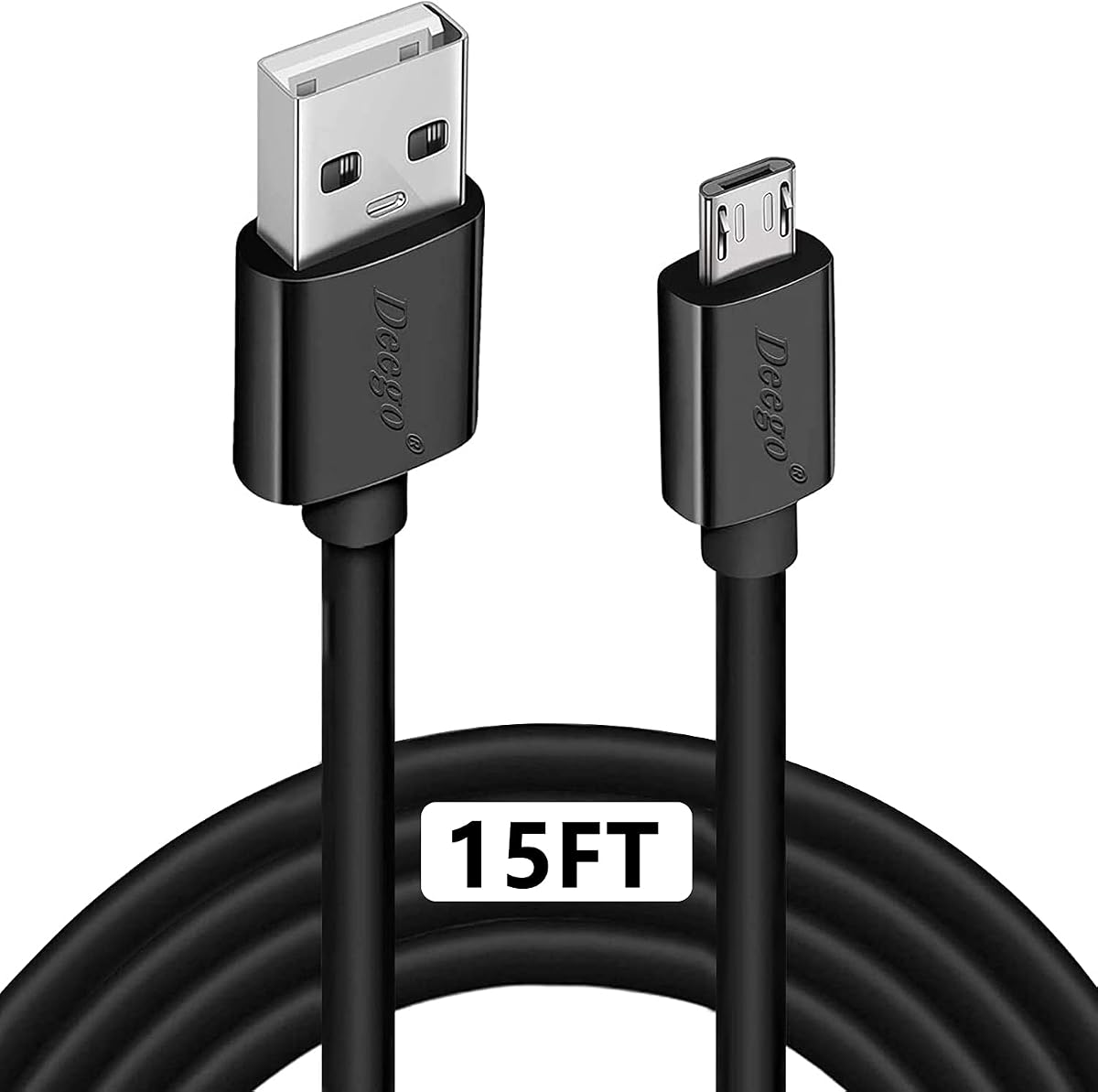
For those with PS4 controllers or older Android devices, this 15-foot cable offers extended reach and fast charging. The stainless steel head slots in tightly to prevent loosening during intense gameplay sessions.
We may earn a commission when you buy through this link, at no additional cost to you.
It supports charging speeds up to 2.4A which is faster than standard cables. This ensures your controller stays charged longer when you need it most for gaming or media use.
While Micro USB is an older standard, many devices still rely on it. The PVC jacket adds flexibility and durability preventing the cable from breaking easily over time.
If you need a long reliable cable for gaming or older gadgets, this is a strong choice. It delivers the speed and durability required for continuous use in a home setup.
Designed to keep controllers charged during long gaming sessions.
Metal head ensures a tight fit that resists becoming loose.
We may earn a commission when you buy through this link, at no additional cost to you.
Selecting the right long USB cable depends on your specific needs regarding data speed, device compatibility, and durability requirements.
The length of the cable determines how far you can place your device from the power source or computer. Consider your room layout to decide if 10 feet 15 feet or 20 feet is necessary.
Choose a length that provides enough reach without creating excess clutter or tripping hazards in your workspace.
Ensure the connector on the cable matches your device. Common types include USB A to B for printers and USB A to C for modern phones.
Verify the ports on your device before purchasing to avoid buying a cable that does not fit.
If you transfer large files often look for USB 3.0 or USB 3.1 cables which offer speeds up to 5 Gbps.
For simple charging needs standard USB 2.0 speeds are usually sufficient and may cost less.
Check if the cable supports fast charging protocols like QC3.0 or 3A output for efficient power delivery.
Longer cables may experience some voltage drop so ensure the cable is rated for your device's power needs.
Nylon braided cables are generally more durable and resistant to tangling than standard plastic cables.
Look for reinforced connectors and joints to ensure the cable lasts through daily plugging and unplugging.
Proper shielding prevents signal interference which is important for stable data transfer especially over long distances.
Triple or multiple layers of shielding are recommended for professional environments with many electronic devices.
Ensure the cable is compatible with your specific devices like phones tablets or external drives to avoid connection issues.
Read product descriptions carefully to confirm support for your operating system and device model.
A good warranty indicates the manufacturer stands behind the durability of the product.
Look for options that offer at least a one-year warranty to protect your investment.
To prevent wear and tear avoid bending the cable sharply at the connector joints during use. This helps maintain the internal wiring and ensures a consistent connection over time.
Store the cable loosely coiled when not in use to prevent tangling and stress on the outer jacket. You can use cable ties or straps to keep it organized in your drawer.
Keep the cable away from direct heat sources and high traffic areas to protect it from accidental pulls or heat damage which can degrade the material.
Yes longer cables can experience signal degradation if not properly shielded or active. However high-quality cables with proper shielding and thicker conductors maintain speed effectively over distance.
Longer cables may have higher resistance which can reduce charging power slightly. Look for cables specifically rated for high amperage to ensure fast charging works as intended.
Yes but it is best to use a high-speed cable with good shielding to minimize input lag. Ensure the cable supports the required bandwidth for your gaming controller or peripheral.
USB 3.0 offers significantly faster data transfer speeds and better power delivery compared to USB 2.0. For large file transfers USB 3.0 is recommended for better performance.
Compatibility depends on the connector type and protocol support. Always verify that the cable matches your device's ports to ensure it works correctly.
You can use a USB extension cable like a male-to-female extender to add length to your existing setup. Ensure the extension cable is active if you need to maintain signal over long distances.
We reviewed ten top long USB cables ranging from budget-friendly options to high-performance models. Our top picks offer a balance of speed, durability, and length for various needs.
Prioritize build quality and shielding if you plan to use the cable daily for demanding tasks like data transfer or gaming. For simple charging, a standard durable cable may suffice.
Remember to check the current availability and product specifications before buying to ensure you get the right cable for your setup. Prices and stock can change quickly so act promptly when you find the right option.