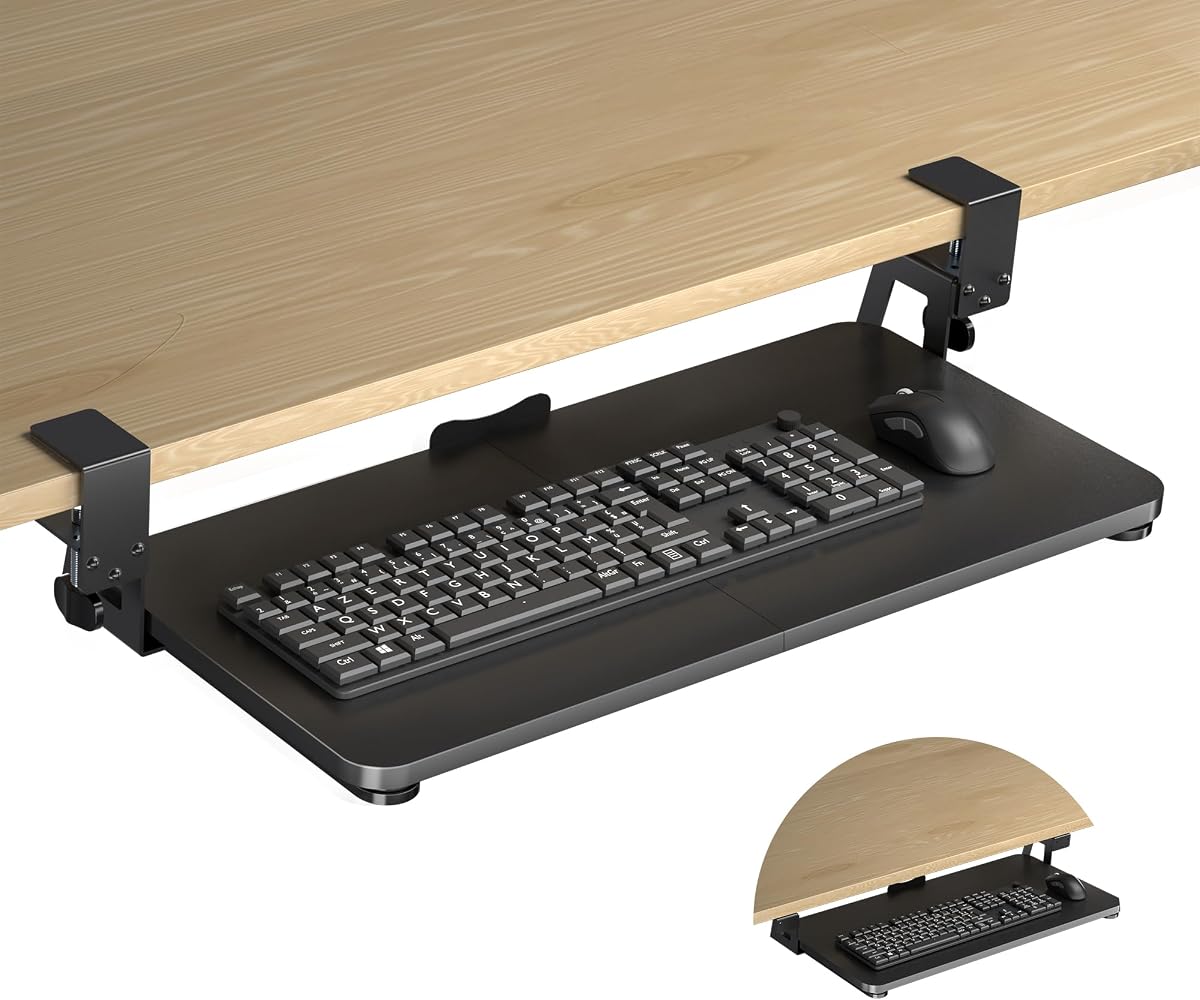
XINLEI Keyboard Tray Under Desk
4.4Editor score
Affordable price point
Sturdy C-clamp mount
Smooth metal sliding rails
Finding the right keyboard tray for standing desk setups can transform your daily workflow and reduce physical strain during long work hours.
We evaluated ten leading models based on adjustability, build quality, installation ease, and compatibility with various standing desk frames.
Each pick highlights key features and trade-offs so you can choose confidently while noting that prices and availability may change over time.
4.4Editor score

4.4Editor score

4.2Editor score
As an Amazon Associate we earn from qualifying purchases.
This side-by-side comparison highlights key specifications and strengths of each model to help you decide which fits your desk and ergonomic needs.
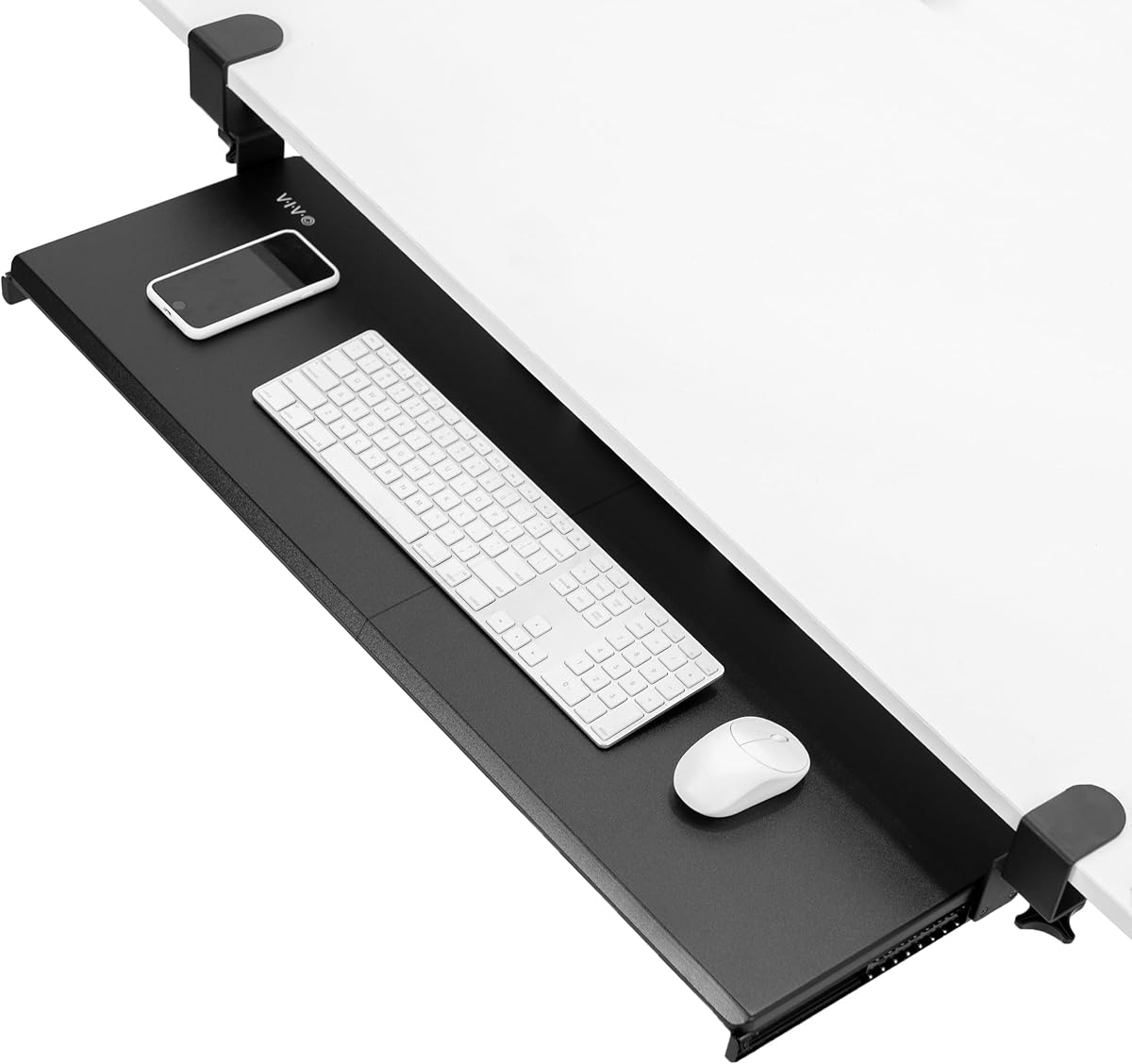


This standout keyboard tray offers an impressive range of height adjustment making it perfect for sit to stand workstations and traditional desks.
We may earn a commission when you buy through this link, at no additional cost to you.
Its ability to go as low as 1.7 inches means it works for seated typing while other risers fall short for ergonomic positioning.
The platform holds standard setups comfortably and the solid frame prevents wobble even during intense typing sessions for reliable performance.
Buyers seeking versatility without assembly will appreciate the no setup needed design and strong support from US based product specialists.
The wide adjustment range ensures you can find the exact elbow height needed whether sitting or standing without strain.
A lifetime warranty and lifetime support give confidence that this tray will serve your desk setup for years without issues.
We may earn a commission when you buy through this link, at no additional cost to you.
For budget conscious users this tray delivers solid performance with reliable clamps and smooth rails without compromising on basic ergonomic needs.
We may earn a commission when you buy through this link, at no additional cost to you.
The large surface holds full keyboards and mice while the back baffle adds a helpful safety layer to prevent sliding off during use.
Installation is straightforward and the option to screw mount gives flexibility for thicker desks where clamps might not secure as tightly.
It is an excellent choice for those wanting immediate ergonomic relief without spending heavily on premium features or complex setups.
Moving your input devices under the desk frees up valuable surface area for documents and monitors during busy work sessions.
The sturdy C-clamps and metal rails ensure the tray stays fixed in place without wobbling even during active typing.
We may earn a commission when you buy through this link, at no additional cost to you.
This versatile model stands out by supporting both above and under desk placement offering unmatched flexibility for varied workstation configurations.
We may earn a commission when you buy through this link, at no additional cost to you.
Built in organization like a drawer and phone slot keeps essentials within reach while maintaining a clutter free environment for better focus.
The extensive rotation and tilt options let you customize typing angles precisely which is ideal for users with unique ergonomic needs.
Buyers who value organization and adaptability will find this tray worth the investment for its premium features and durable build quality.
Switching between above and under desk use allows you to adapt quickly to different tasks or desk setups as needed.
The included drawer and phone slot reduce clutter and keep small items organized within easy reach during work or play.
We may earn a commission when you buy through this link, at no additional cost to you.
This wide tray provides ample room for full sized keyboards and multiple peripherals which is great for power users needing extra workspace.
We may earn a commission when you buy through this link, at no additional cost to you.
The C clamps secure tightly without damaging the desk surface while the adjustable angle promotes natural wrist positioning during long sessions.
Installation is straightforward with included hardware and the smooth sliding mechanism allows you to retract it fully when not in use.
It is a solid pick for those needing a spacious platform that integrates cleanly under existing desks without major modifications or tools.
The generous width accommodates large keyboards and mouse side by side allowing for efficient multitasking without cluttering the desk.
Sturdy clamps hold the tray firmly in place while protecting your desktop from scratches and stress during regular use.
We may earn a commission when you buy through this link, at no additional cost to you.
Designed for modern standing desks with cross beams this tray solves fit issues that standard clamp models often struggle to address cleanly.
We may earn a commission when you buy through this link, at no additional cost to you.
The metal roller track system ensures smooth and durable sliding even after thousands of cycles which makes it ideal for daily heavy use.
With height and angle adjustments it supports ergonomic typing for both seated and standing positions without straining wrists or shoulders.
Users with electric standing desks will benefit from the specialized brackets that allow secure mounting where other trays might fail to attach.
Special brackets allow secure mounting on desks with cross beams which is a common hurdle for traditional under desk keyboard trays.
High quality roller tracks ensure the tray glides silently and effortlessly whether pulling out for work or stowing away after use.
We may earn a commission when you buy through this link, at no additional cost to you.
The adjustable width feature allows you to tailor the tray size to your specific desk and keyboard dimensions for a perfect fit.
We may earn a commission when you buy through this link, at no additional cost to you.
Included wrist pads provide immediate comfort while the clamps secure the unit tightly without drilling holes into your desktop surface.
The sliding mechanism is smooth and the tray locks in place well so you can focus on typing without worrying about movement.
This model is ideal for those who want customization options and a comfortable typing setup without investing in overly complex hardware.
Adjusting the width ensures the tray aligns properly with your keyboard and mouse layout reducing reach and improving posture.
Included wrist pads add cushioning right out of the box which helps reduce strain during extended typing and gaming sessions.
We may earn a commission when you buy through this link, at no additional cost to you.
This no drill design makes it perfect for renters or anyone who wants to protect their desk surface from permanent holes or damage.
We may earn a commission when you buy through this link, at no additional cost to you.
Protective pads on the clamps prevent scratches while keeping the tray firmly in place during daily typing and mouse usage activities.
The spacious platform fits most standard input devices and the slide out feature allows you to clear space when the keyboard is not needed.
It is a practical choice for users prioritizing a reversible installation method without sacrificing stability or ergonomic benefits in their workspace.
The clamp system secures the tray without drilling which preserves your desk and makes uninstallation simple if you move desks later.
Even without screws the clamped system holds firm under regular typing pressure keeping the tray steady and secure during use.
We may earn a commission when you buy through this link, at no additional cost to you.
This classic under desk tray offers a straightforward solution with rubber padding that helps reduce wrist strain during long typing periods.
We may earn a commission when you buy through this link, at no additional cost to you.
The side to side rotation adds a nice touch of flexibility allowing you to shift the mouse and keyboard as needed during work.
Installation includes all necessary hardware and the design is robust enough to support standard setups without wobbling or sagging over time.
For users who prefer tried and true ergonomics this tray delivers reliable comfort and ease of use without unnecessary complexity or cost.
Built in rubber padding provides gentle support for your wrists which helps maintain comfort during extended computer sessions.
The side to side rotation allows you to position the tray closer or further depending on your current task needs.
We may earn a commission when you buy through this link, at no additional cost to you.
The full 360 degree rotation is a standout feature that lets you move the tray freely for different tasks or access to the desk.
We may earn a commission when you buy through this link, at no additional cost to you.
Combined with height and tilt adjustments it provides comprehensive ergonomic control to suit both sitting and standing positions comfortably.
The included wrist rest adds immediate comfort while the smooth slide mechanism ensures the tray stays in place when locked for typing.
This model is great for multitaskers who need flexible positioning options to reach different parts of their desk without standing up.
Being able to rotate the tray fully allows you to move input devices out of the way quickly when you need more desk space.
Height tilt and rotation adjustments work together to help you find a natural hand position that reduces shoulder and wrist fatigue.
We may earn a commission when you buy through this link, at no additional cost to you.
At thirty inches this tray offers the widest platform in the lineup which is perfect for large mechanical keyboards or dual mouse setups.
We may earn a commission when you buy through this link, at no additional cost to you.
Steel rails ensure a smooth and stable slide without wobble while the warranty provides long term confidence in its durability for daily use.
The clamp system accommodates thicker desks than many rivals so it fits a broader range of workstation styles without needing adapters.
Buyers needing maximum width and reliable support will appreciate this sturdy tray that combines practical design with strong manufacturer backing.
The extra wide platform ensures even the largest keyboards and accessories fit comfortably without hanging off the edge of the tray.
Reinforced steel rails keep the tray steady during heavy use and the warranty shows confidence in its long term performance.
We may earn a commission when you buy through this link, at no additional cost to you.
Selecting the right tray involves checking desk compatibility, adjustability, and build quality to ensure long term comfort and stability.
Check if your desk has a flat edge, cross beam, or rounded bottom since clamps often require flat edges to attach securely.
Confirm your desk thickness matches the clamp range so the tray installs firmly without risking damage or slipping during use.
Ensure the tray lowers enough for seated typing and raises enough for standing posture to match your workflow needs.
A wide range of adjustment helps you find the perfect elbow height which is crucial for reducing shoulder strain over time.
Measure your keyboard and mouse dimensions to ensure the tray provides enough space without crowding your workspace.
Larger trays support full size setups while compact ones save room but may limit mouse movement for users needing space.
Choose between clamp or screw mounts based on whether you want damage free installation or extra stability for heavy setups.
Clamp mounts work well for standard desks while screw mounts may be needed for thicker or uneven surfaces for a solid fit.
Look for tilt and swivel options if you want to fine tune the angle to match your typing posture and wrist position.
These features help reduce repetitive strain and make typing more comfortable during long sessions at your standing desk.
Steel frames and metal rails tend to last longer and wobble less compared to plastic alternatives under heavy daily use.
Check weight capacity and construction materials to ensure the tray supports your gear securely without sagging or instability.
Review assembly steps and included hardware to ensure you can mount the tray without specialized tools or excessive effort.
Clear instructions and pre-drilled options can save time and reduce the risk of incorrect installation during setup.
A strong warranty shows the manufacturer stands behind their product and helps protect your investment against defects or failure.
US based support can make resolving issues easier and faster if you encounter problems during installation or daily use.
Install the tray according to instructions ensuring clamps or screws are tight before loading equipment to prevent shifting.
Adjust height and angle so your elbows stay near 90 degrees while typing to reduce strain on wrists and shoulders.
Clean the surface regularly with a dry cloth and check clamps for tightness periodically to maintain stability over time.
Yes many models include special brackets for cross beams which are common on electric standing desks. Verify your desk thickness and beam size before purchasing to ensure a secure fit without damage.
The ideal height allows your elbows to rest near 90 degrees with wrists straight. Look for trays with 5 to 15 inches of adjustment to match both sitting and standing positions comfortably.
No most trays specify a max desk thickness typically around 1.25 to 1.75 inches. Check your desk measurements before ordering to ensure the clamps or screws will secure it properly.
You typically need 17 inches or more of desk depth to allow the tray to retract fully. Measure from the front edge to any crossbars to avoid clearance issues during installation.
Yes they lower input devices to a neutral hand position reducing wrist strain and shoulder tension. Adjusting height and angle helps maintain a natural posture during long work sessions.
Most clamp on trays do not work well with beveled or rounded edges since clamps require flat surfaces to grip securely. Consider screw mount options or alternative brackets for such desks.
Use a dry or slightly damp cloth to wipe the surface regularly and avoid harsh chemicals that may damage coatings. Check moving parts and rails for dust and lubricate if needed for smooth sliding.
Most trays support 11 lbs which is enough for standard keyboards and mice. For heavy mechanical setups or multiple devices confirm the weight limit to ensure stability during active typing.
The Mount-It! Standing Keyboard Tray and XINLEI offer top value with robust adjustability and price friendly designs for most users.
Prioritize desk compatibility and height range when choosing since ergonomic benefits depend heavily on how well the tray fits your workspace.
Remember to check current prices and availability on Amazon as deals can change quickly and models may update over time.