
Video Conference Lighting
4.1Editor score
Plug and play
3 color modes
Magnetic mount
Creating a well-lit workspace is essential for productivity and eye health. Internal PC work lights provide focused illumination directly on your desk without cluttering your setup. These devices reduce glare and strain during long hours of computer use.
We evaluated ten leading models based on brightness, adjustability, and ease of installation. Our analysis covers clip-on bars, flexible gooseneck lamps, and streaming lights. Each option offers unique benefits for different workspace configurations and user needs.
Every product section details specific features, pros, and cons to help you decide. We highlight key specs like color temperature ranges and mounting styles. Note that prices and availability can change, so check current listings before purchasing.
4.1Editor score
4.5Editor score

4.5Editor score
As an Amazon Associate we earn from qualifying purchases.
This table provides a quick side-by-side overview of all ten models. Compare key specifications like lighting modes, mounting types, and energy efficiency to find the right fit for your specific workspace requirements quickly.





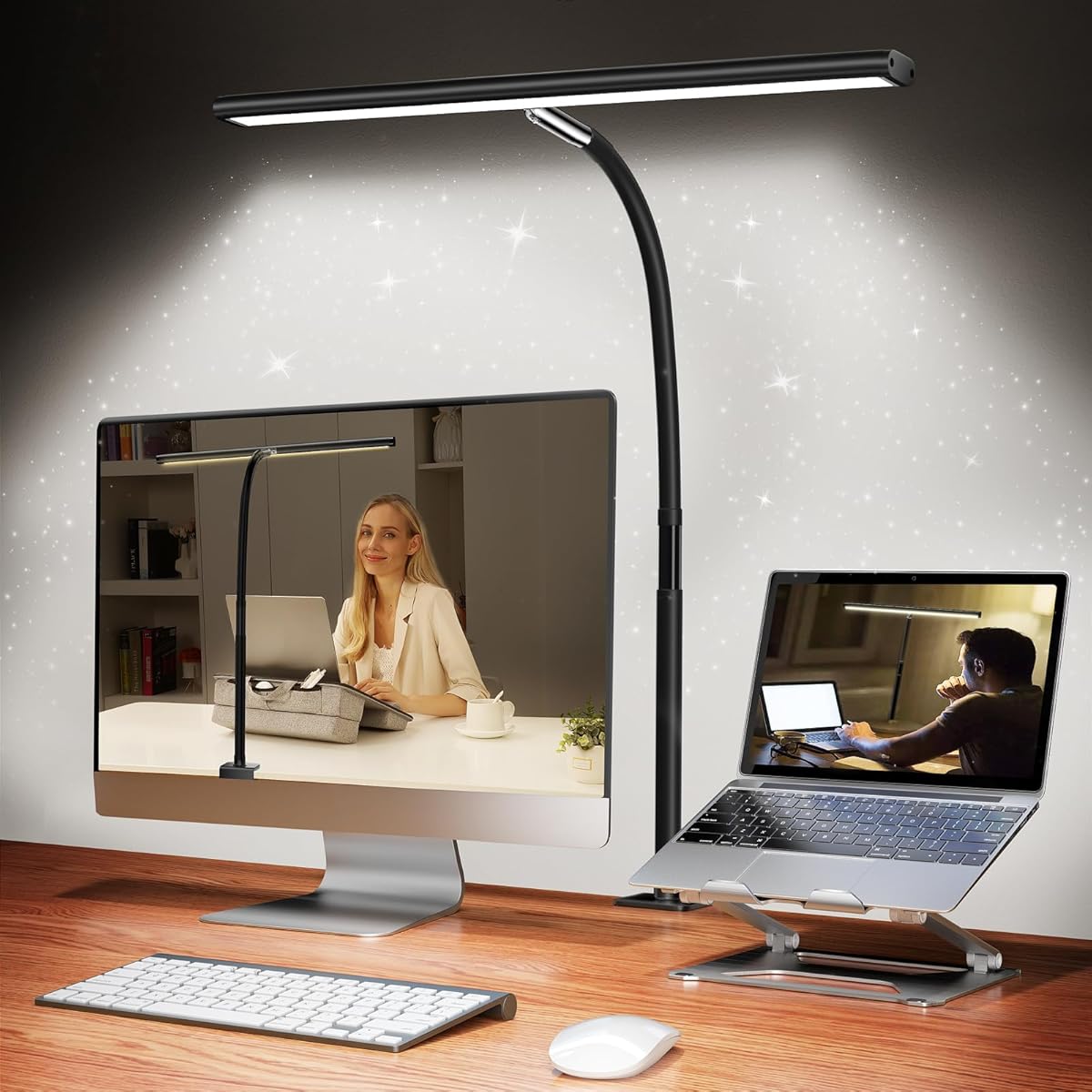
The Airlonv LED Desk Lamp stands out with its expansive 17-inch bar and highly flexible gooseneck. It delivers consistent brightness across large desks without causing eye strain during extended sessions. This model excels at adapting to various workspace layouts and user preferences effortlessly.
We may earn a commission when you buy through this link, at no additional cost to you.
Its stepless dimming allows precise control over color temperature and brightness levels. The built-in wire management keeps your desk tidy, while the aluminum body ensures durability and heat dissipation. It is ideal for tasks requiring detailed lighting like drafting or crafting.
While the metal clamp is sturdy, it may not fit very thick desks. The lack of a remote control means you must reach the base for adjustments. However, these trade-offs are acceptable given its superior flexibility and high build quality.
If you need a reliable light for dual monitors or large work areas, this lamp is the top choice. Its balance of size, adjustability, and energy efficiency makes it perfect for home offices and professional setups needing versatile illumination.
Stepless dimming lets you match light intensity perfectly to your task without harsh jumps.
Aluminum construction ensures long life and efficient heat management for safe all-day use.
We may earn a commission when you buy through this link, at no additional cost to you.
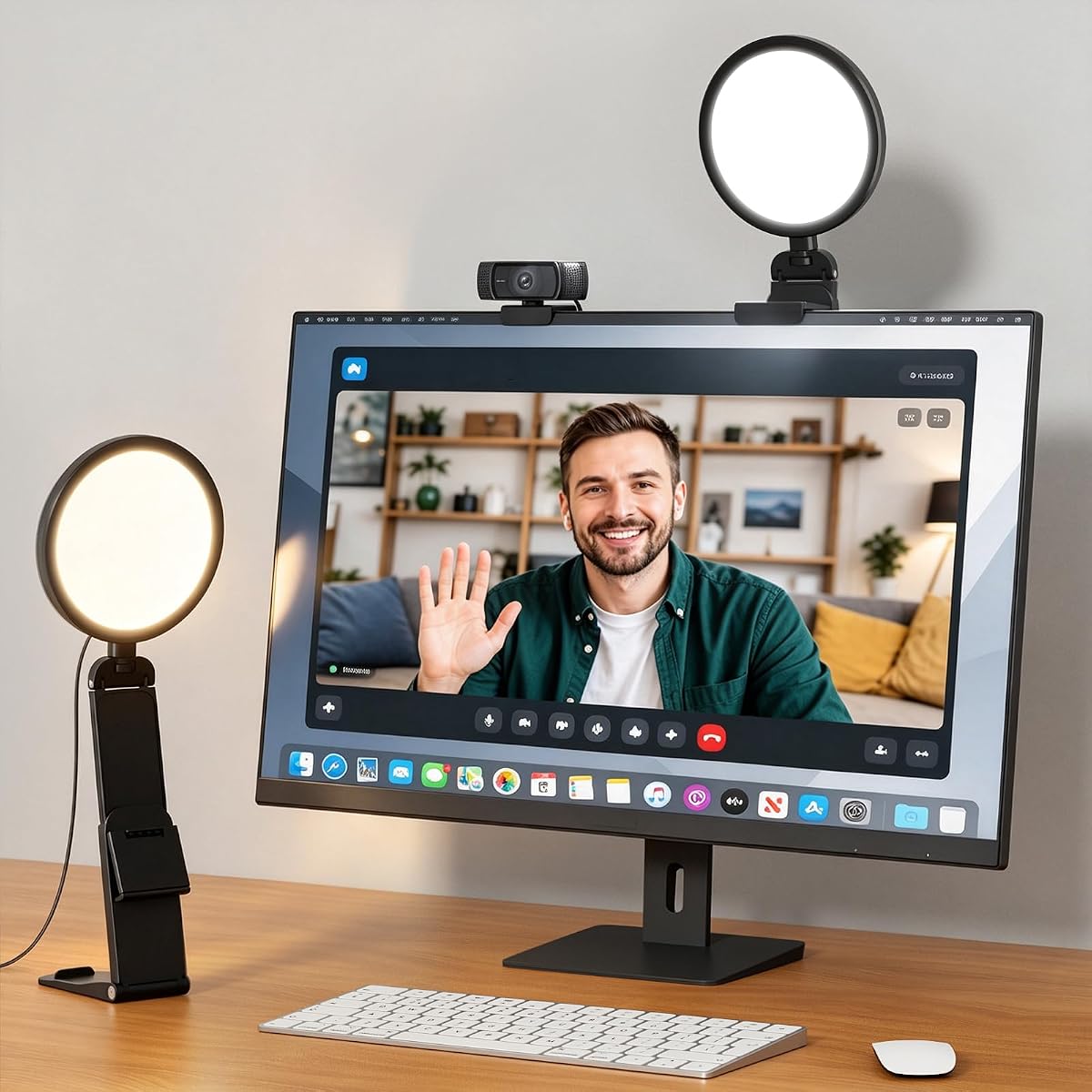
This affordable USB LED panel is a practical choice for basic task and webcam lighting. It offers three color modes and ten brightness levels to suit different video conferencing needs. Its plug-and-play design ensures immediate use without drivers or complex setup steps.
We may earn a commission when you buy through this link, at no additional cost to you.
The clip and magnetic mount options provide flexibility for laptops or desktops. It helps eliminate shadows on your face during calls, enhancing your professional appearance. The inline controller makes adjustments simple and accessible during meetings.
Light output is lower than larger bars, so it is best for small desks. The fixed panel lacks the adjustability of gooseneck lamps. These limitations are minor considering its low cost and convenience for remote work.
For budget-conscious users needing better video quality or minimal desk light, this light works well. It is a smart pick for students or remote workers who prioritize simplicity and value over high-end features.
Just plug into USB to start using it immediately with no software required.
Use clip or magnetic base to attach securely to various monitor types.
We may earn a commission when you buy through this link, at no additional cost to you.
The Logitech G Litra Beam delivers professional-grade lighting for gamers and content creators. Its TrueSoft technology provides balanced, full-spectrum light that looks natural on camera. The slim design fits seamlessly into desktop setups without obstructing your view.
We may earn a commission when you buy through this link, at no additional cost to you.
Customization is excellent with Bluetooth control via the G HUB app. You can save presets for quick access to your favorite looks during streams. The 3-way adjustable stand allows endless positioning flexibility for optimal angles.
The premium price reflects its advanced features and build quality. Setup via the app may be a slight hurdle for non-tech users. However, the result is a flawless lighting experience worth the investment for pros.
If you want top-tier lighting quality for streaming or high-end work, this is the pick. It combines aesthetics with performance, offering a premium solution that elevates any gaming or remote work environment significantly.
Save custom lighting presets in the G HUB app for instant recall.
Cleared strict UL testing to ensure safe, all-day gaming and streaming.
We may earn a commission when you buy through this link, at no additional cost to you.
This light bar offers an impressive 800 lux for its compact 11.8-inch size. It illuminates your screen and desk evenly, eliminating dark spots. The 45-degree beam angle protects eyes from direct light, reducing strain significantly.
We may earn a commission when you buy through this link, at no additional cost to you.
Stepless dimming and memory function add convenience to daily use. The mechanical switch allows easy control, and the counterweight clip fits most screens securely. It saves desk space while providing focused lighting for work.
The lack of a remote means manual adjustments at the switch. Basic controls might lack sophistication for power users. Yet, the performance and space-saving design offer strong value for home offices.
Ideal for users with limited desk space needing effective task lighting. Its balance of brightness, eye care, and ease of use makes it a reliable choice for daily computing tasks.
45 degree beam minimizes direct light to eyes to reduce fatigue.
Fits under monitors without taking up desk surface space.
We may earn a commission when you buy through this link, at no additional cost to you.
The Logitech Litra Glow is crafted specifically for content creators and streamers. TrueSoft technology ensures balanced, full-spectrum lighting that flatters skin tones. Its frameless diffuser eliminates harsh shadows for a polished look.
We may earn a commission when you buy through this link, at no additional cost to you.
Control via the G HUB desktop app offers precision for color and brightness. The 3-way mount provides flexible positioning on laptops or monitors. It is lightweight and portable, perfect for mobile setups.
As a specialized tool, it costs more than general desk lights. The focus is on camera-facing illumination rather than desk task lighting. This is acceptable for creators prioritizing video quality.
If you stream or work in video conferences regularly, this light elevates your image. It delivers professional-grade lighting tailored to digital presence needs without cluttering your workspace.
TrueSoft tech maintains natural skin color for video calls.
G HUB desktop app for precise lighting customization.
We may earn a commission when you buy through this link, at no additional cost to you.
This light bar combines functional front lighting with ambient RGB backlight. The front light reduces glare while the RGB casts vibrant colors behind your screen. It suits both work sessions and gaming atmospheres perfectly.
We may earn a commission when you buy through this link, at no additional cost to you.
Independent controls for RGB and front lights offer versatility. The retractable clip ensures stable mounting on various monitors. Memory function remembers your settings for instant recall after power cycles.
Multiple modes can be overwhelming to navigate via buttons. RGB lighting may distract during focused reading or tasks. However, the dual purpose adds fun and utility to any setup.
Great for gamers and users wanting both task light and decor. It transforms your desk into a personalized workspace that adapts to your activity mode quickly.
Task light for work and RGB for gaming atmosphere.
Universal cable works with laptops and adapters.
We may earn a commission when you buy through this link, at no additional cost to you.
This architect-style lamp features dual flexible swing arms for precise angle control. Wireless remote adds convenience for adjusting settings without reaching the base. It includes 25 lighting combinations for diverse use cases.
We may earn a commission when you buy through this link, at no additional cost to you.
The 24W output ensures sufficient brightness for drafting or study. Night light and reading modes add versatility for different times of day. Foldable design allows compact storage when not in use.
The structure is heavier than simple bars, taking more space. Assembly requires time to align arms correctly. Yet the flexibility and control justify these trade-offs for professionals.
Ideal for architects, designers, or students needing adjustable illumination. Its remote and dual-arm design allow focused light exactly where needed for detailed work.
Remote control offers easy access to lighting changes.
25 modes cover night reading to bright work light.
We may earn a commission when you buy through this link, at no additional cost to you.
This lamp spans 31.5 inches with dual heads for broad illumination. It suits large desks and dual monitor setups effectively. Auto-off timers save energy and provide peace of mind at night.
We may earn a commission when you buy through this link, at no additional cost to you.
With 50 customizable modes, you can tailor light precisely to tasks. Memory function saves settings so adjustments are needed less often. The metal clamp secures firmly without damaging surfaces.
Its size may be too large for compact desks. Assembly takes time to set up both heads correctly. Still, it offers excellent utility for spacious work environments.
Best for users needing wide, even coverage without extra fixtures. The auto features and robust design make it a practical long-term investment.
Two heads cover dual monitors or large desks.
Timers prevent forgetting to turn off lights.
We may earn a commission when you buy through this link, at no additional cost to you.
This two-pack includes two high-CRI lights for balanced illumination. CRI above 97.8 ensures true color accuracy for detailed work. Each unit offers 1000 Lux brightness for clear visibility.
We may earn a commission when you buy through this link, at no additional cost to you.
Foldable stands and flexible clips accommodate various devices. They are lightweight for easy transport between locations. Two units allow front and rear or dual monitor lighting setups.
Managing two power cables can be slightly annoying. Placement requires planning for symmetry. However, the value of two quality lights is strong.
Great for those needing fill light for video or dual screens. The high CRI makes these a professional choice for creators.
CRI above 97.8 guarantees natural color representation.
Lightweight design makes travel between desks easy.
We may earn a commission when you buy through this link, at no additional cost to you.
Xiaomi's light bar features an asymmetric design to avoid screen reflection. The 2.4GHz wireless remote allows control without physical contact. Auto-on when computer starts adds a touch of automation.
We may earn a commission when you buy through this link, at no additional cost to you.
Ra95 color rendering index reveals true colors for accurate work. Metal body ensures durability and heat dissipation. It saves desk space while providing high-quality illumination.
The price is higher than average bars. Adjustments rely on remote rather than physical knobs. However, the seamless operation justifies the premium.
For clean setups valuing automation and quality, this is ideal. Its design and control system offer a refined user experience.
Light turns on automatically when your computer starts.
Asymmetric glass ensures light avoids screen glare.
We may earn a commission when you buy through this link, at no additional cost to you.
Choosing the right light depends on your workspace, tasks, and desired features. This guide outlines key factors to consider before purchasing.
Ensure the light covers your entire work area without dark spots. Bars range from 11 to 31 inches wide.
Select size based on monitor count and desk dimensions.
Adjustable color temperature helps match your environment. Ranges usually span 3000K to 6500K.
Choose models with stepless control for precise tuning.
Clips, magnets, or stands offer different installation options. Consider desk thickness and material.
Ensure the mount is sturdy enough for your setup.
Higher lumen counts provide brighter light for detailed tasks. Some models offer hundreds of brightness settings.
Look for dimming capabilities to suit all lighting needs.
USB or USB-C power is common and convenient. Ensure your device has a free port.
Consider adapter inclusion if ports are limited.
Controls may be buttons, remotes, or apps. Remote or app control adds convenience.
Decide if you prefer physical or digital adjustment.
Features like anti-glare and low blue light reduce strain. CRI above 90 ensures color quality.
Prioritize models with certified eye-care technology.
Memory saves your last brightness and color settings. This speeds up daily use.
Ensure the light retains settings after power cycles.
Install the light by attaching the clip or magnet securely to the monitor edge. Ensure it is centered for even illumination.
Adjust the angle and brightness daily to prevent eye fatigue. Use warmer tones in the evening.
Clean the light with a soft dry cloth periodically to maintain brightness. Avoid harsh chemicals on plastic or glass parts.
Yes, many models reduce eye strain during long gaming sessions. Look for adjustable brightness and RGB options for ambiance.
Most use USB power from your computer or adapter. Some come with adapters if ports are limited on your device.
Most clamps are adjustable to fit curved screens. Check the product specs for compatibility with your monitor shape.
They attach to monitors, freeing up desk surface. This is ideal for tight workspaces needing extra room.
Yes, models with eye-care features are designed for extended use. Look for UL certification for added safety assurance.
LED models typically last up to 50,000 hours. Check specs for specific ratings to ensure durability.
Yes, several options include wireless remotes or app support for easier adjustments from your chair.
Most are tool-free with simple clips. Some dual-head lamps may need minor assembly to attach arms.
Our top picks include the Airlonv for versatility, the Video Conference Light for budget, and the Logitech G for premium quality. Each offers distinct benefits for different needs.
Prioritize eye care and adjustability to ensure comfort during long sessions. Match the mounting style to your desk thickness and layout constraints.
Always check current prices before buying as deals change frequently. Select a model that balances cost with the features you need daily.