
Seagate 8TB BarraCuda Internal Hard Drive
4.7Editor score
Proven reliability for PC applications
High capacity for media storage
SATA 6Gb/s interface speed
Finding the right hard drive for Jellyfin is essential for a smooth media streaming experience. You need storage that can handle continuous reading and writing without bottlenecks or failures.
We evaluated top models based on capacity, reliability, and compatibility with network attached storage systems. Each product was analyzed for its suitability in home server environments.
Each pick shows specific strengths for different user needs like budget or high performance. Remember that availability and costs may shift over time so check current listings.
4.7Editor score

4.5Editor score

4.6Editor score
As an Amazon Associate we earn from qualifying purchases.
Compare these top models side by side to find the perfect storage solution for your media server setup.
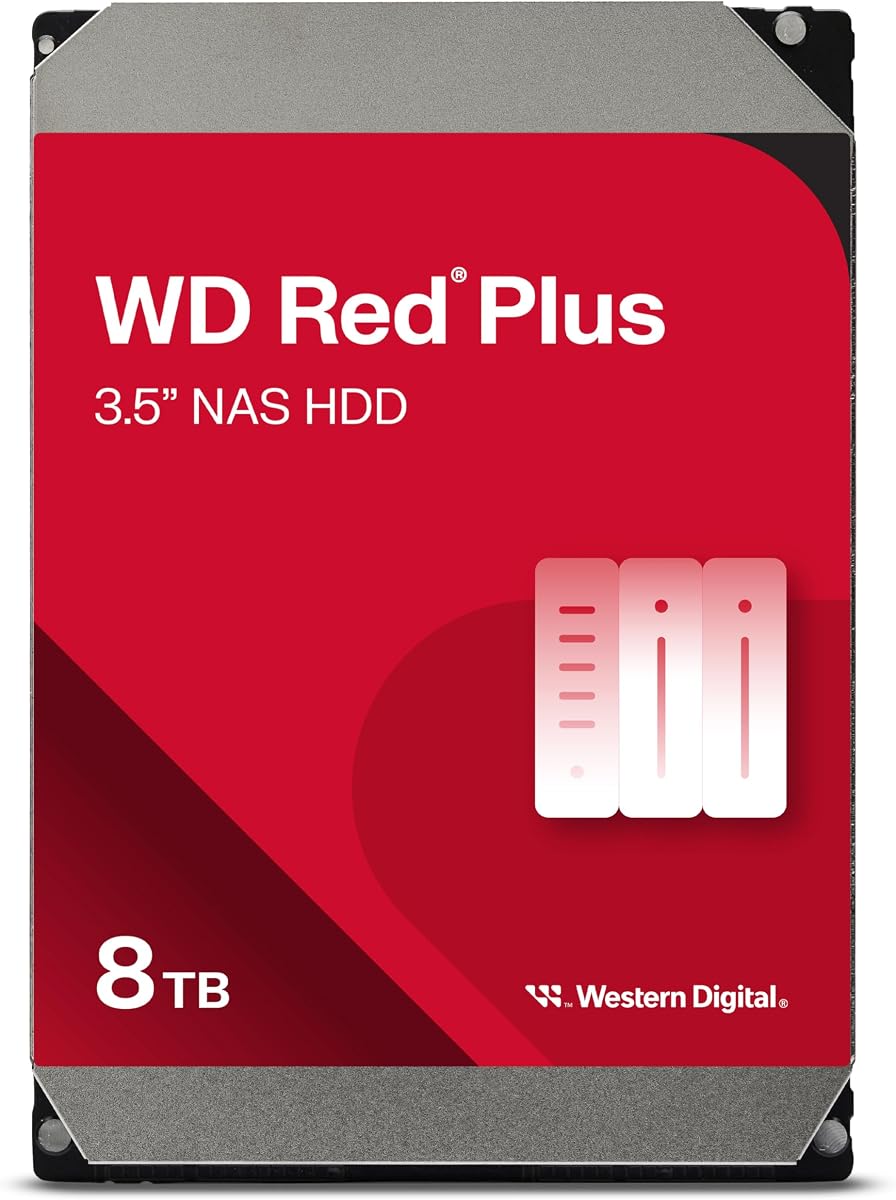


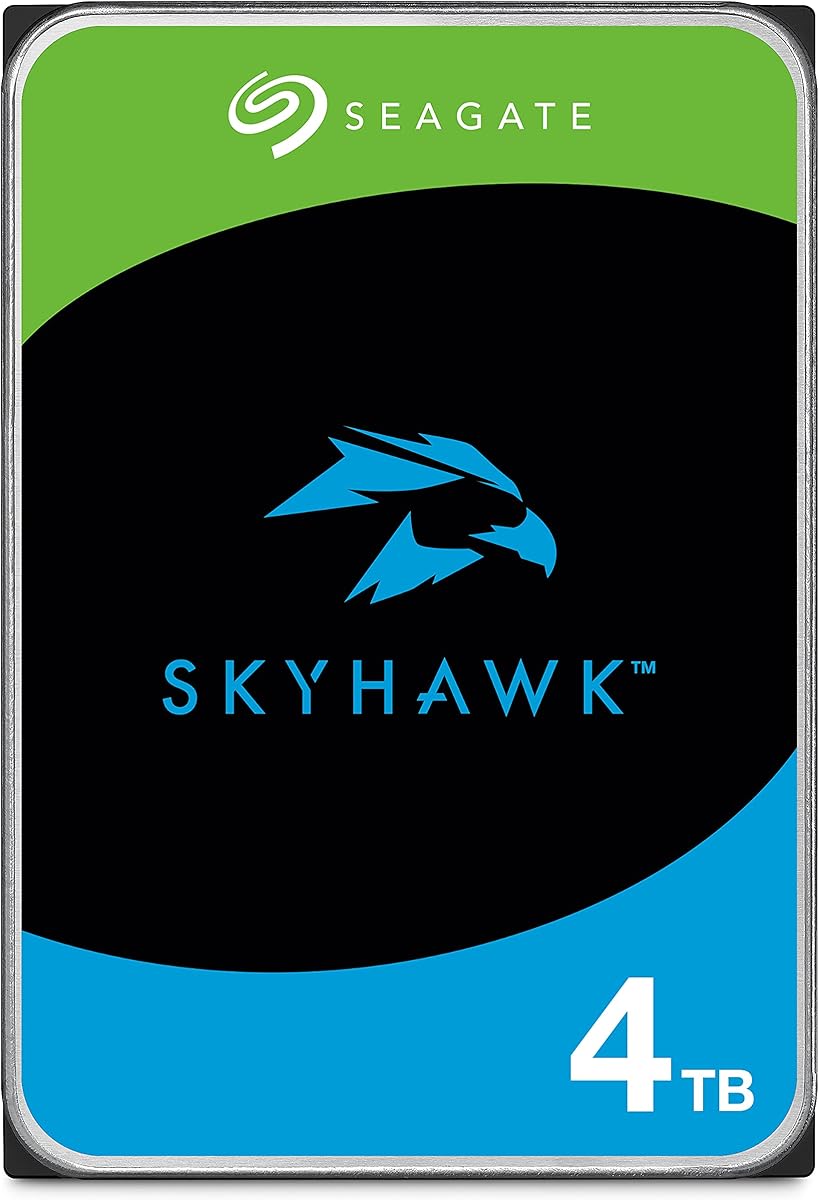


This drive stands out as an ideal solution for multi user NAS environments requiring high capacity and reliability. With a rating of 4.5 stars it delivers ultra high capacity performance suitable for server setups.
We may earn a commission when you buy through this link, at no additional cost to you.
IronWolf internal hard drives are purpose built for NAS enclosures delivering less wear and tear and little to no noise or vibration. The integrated Health Management system allows you to easily monitor drive health for long term reliability.
While it carries a higher price point than standard desktop drives the specialized features ensure increased file sharing performance and no lags or downtime. The three year warranty and Rescue Data Recovery Services provide additional peace of mind for critical data.
If you are building a media server like Jellyfin and need consistent performance under load this drive is an excellent investment. It supports RAID configurations and up to 8 bay setups making it highly scalable for growing needs.
Designed specifically for network attached storage to handle continuous read write operations without degradation.
Integrated sensors and management tools help predict and prevent failures before they impact your media library.
We may earn a commission when you buy through this link, at no additional cost to you.
This drive offers a compelling option for those seeking large capacity storage without breaking the bank. With a strong 4.7 star rating it is a go to SATA hard drive solution for nearly every PC application including media storage.
We may earn a commission when you buy through this link, at no additional cost to you.
Store more and compute faster with the proven reliability of BarraCuda internal hard drives. It features a sustained transfer rate of 190MB/s which is sufficient for most streaming needs and supports up to 8TB of data.
While it is not specifically optimized for NAS environments it can work well in single bay setups or less intensive server configurations. The drive relies on standard desktop technology backed by twenty years of innovation for general use.
For home users starting a Jellyfin server on a budget this drive provides ample space for movies and photos. Ensure you have adequate cooling and backups since it lacks some enterprise level durability features.
Delivers eight terabytes of space at a price point that appeals to entry level server builders.
Sustained rates allow smooth playback of high definition video files without stuttering.
We may earn a commission when you buy through this link, at no additional cost to you.
This drive provides immense storage potential for extensive media libraries with a massive 12TB capacity. It features a 7200 RPM speed and 512MB cache for reliable everyday computing and high performance needs.
We may earn a commission when you buy through this link, at no additional cost to you.
Western Digital quality and reliability are hallmark features here. The drive comes with free Acronis True Image WD Edition cloning software to help you migrate data quickly and securely to your new system.
While it is a desktop drive and not NAS specific it offers excellent throughput for single user or light multi user scenarios. The higher capacity reduces the need for multiple drives in smaller chassis.
If you have a growing collection of 4K videos and want fewer drives to manage this is a strong choice. Ensure your power supply and case airflow can handle the increased thermal output of this high density drive.
Store thousands of hours of video content on a single platter without needing complex RAID setups.
Free cloning tools simplify the upgrade process and reduce setup time significantly.
We may earn a commission when you buy through this link, at no additional cost to you.
This external drive offers a simple way to expand storage without opening your server case. With a rating of 4.6 stars it features bus powered USB-C connectivity and high capacity storage for all your files.
We may earn a commission when you buy through this link, at no additional cost to you.
Work freely without wall warts thanks to its bus powered design. The drive comes with Rescue Data Recovery Services and a two year limited warranty to safeguard assignments and sensitive files.
While it is convenient for adding storage quickly USB connections may introduce latency compared to direct SATA connections. It is best used for archiving or less frequently accessed media rather than primary streaming.
For users who want plug and play simplicity this drive is a solid companion for your Jellyfin server. Just ensure your host supports USB-C speeds to avoid bottlenecks during playback.
Instantly add storage to your system with a single cord and minimal configuration required.
Included recovery options provide safety nets for critical media files that cannot be lost.
We may earn a commission when you buy through this link, at no additional cost to you.
This thin laptop drive is ideal for compact server builds where space is at a premium. With a rating of 4.4 stars it stores up to 200,000 photos or 124 hours of high definition video.
We may earn a commission when you buy through this link, at no additional cost to you.
Seagate's highest capacity thin 7mm drives support portable computers and enable drop in capacity transitions. The standard SATA 6Gb/s interface ensures easy integration into existing mobile or laptop designs.
While the 1TB capacity is small for a full media library it works well for boot drives or small test environments. The light weight reduces overall stress on drive bays in delicate enclosures.
Consider this for systems where you need to save space or use a smaller form factor server. You may need multiple drives to reach the storage needed for a full Jellyfin library.
The 7mm thickness allows fitting into tight enclosures that cannot accommodate standard drives.
Reduced weight helps minimize vibration and stress on mounting points in small chassis.
We may earn a commission when you buy through this link, at no additional cost to you.
This drive is engineered specifically for surveillance security systems but can handle media workloads well. With a rating of 4.5 stars it supports up to 180 TB per year workload rate and over eight bays.
We may earn a commission when you buy through this link, at no additional cost to you.
Tuned for write-intensive low bit-rate high stream-count workloads typical to most surveillance applications it ensures stable performance. AllFrame AI technology delivers additional enhancements and higher workload rates for AI-enabled recorders.
While designed for security cameras its ability to handle multiple streams makes it suitable for media servers too. The firmware optimizes data flow to prevent dropped frames which is beneficial for video playback.
If you need a drive that excels at continuous writing and streaming this is a strong contender. It supports more than eight bays allowing significant scalability for large media storage needs.
Advanced technology helps reduce frame loss and ensures smooth playback even under heavy loads.
Designed to handle continuous data streams without overheating or failing prematurely.
We may earn a commission when you buy through this link, at no additional cost to you.
Built for video DVR and NVR security camera systems this drive delivers video-optimized storage. With a rating of 4.4 stars it supports workloads of up to 180TB per year with zero dropped frames.
We may earn a commission when you buy through this link, at no additional cost to you.
Built-in RV sensors allow drives to maintain performance in multi-bay systems offering flexibility to scale when more storage is needed. Lower power consumption reduces heat emissions and improves reliability significantly.
While tailored for security applications the streaming capabilities translate well to media server tasks. The Health Management system allows you to monitor drive status proactively.
For those needing reliable performance for continuous recording or streaming this drive offers robust value. The in-house Rescue Data Recovery Services provide added security for stored media files.
Rotational vibration sensors help prevent performance drops in multi-drive enclosures.
Reduced power usage lowers heat output and improves overall system stability.
We may earn a commission when you buy through this link, at no additional cost to you.
This drive is custom-built for surveillance applications with Image Perfect firmware for crisp clear 24×7 video workloads. With a rating of 4.6 stars it features a maximum 180TB per year workload rating.
We may earn a commission when you buy through this link, at no additional cost to you.
Rotational vibration sensors help maintain performance in RAID and multi-drive systems. It can store up to 10,000 hours of HD video making it suitable for large media archives too.
While focused on security systems the reliability and workload handling make it adaptable for media servers. The frustration free packaging simplifies setup upon arrival.
If you want a drive that handles continuous write loads without issues this is a solid choice. Ensure your case supports 3.5 inch form factors and has good ventilation for best results.
Optimized to ensure consistent data recording without frame drops or corruption.
Capable of storing thousands of hours of video content for extensive archives.
We may earn a commission when you buy through this link, at no additional cost to you.
This drive is available in capacities ranging from 1 to 14TB with support for up to 8 bays. With a rating of 4.2 stars it supports up to 180 TB per year workload rate.
We may earn a commission when you buy through this link, at no additional cost to you.
NASware firmware ensures compatibility and smooth operation in NAS systems. It is designed for small or medium business NAS systems in a 24×7 environment.
While it runs at 5400 RPM it offers reliability and noise reduction suitable for home offices. The CMR technology provides consistent performance for random writes.
If you need a drive specifically built for NAS environments this model fits that purpose well. It supports varying workloads and provides a three year limited warranty.
Uses conventional magnetic recording for reliable random access and write performance.
Designed to handle high annual data transfer rates without degradation.
We may earn a commission when you buy through this link, at no additional cost to you.
This IronWolf drive is built for NAS servers with reliable performance and stability. With a rating of 4.4 stars it offers 6TB capacity and SATA 600 interface.
We may earn a commission when you buy through this link, at no additional cost to you.
It features 5400 RPM for lower power consumption and noise reduction. The drive is suitable for multi-user NAS environments and supports RAID configurations.
While not the fastest option it prioritizes reliability and endurance which is key for servers. It includes standard SATA connectivity for easy installation in compatible cases.
If you need a balance of capacity and reliability for your media server this drive is a safe choice. Check your case dimensions to ensure the 3.5 inch form factor fits.
Designed specifically for network attached storage to handle continuous operation.
Lower RPM reduces noise making it suitable for home environments.
We may earn a commission when you buy through this link, at no additional cost to you.
Choosing the right drive depends on capacity needs reliability and your server configuration.
Consider how much media you plan to store now and in the future. Larger capacities reduce the number of drives needed but cost more.
Choose a drive size that accommodates your library with room to grow.
Drives designed for network attached storage handle continuous operation better than standard desktop drives. They often include firmware and sensors for stability.
For a 24×7 server NAS optimized drives provide better long term reliability.
The SATA interface determines how fast data moves to your media server. Faster transfer rates help with high resolution streaming.
Ensure your drive supports at least SATA 6Gb/s for modern performance needs.
Look for drives with higher MTBF ratings and longer warranty periods. These indicate better build quality and manufacturer confidence.
A longer warranty gives you peace of mind if hardware issues arise.
Drives that run cooler consume less power and are quieter. This is important for home servers in living spaces.
Select drives with efficient power usage to keep your system cool.
Ensure the drive size fits your server case. Standard 3.5 inch drives need more space than 2.5 inch variants.
Check your enclosure specs before purchasing to avoid fit issues.
Install the drive securely in your server case and connect the SATA and power cables properly. Ensure cables are routed to avoid obstructing airflow.
Initialize the drive using your operating system and format it with a file system compatible with your server software. Consider setting up RAID if you have multiple drives for redundancy.
Regularly check drive health using built-in tools or third-party software. Keep firmware updated and monitor temperature to extend the drive's lifespan.
Standard desktop drives can work for small setups but NAS drives are better for continuous operation. They offer better reliability under constant read and write loads.
It depends on your library size and video quality. A few terabytes are good for starting but larger libraries require more capacity.
Speed is important for high resolution content and multiple streams. Faster transfer rates ensure smooth playback without buffering.
Most Linux-based servers use ext4 or ZFS. Windows servers typically use NTFS. Choose one supported by your server OS.
You can mix sizes but it complicates management. Using identical drives for RAID arrays is generally recommended.
Use tools like SMART monitoring or built-in server utilities. These alert you to potential failures before they occur.
We reviewed ten drives ranging from budget friendly to high capacity options. Each offers distinct benefits depending on your server needs and budget.
Prioritize reliability and capacity to ensure smooth streaming for years to come. NAS drives are ideal for continuous operation.
Always verify current availability and compatibility before purchasing. Prices may vary so check latest listings for the best deal.