
Garmin Dash Cam Mini 3
4.0Editor score
Ultracompact key-sized design
1080p HD video recording
Voice control for hands-free use
Discover the top 10 best Garmin Dash CAM models compared for video quality, smart features, and reliability to protect your vehicle on the road.
Choosing the right dash cam ensures you capture critical moments while driving. A good model offers high resolution, reliable recording, and smart connectivity to keep your vehicle safe.
We compared ten top Garmin Dash CAM options based on video clarity, features, and user feedback. This list covers everything from compact designs to advanced connectivity options for all drivers.
Each pick highlights key strengths and trade-offs to help you decide. Remember that availability and pricing can change, so verify details before purchasing your preferred device today.
4.0Editor score

3.8Editor score

4.2Editor score
This table provides a side-by-side view of key specifications for each Garmin Dash CAM model. Use it to quickly compare resolution, view angles, and special features across the lineup.
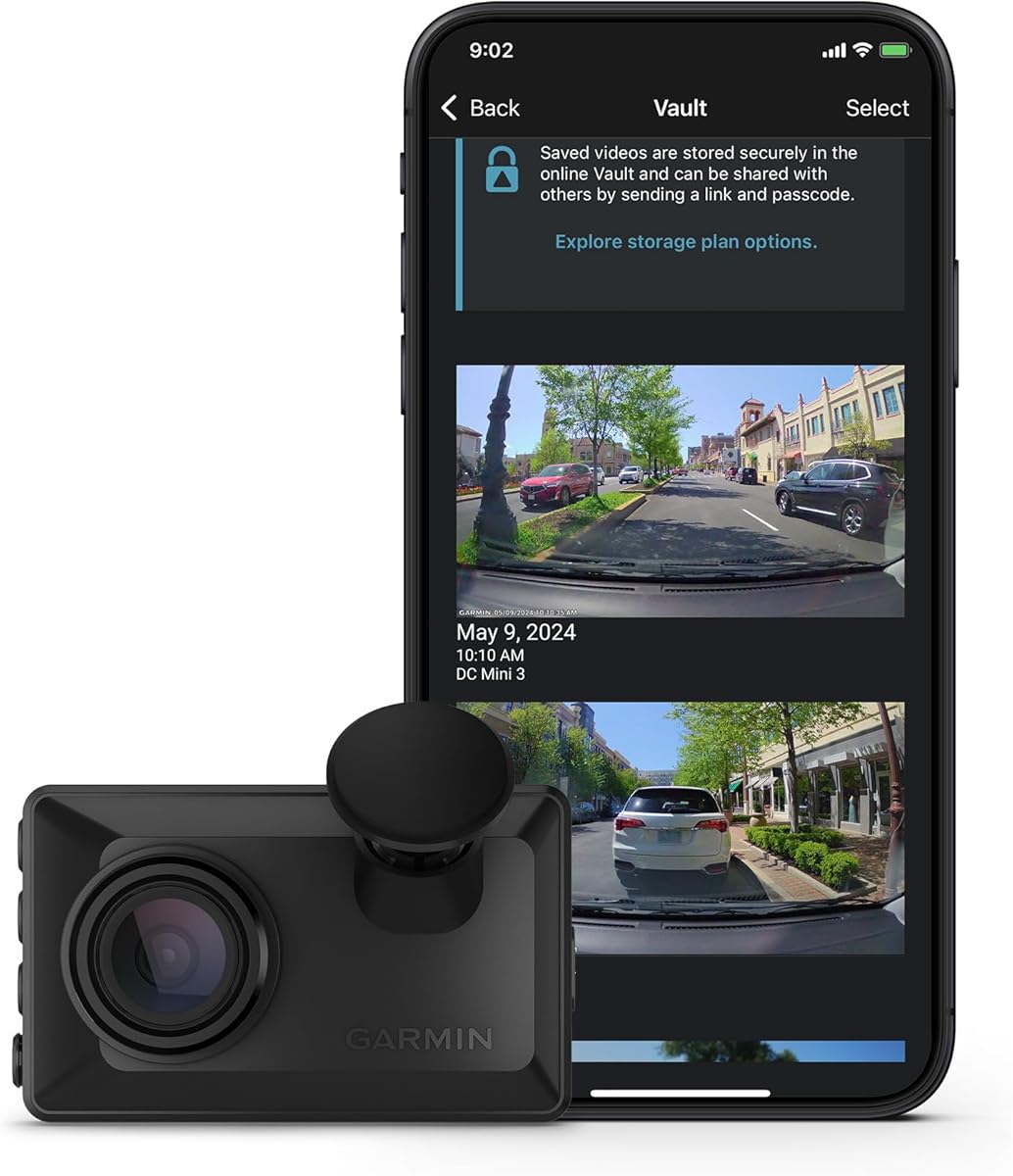




The Garmin Dash Cam Mini 3 stands out as a top value option with its ultra small footprint. It records crisp 1080p HD video while remaining virtually invisible on your windshield.
We may earn a commission when you buy through this link, at no additional cost to you.
Its built-in polarizer lens reduces glare effectively, ensuring details remain clear in bright or low light. Voice control allows hands-free operation for saving clips or starting audio recording.
While remote features require a paid Vault subscription, local playback and sharing remain accessible without extra fees. The device handles harsh heat and sunlight with durability.
Ideal for drivers wanting a discreet camera that captures quality evidence. It balances performance and ease of use well for daily commutes or travel.
The key-sized form factor ensures it does not obstruct your view or attract unwanted attention.
Use spoken commands in multiple languages to manage recording without taking your hands off the wheel.
We may earn a commission when you buy through this link, at no additional cost to you.
The Dash Cam X310 offers premium quality with 4K Ultra HD video and a convenient LCD display. It captures fine details like license plates clearly even in challenging light.
We may earn a commission when you buy through this link, at no additional cost to you.
Driver alerts for collision and lane departure enhance safety by warning you of potential risks. Voice control simplifies operations and helps you focus on driving.
Subscription requirements exist for advanced features like remote live view, but standard recording works independently. The device is built to withstand hot car interiors reliably.
Suitable for those seeking top-tier resolution and safety features. It provides peace of mind through advanced alerts and high definition footage.
Record every moment with stunning sharpness that helps identify critical details during incidents.
Receive real-time warnings for lane changes or forward collisions to promote safer driving habits.
We may earn a commission when you buy through this link, at no additional cost to you.
The Dash Cam X110 delivers excellent value with 1440p HD video and an LCD screen for easy playback. It balances quality and functionality without excessive cost.
We may earn a commission when you buy through this link, at no additional cost to you.
Driver alerts help prevent accidents by warning about lane departure or forward collision risks. Voice commands allow you to save clips or record audio without touching the device.
While premium features need a subscription, the core recording capabilities work independently. It is durable enough for various climates and road conditions.
Perfect for drivers who want reliable mid-range performance. It offers strong visual clarity and essential safety tools effectively.
Capture sharper details than standard 1080p with this high resolution recording option.
Review saved videos instantly on the built-in screen without needing a phone.
We may earn a commission when you buy through this link, at no additional cost to you.
The Dash Cam 67W excels with an extra-wide 180-degree lens that captures more road environment. It records 1440p HD video with crisp detail day and night.
We may earn a commission when you buy through this link, at no additional cost to you.
Garmin Clarity HDR optics improve contrast to show details in dark or bright conditions. Voice control lets you manage recording or still images with spoken commands.
Parking guard alerts notify you of incidents while parked but need Wi-Fi and power. It is built to endure harsh vehicle environments like direct sunlight.
Ideal for drivers needing maximum field coverage to reduce blind spots. It combines wide angles with solid video quality effectively.
See nearly everything around your vehicle with this expansive field of view.
Enhanced optics balance light to reveal clear details in tunnels or at night.
We may earn a commission when you buy through this link, at no additional cost to you.
The Dash Cam Live provides always-on LTE connectivity for 24/7 live view access. You can check your parked car from anywhere using the smartphone app.
We may earn a commission when you buy through this link, at no additional cost to you.
Surveillance features like theft alerts help protect your vehicle even when away. It records 1440p HD video with Clarity HDR for sharp details day and night.
Subscription requirements add to overall costs but deliver unmatched remote access convenience. You need constant power and active LTE service to fully use features.
Best for tech-savvy drivers prioritizing constant remote monitoring. It offers superior connectivity that other dash cams do not match.
Stay connected even without Wi-Fi using built-in cellular technology for remote access.
Monitor your vehicle from anywhere with real-time alerts and live video feeds.
We may earn a commission when you buy through this link, at no additional cost to you.
The Dash Cam X210 offers 4K Ultra HD video and a convenient LCD for quick playback. It captures detailed footage of road events clearly.
We may earn a commission when you buy through this link, at no additional cost to you.
Driver alerts for lane departure and forward collision assist you in staying safe on roads. Voice control makes it easy to manage recording or take photos.
Subscription plans enable remote viewing features but core functions work independently. The device is built to handle high temperatures and direct sunlight reliably.
Recommended for users wanting high resolution and immediate playback. It balances screen convenience with strong video quality.
Record every detail with sharp 4K video that exceeds standard HD quality.
Adjust settings and review clips directly on the device without needing a phone.
We may earn a commission when you buy through this link, at no additional cost to you.
The Galphi 4K Dash Cam captures stunning video in 4K UHD with a wide 160-degree lens. It comes with a 32GB card so you can start recording right away.
We may earn a commission when you buy through this link, at no additional cost to you.
5GHz WiFi speeds let you transfer files to your phone much faster than standard Wi-Fi. Night vision with WDR ensures clear footage even in rain or dark conditions.
The screen-free setup reduces distractions while driving. Parking mode requires a hardwire kit but works effectively for 24-hour protection.
Great for drivers who want high quality without extra cost. It provides sharp video and fast connectivity for minimal investment.
Get immediate recording capability with a free 32GB SD card included in the box.
Stay focused on driving without distracting displays on your windshield.
We may earn a commission when you buy through this link, at no additional cost to you.
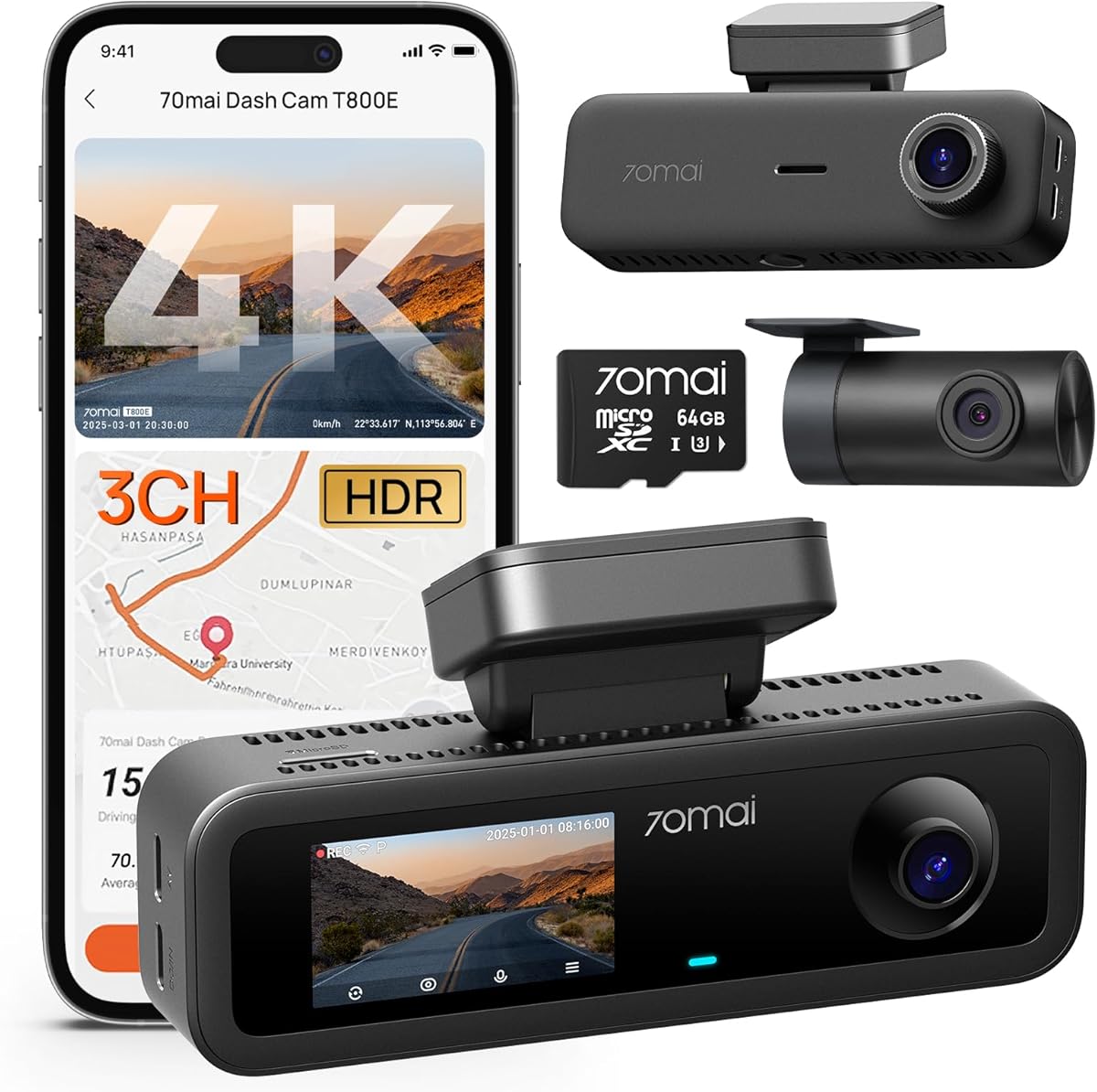
The 70mai T800E provides comprehensive coverage with front, rear, and cabin cameras in 4K. It uses switchable IR for clear inside footage even in complete darkness.
We may earn a commission when you buy through this link, at no additional cost to you.
Built-in GPS tracks location and speed while Wi-Fi 6 speeds file transfers significantly. The super capacitor ensures stable performance in extreme hot or cold temperatures.
Installation is straightforward and it works for rideshare drivers seeking full vehicle protection. Parking monitoring requires a hardwire kit for continuous operation.
Best for those needing detailed multi-angle evidence. It balances advanced features with reliable performance for daily use.
Capture front, rear, and cabin views simultaneously for total vehicle protection.
Avoid battery risks with a capacitor that handles extreme temperatures reliably.
We may earn a commission when you buy through this link, at no additional cost to you.
The 70mai A800SE features 4K video with advanced safety alerts to help prevent accidents. Its flexible rear lens can face inside the cabin or behind the car.
We may earn a commission when you buy through this link, at no additional cost to you.
Night vision with HDR optics ensures clear footage in rain or low light. Wi-Fi 6 speeds transfers to your phone for quick review and sharing.
The system includes a free 128GB card for loop recording and storage. ADAS alerts provide real-time warnings to keep driving safer.
Ideal for drivers wanting safety tech with video evidence. It offers strong visuals and useful alerts for everyday driving.
Get warnings for forward collisions or lane departures to avoid potential hazards.
Adjust the rear camera to monitor cabin or rear views as needed.
We may earn a commission when you buy through this link, at no additional cost to you.
The Terunsoul 4K Dash Cam records front, rear, and cabin views in high definition with 128GB card included. It uses advanced night vision to clear details even in complete darkness.
We may earn a commission when you buy through this link, at no additional cost to you.
Built-in GPS tracks speed and location directly into footage. Dual-band Wi-Fi 6 speeds transfers significantly to allow quick video sharing via app.
24-hour parking monitoring helps protect your vehicle with time-lapse recording. It is durable in heat and cold to ensure stable performance.
Perfect for rideshare drivers or families needing full coverage. It offers premium features at a competitive price point.
Get ample storage included so you can start recording immediately.
Record front and rear in 4K for superior clarity on all angles.
We may earn a commission when you buy through this link, at no additional cost to you.
Selecting the right dash cam depends on several factors like resolution, lens angle, and extra features. This guide explains what to consider for your needs.
Higher resolution like 4K or 1440p ensures you capture fine details such as license plates clearly. Look for models with HDR or polarizer lenses to improve contrast in bright or dark conditions.
Prioritize at least 1080p for basic evidence but consider 1440p or 4K if you want sharper video.
A wider lens like 180 degrees captures more of the road and reduces blind spots. Narrower views may miss important details on adjacent lanes or sidewalks.
Check lens angle specs to ensure it covers the area you need most.
Parking modes monitor your vehicle when parked using motion detection or time-lapse recording. Some require hardwiring for constant power to function safely.
Verify if parking features need extra kits or subscriptions before buying.
Wi-Fi allows quick transfers of clips to your smartphone while some models support LTE for remote access. Look for apps that enable easy playback and sharing without removing the SD card.
Ensure connectivity matches your needs for remote viewing or file management.
Voice commands let you save footage or record audio hands-free so you stay focused on driving. Check supported languages to confirm compatibility with your region.
Choose models with intuitive interfaces for daily use convenience.
Alerts for lane departure or forward collision provide warnings to prevent accidents. These features vary by region and need accurate GPS data to function well.
Consider safety alerts as a valuable add-on for frequent commuters.
Loop recording overwrites old files automatically while emergency locks protect important clips. Ensure the camera supports sufficient SD card sizes for your driving habits.
Check included cards and max limits before purchasing to avoid extra costs.
Super capacitors handle extreme heat better than lithium batteries inside a car. Look for rugged designs rated for high interior temperatures and direct sunlight exposure.
Verify power requirements for parking mode to ensure reliable operation.
Mount the camera securely near the rear view mirror and test video angles before finalizing. Ensure the lens is clean and unobstructed for clear recording.
Insert a high-speed SD card formatted in FAT32 to prevent write errors. Use loop recording settings to manage storage automatically during long trips.
Clean the lens regularly with a soft cloth to remove dust or smudges. Keep firmware updated through the app to access latest features and fixes.
Basic recording and local playback work without a subscription. However, features like remote live view and cloud storage require a paid Vault plan to function properly.
Some areas restrict or prohibit dash cam use due to privacy laws. Always check local regulations before installing to ensure compliance with applicable rules.
1440p or 4K resolutions provide the best clarity for reading license plates at distance. 1080p may be too blurry depending on vehicle speed or distance.
Most models require a hardwire kit for constant power in parking mode. Once installed, activate parking guard via the app to start surveillance when the car is off.
Low light performance depends on aperture size and HDR technology. Cameras with larger apertures like F1.55 and HDR optics handle dark conditions better.
Yes, using Wi-Fi or app connectivity allows you to view and download clips on your phone. Some models also have built-in screens for direct playback.
Driver alerts like forward collision warnings may not be available in all regions due to regulations. Check Garmin’s regional support page for availability details.
Use high-speed Class 10, U3, or V30 cards for reliable recording. Ensure the card size does not exceed the model’s supported maximum capacity.
Our top picks highlight the best values for resolution, connectivity, and safety alerts. The Mini 3 suits those seeking simplicity while the X310 delivers premium features.
Prioritize features that matter most such as wide-angle lenses or remote access based on your driving habits. Always balance resolution needs with budget for ideal fit.
Verify current availability and pricing before purchasing since deals change frequently. Review your final choice carefully to ensure it meets all your security needs.