
Tapo 1080P Indoor Security Camera
4.4Editor score
Solar powered operation
Full color night vision
Two-way audio support
Discover the top Airbnb security cameras for 2026. We compare features, video quality, and smart alerts to help hosts secure their properties effectively.
Securing your rental property is essential for peace of mind. A reliable security camera helps monitor entry points and detect unusual activity. Hosts need devices that balance privacy with robust surveillance capabilities.
We evaluated ten top-rated models based on video resolution, night vision, and connectivity. Each option offers unique strengths for indoor or outdoor monitoring. Our analysis focuses on ease of use and alert accuracy.
Every pick highlights key features like two-way audio and storage options. These details ensure you choose a system that fits your specific needs. Keep in mind that specifications and availability may change over time.
4.4Editor score

4.7Editor score

4.5Editor score
This side-by-side comparison highlights the key differences between the top ten models. Consider resolution, storage options, and power sources when selecting the right device for your rental space.




This window camera system offers high resolution and flexible installation for hosts. The 2K resolution ensures guests and deliveries are clearly visible. It integrates well with modern smart home routines.
We may earn a commission when you buy through this link, at no additional cost to you.
The 3MP sensor delivers sharp images even in low light conditions. You can communicate directly with visitors using the built-in audio. Alerts are smart enough to distinguish between people and general motion.
While it lacks a built-in battery, its plug-and-play design is convenient. You need a nearby power source or battery backup. Ensure your Wi-Fi signal is strong at the window.
Ideal for monitoring entryways without drilling holes. The magnetic mount makes repositioning simple. Check warranty details for long-term reliability.
Mount the camera on your window in seconds with the magnetic mount.
Capture every detail with 3MP resolution and advanced color night vision.
We may earn a commission when you buy through this link, at no additional cost to you.
This camera is a budget-friendly choice for monitoring common areas. Its solar panel option reduces dependency on outlets. The 1080P resolution provides clear video for daily checks.
We may earn a commission when you buy through this link, at no additional cost to you.
Activity zones help filter out irrelevant motion alerts. You can focus on specific entry points or pathways. Two-way audio lets you speak to guests or delivery drivers remotely.
It relies on good Wi-Fi coverage for stability. Setup is straightforward with the companion app. Ensure the lens is clean for optimal image quality.
Great for hosts wanting basic surveillance without high costs. Consider the weather resistance if placed near open windows. Check compatibility with your smart home hub.
Just 45 minutes of sunlight powers the camera for a full day.
Encrypted video and two-factor authentication protect your data.
We may earn a commission when you buy through this link, at no additional cost to you.
This indoor camera delivers reliable performance and easy integration. Its 1080p HD video is sharp and consistent. The privacy cover allows manual control when needed.
We may earn a commission when you buy through this link, at no additional cost to you.
Color night vision enhances clarity in dark rooms. You get alerts before motion fully triggers with Pre-Roll. Alexa integration allows voice commands and video streaming.
Subscription services may add to the overall cost. Ensure you have a stable power source nearby. Setup is quick via the Ring app.
A trusted option for hosts prioritizing ease of use. Check the privacy settings for guest comfort. Compare subscription plans for long-term value.
Turn off camera and mic with a manual privacy cover.
Record extra seconds before every motion event with Pre-Roll.
We may earn a commission when you buy through this link, at no additional cost to you.
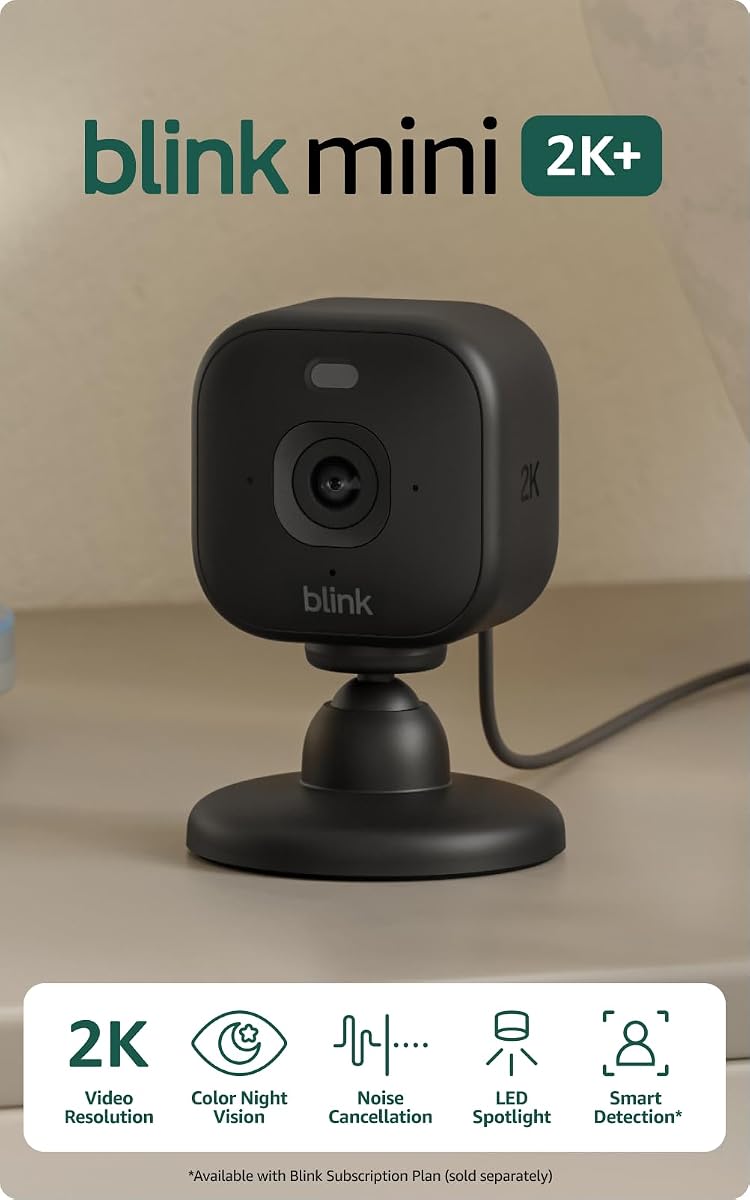
This compact camera offers high resolution in a small form factor. The 2K video provides more detail than standard HD. It is ideal for monitoring specific indoor spaces like lobbies.
We may earn a commission when you buy through this link, at no additional cost to you.
Enhanced audio makes conversations clearer through the mic. Zoom features help you identify faces or objects. Motion detection can distinguish people from pets.
It needs a constant power connection to operate. Placement near an outlet is necessary. Consider a power strip for multiple units.
Great for hosts needing multiple camera points indoors. Check subscription needs for advanced alerts. Ensure stable Wi-Fi for remote access.
Mini 2K+ delivers sharper 2K video resolution and improved audio.
Person and vehicle detection available with subscription.
We may earn a commission when you buy through this link, at no additional cost to you.
This 4-pack system covers multiple areas of a property easily. The wireless design simplifies installation around the perimeter. Each camera supports continuous or motion-based recording.
We may earn a commission when you buy through this link, at no additional cost to you.
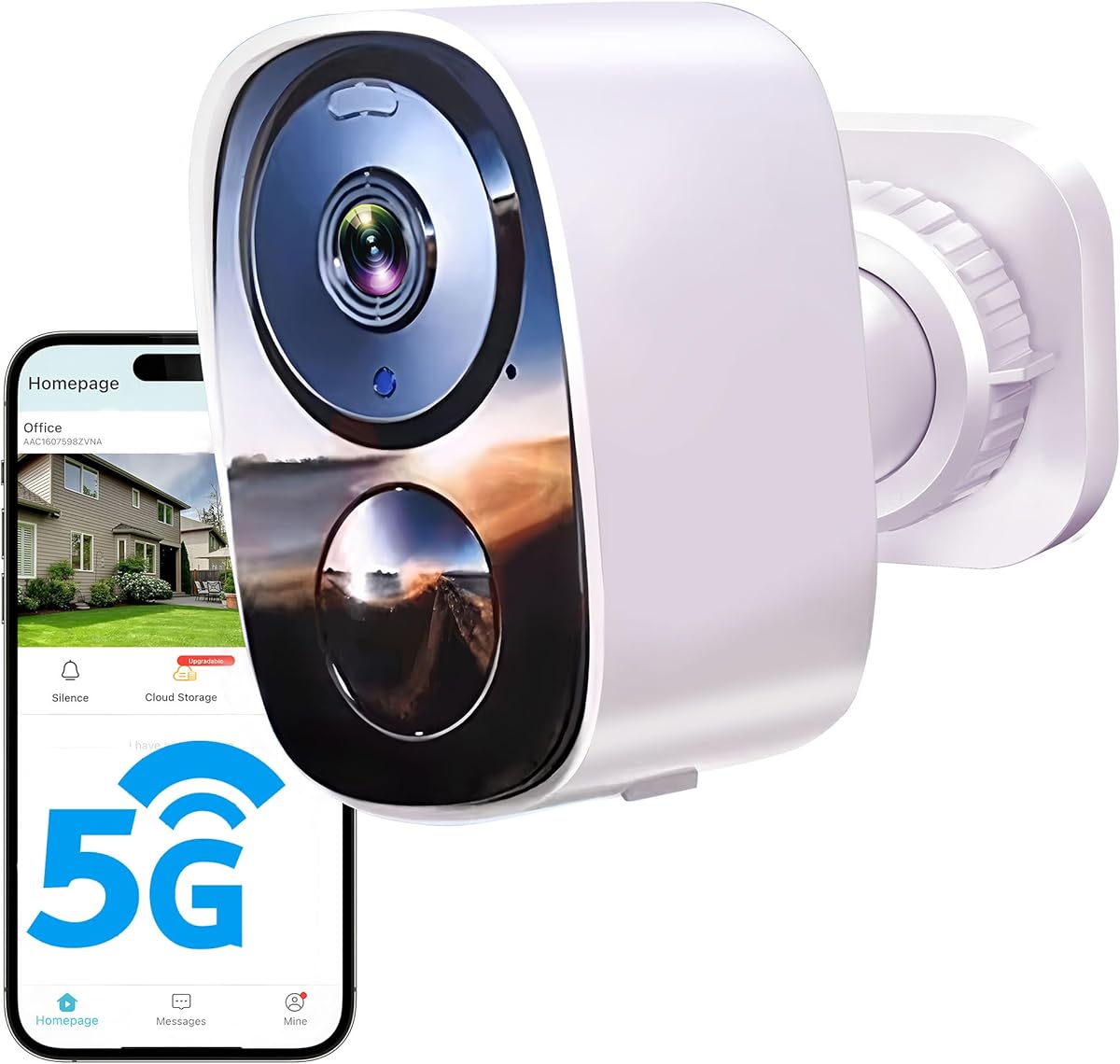
Battery life lasts several months on a single charge. PIR detection reduces false alerts from swaying trees. Two-way talk adds interactivity with visitors.
Battery recharge schedules must be managed manually. Avoid relying on 5GHz bands for connection. Weatherproofing handles rain but check mounting stability.
Perfect for properties needing wide coverage. Consider a solar panel for continuous power. Ensure your router supports the number of devices.
Place the camera where you need it without relying on outlets.
Smart PIR motion detection ensures instant mobile alerts.
We may earn a commission when you buy through this link, at no additional cost to you.
This camera offers free cloud storage without hidden fees. The 2K resolution ensures clear video quality day and night. Dual-band support improves connection stability.
We may earn a commission when you buy through this link, at no additional cost to you.
Spotlights and sirens provide active deterrence. Two-way audio allows real-time communication. Motion detection filters out minor disturbances accurately.
Cloud plan features may vary in quality. Battery life depends on usage frequency. Ensure proper placement to maximize Wi-Fi strength.
Good for hosts wanting storage flexibility. Check the app interface for ease of use. Verify warranty details for peace of mind.
Enjoy free cloud storage without additional subscription fees.
Integrated spotlight and siren deter unwanted visitors.
We may earn a commission when you buy through this link, at no additional cost to you.
This system focuses on long-lasting battery performance. Two years of power reduce maintenance needs significantly. The Sync Module ensures reliable connectivity.
We may earn a commission when you buy through this link, at no additional cost to you.
Enhanced motion detection helps alert you faster. You can view live feeds via the Blink app. Two-way talk improves guest interaction.
Cloud storage requires a subscription plan. Local backup needs extra modules. Placement near Wi-Fi router improves performance.
Ideal for large properties with remote areas. Check power adapters for sync module. Compare plans before committing.
Get up to two years of power with included batteries.
Be alerted to motion faster with dual-zone detection.
We may earn a commission when you buy through this link, at no additional cost to you.
This premium camera offers exceptional 4K clarity. The pan and tilt feature covers entire rooms. Local storage ensures privacy and costs.
We may earn a commission when you buy through this link, at no additional cost to you.
AI auto-tracking keeps moving subjects in frame. Night vision switches between color and infrared. HomeKit and Alexa integration enhance automation.
The high resolution may need strong bandwidth. Verify SD card compatibility before purchase. Setup is intuitive but requires careful calibration.
Best for hosts wanting high detail and control. Consider placement to avoid blind spots. Check updates for latest features.
Capture every detail day or night with crystal-clear 4K recording.
Store footage locally with SD card for no monthly fees.
We may earn a commission when you buy through this link, at no additional cost to you.
This outdoor camera is built for versatility and durability. Weather-resistant housing protects against elements. Color night vision reveals true hues.
We may earn a commission when you buy through this link, at no additional cost to you.
Rechargeable batteries offer mobility. Mounting options include flat surfaces or walls. Live view allows real-time checks anywhere.
Ensure battery charges fully before deployment. Check subscription options for advanced features. Placement should avoid direct sunlight for heat.
Great for monitoring yards and driveways. Pair with indoor devices for full coverage. Verify Wi-Fi signal strength outdoors.
Rechargeable battery and weather-resistant design for outside.
See, hear, and speak to people anytime via app.
We may earn a commission when you buy through this link, at no additional cost to you.
This versatile camera works indoors or outdoors easily. Dual antennas ensure stable Wi-Fi connections. The panoramic view minimizes blind spots.
We may earn a commission when you buy through this link, at no additional cost to you.
PureColor night vision avoids harsh lighting. Two-way talk and sound alarms deter issues. No monthly fees simplify long-term costs.
HomeBase compatibility is required for features. Ensure proper app updates for best performance. Check SD card compatibility for storage.
Suitable for hosts needing flexible placement. Verify mounting kits for outdoor use. Compare features with similar models.
360-degree pan and tilt covers your entire room or yard.
Dual external antennas lock onto a stronger, stable signal.
We may earn a commission when you buy through this link, at no additional cost to you.
Choosing the right security camera involves evaluating key factors like video resolution, power source, and smart features. Use this guide to match your property needs with the best options.
Higher resolution like 2K or 4K ensures clear images of faces and license plates. Look for models that maintain quality in low light.
Prioritize at least 1080p HD for reliable identification.
Decide between battery-powered or plug-in cameras. Battery models offer flexibility but require recharging. Plug-in models are reliable but need outlets.
Choose battery for hard-to-reach spots and plug-in for constant monitoring.
Color night vision provides better detail than traditional infrared. Check if spotlights are included to activate color modes.
Ensure the camera works in total darkness for safety.
Local SD cards avoid subscription fees while cloud storage ensures safety. Some cameras offer both options for flexibility.
Verify storage limits and retrieval processes.
Motion detection should distinguish people and pets to reduce false alarms. AI features help target relevant activity zones.
Adjust sensitivity settings to avoid unnecessary notifications.
Built-in microphones and speakers allow communication with guests. Clear audio helps verify identities or give instructions.
Test clarity before installing to ensure effective use.
For outdoor use, look for IP65 or IP66 ratings. These ensure protection against rain and dust.
Avoid indoor cameras if exposure to elements is expected.
Integration with Alexa or Google Assistant simplifies control. Check for routines like streaming video to smart displays.
Confirm ecosystem compatibility for seamless automation.
Start by installing the camera where it captures key areas like entry points or common spaces. Secure it firmly to avoid movement or theft.
Adjust settings to prioritize privacy for guests while maintaining safety. Regularly check firmware updates to keep the system secure.
Clean the lens periodically to ensure clear video quality. Recharge batteries or check cables as needed for reliable operation.
Yes, hosts must clearly disclose cameras in common areas in their listing. Hidden cameras in private spaces like bedrooms are generally prohibited.
Models with local SD card storage like eufy or Tapo work well without monthly fees. Verify the app supports viewing without subscriptions.
Most cameras offer live streaming via mobile apps. Ensure your Wi-Fi is stable for consistent remote access and alerts.
Battery life varies but many offer months of standby time. Frequent motion alerts or video viewing will reduce battery life.
Yes, modern cameras offer clear night vision up to 30 feet. Color night vision helps identify details without extra lighting.
At least 1080p is recommended for clarity. Higher resolutions like 2K or 4K provide more detail for identification.
Yes, most smart cameras need Wi-Fi for remote viewing and alerts. Local models may record without internet but lack remote access.
We reviewed ten models ranging from budget to premium for various needs. Top choices balance resolution, power, and smart features for effective security.
Prioritize cameras with reliable night vision and easy installation. Ensure compliance with local laws regarding privacy and disclosure.
Check current prices and availability on trusted platforms. Verify warranty terms to protect your investment in long-term safety.