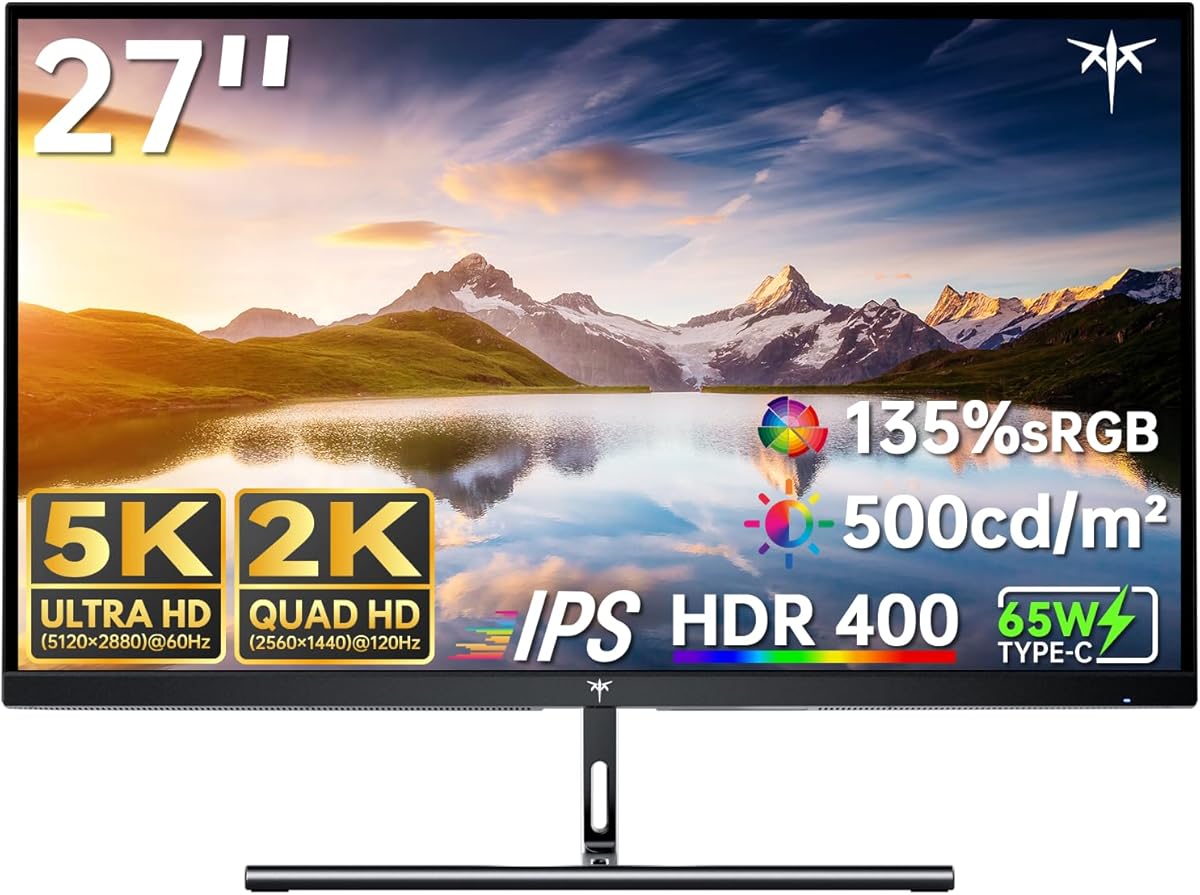
KTC 5K Monitor 27 Inch
4.4Editor score
Dual mode 5K and 2K
65W Type-C charging
High sRGB coverage
Finding the right display for your workflow is crucial. A 27 Inch 5K Monitor offers sharp visuals and ample workspace for creative tasks and professional use cases.
We analyzed ten top models based on resolution, color accuracy, connectivity, and user feedback. This list covers diverse needs from gaming to high-end design work.
Each pick highlights key strengths and ideal users. Prices and availability change frequently so always verify current details before making your final purchasing decision today.
4.4Editor score

3.6Editor score

3.7Editor score
As an Amazon Associate we earn from qualifying purchases.
This side-by-side table compares all ten featured models to help you quickly identify which screen best fits your specific performance and budget requirements.




The ASUS ProArt PA27JCV stands out as a top choice for professionals needing reliable color accuracy and high resolution. It holds a respectable rating from users who value precise imaging tools.
We may earn a commission when you buy through this link, at no additional cost to you.
Its standout feature is the factory pre-calibration ensuring Delta E less than two out of the box. This saves time for designers who need accurate results immediately without extra setup.
The trade-off is limited HDR capability compared to gaming monitors. However for most professional workflows this is acceptable given the strong color coverage and connectivity options.
This monitor is ideal for Mac users and creative pros who prioritize color fidelity. We recommend it for design, photo editing, and video production tasks.
Calman verified accuracy ensures your work looks consistent across devices and print outputs.
USB-C with 96W power delivery simplifies setup by combining display and charging into one cable.
We may earn a commission when you buy through this link, at no additional cost to you.
The Samsung Odyssey G8 offers an immersive experience for gamers seeking high resolution without sacrificing speed. Users praise its vivid visuals and smooth gameplay performance.
We may earn a commission when you buy through this link, at no additional cost to you.
Key strengths include dual mode functionality allowing toggling between 5K for visuals and QHD for action. This flexibility helps competitive players maintain clarity while maximizing frame rates.
Trade-offs involve cost compared to simpler screens. Yet the added features like adaptive sync and ergonomic stand justify the expense for serious users.
Buy this if you want sharp 5K detail during intense gaming sessions. It suits console and PC gamers needing responsiveness.
Switch resolutions and refresh rates effortlessly to match your current task or game mode.
G-Sync and FreeSync ensure tear-free gameplay with consistent frame pacing.
We may earn a commission when you buy through this link, at no additional cost to you.
The ASUS ROG XG27JCEG delivers competitive edge features for high performance gaming. It aims to balance resolution and speed with advanced visual aids.
We may earn a commission when you buy through this link, at no additional cost to you.
Standout qualities include extreme low motion blur and AI tools like dynamic shadow boost. These features enhance clarity in dark scenes without losing detail.
Trade-offs involve missing rating data which makes long-term reliability unclear. But specs suggest strong performance for esports titles needing quick reactions.
Ideal for gamers wanting crisp imagery alongside high refresh rates. Consider it if you need advanced features for competitive play.
AI-powered visual tweaks help you spot enemies and react faster during matches.
HDR 600 certification ensures bright highlights pop while keeping shadows detailed.
We may earn a commission when you buy through this link, at no additional cost to you.
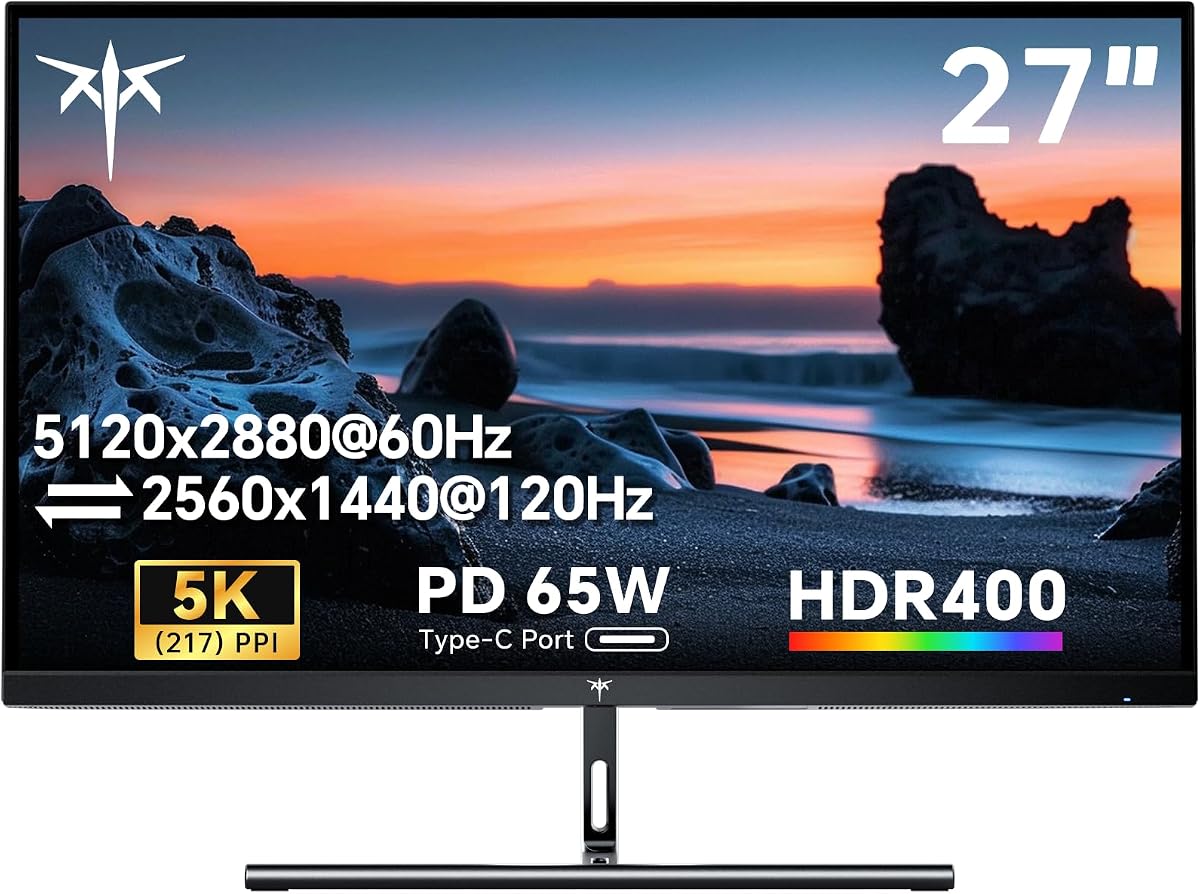
The KTC H27P3 brings 5K clarity to budget-conscious users needing solid color performance. It supports Mac mini directly via USB-C for easy setup.
We may earn a commission when you buy through this link, at no additional cost to you.
Key strengths include 135 percent sRGB area coverage for vibrant media. Adaptive sync technology also reduces input lag for smoother multitasking.
Trade-offs involve limited warranty compared to major brands. However responsive support and eye care features add value for long work hours.
Buy this for daily office or light creative use. It fits Mac setups needing high resolution without breaking the bank.
Works seamlessly with Mac mini via Type-C for clean cable management.
Blue light reduction and flicker-free tech protect your eyes during extended sessions.
We may earn a commission when you buy through this link, at no additional cost to you.
This KTC model balances price and performance for creative professionals needing precise colors. It earned solid ratings from users testing it for design work.
We may earn a commission when you buy through this link, at no additional cost to you.
Standout qualities are professional color performance with DCI-P3 coverage and Delta E under two. This ensures your edits match industry standards accurately.
Trade-offs include HDMI bandwidth limits. But USB-C and DP cover most needs. Hardware low blue light also helps comfort.
Buy if you need reliable color fidelity without premium cost. Ideal for video editors and designers on a budget.
Delta E under two ensures your screen matches real world colors closely.
DC dimming and hardware blue light filters reduce fatigue during long edits.
We may earn a commission when you buy through this link, at no additional cost to you.
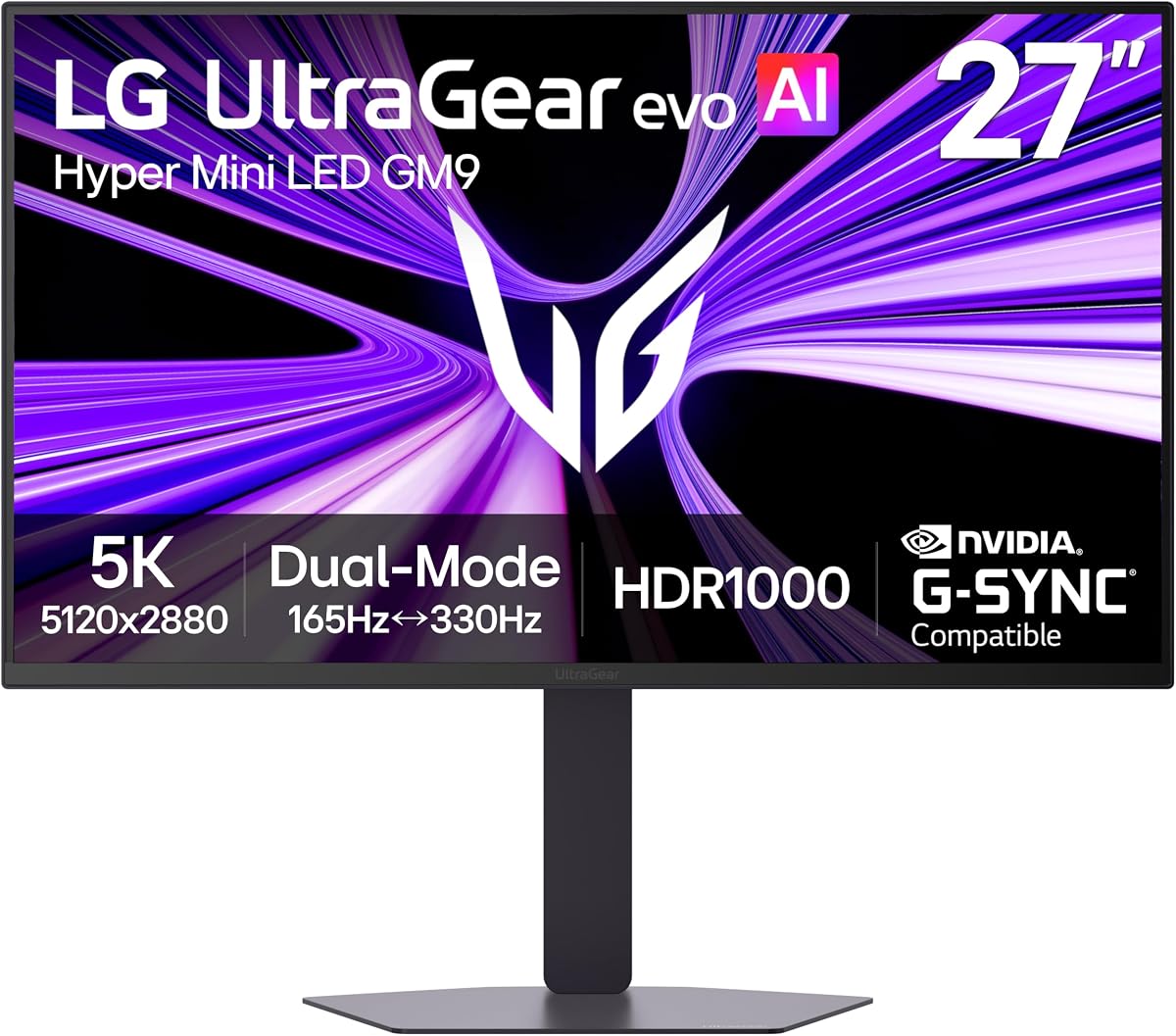
LG brings Mini-LED power to 5K gaming with this UltraGear Evo model. It aims for immersive visuals with deep blacks and bright highlights.
We may earn a commission when you buy through this link, at no additional cost to you.
Key strengths include 1250 nits peak brightness and AI upscaling to sharpen content without GPU upgrades. Dual mode also allows QHD for faster speeds.
Trade-offs involve mixed user feedback on firmware. Yet specs promise top tier HDR performance for AAA titles needing impact.
Buy this for immersive single player gaming. Ideal for those wanting console grade visuals on PC.
Hyper Mini LED tech delivers explosive highlights with precise shadow detail.
Built-in processor enhances lower resolution content to look sharp on 5K.
We may earn a commission when you buy through this link, at no additional cost to you.
This Dell model focuses on comfort and speed for office and casual use. It delivers 4K at 120Hz for smooth scrolling and gaming.
We may earn a commission when you buy through this link, at no additional cost to you.
Standout qualities include ComfortView Plus reducing blue light without color shifts. Re-engineered audio adds value without external speakers.
Trade-offs involve lower resolution than 5K. However for productivity it remains sharp. Stand connectivity simplifies desk clutter.
Buy this for daily office tasks or light creative work. Ideal for users prioritizing eye comfort.
ComfortView Plus blocks harmful blue light while keeping colors natural.
Single USB-C cable handles video and charging for a clean look.
We may earn a commission when you buy through this link, at no additional cost to you.
This LG Ultrafine model blends professional display traits with smart features. Users rate it highly for clear visuals and versatility.
We may earn a commission when you buy through this link, at no additional cost to you.
Key strengths include WebOS streaming built-in for direct access to apps. 90W power delivery keeps laptops charged during media consumption.
Trade-offs include not being 5K but still offering great 4K quality. The ergonomic stand also aids posture.
Buy for entertainment focused workspaces needing extra functionality. Ideal for hybrid users watching content daily.
WebOS platform lets you stream directly without a separate streaming device.
90W Type-C ensures your laptop stays powered while working.
We may earn a commission when you buy through this link, at no additional cost to you.
This BenQ monitor targets high-end Mac users needing precise color and connectivity. It matches Mac visual standards closely for professional workflows.
We may earn a commission when you buy through this link, at no additional cost to you.
Standout qualities include Nano matte panel reducing glare and Thunderbolt 4 enabling daisy chain setups. KVM switch adds control efficiency.
Trade-offs involve higher price point. But the build and color fidelity suit demanding art and animation tasks.
Buy for professional design studios needing reliable Mac integration. Ideal for VFX artists and 3D modelers.
Nano matte panel diffuses ambient light to protect eyes during long sessions.
KVM switch lets you control two systems with one mouse and keyboard.
We may earn a commission when you buy through this link, at no additional cost to you.
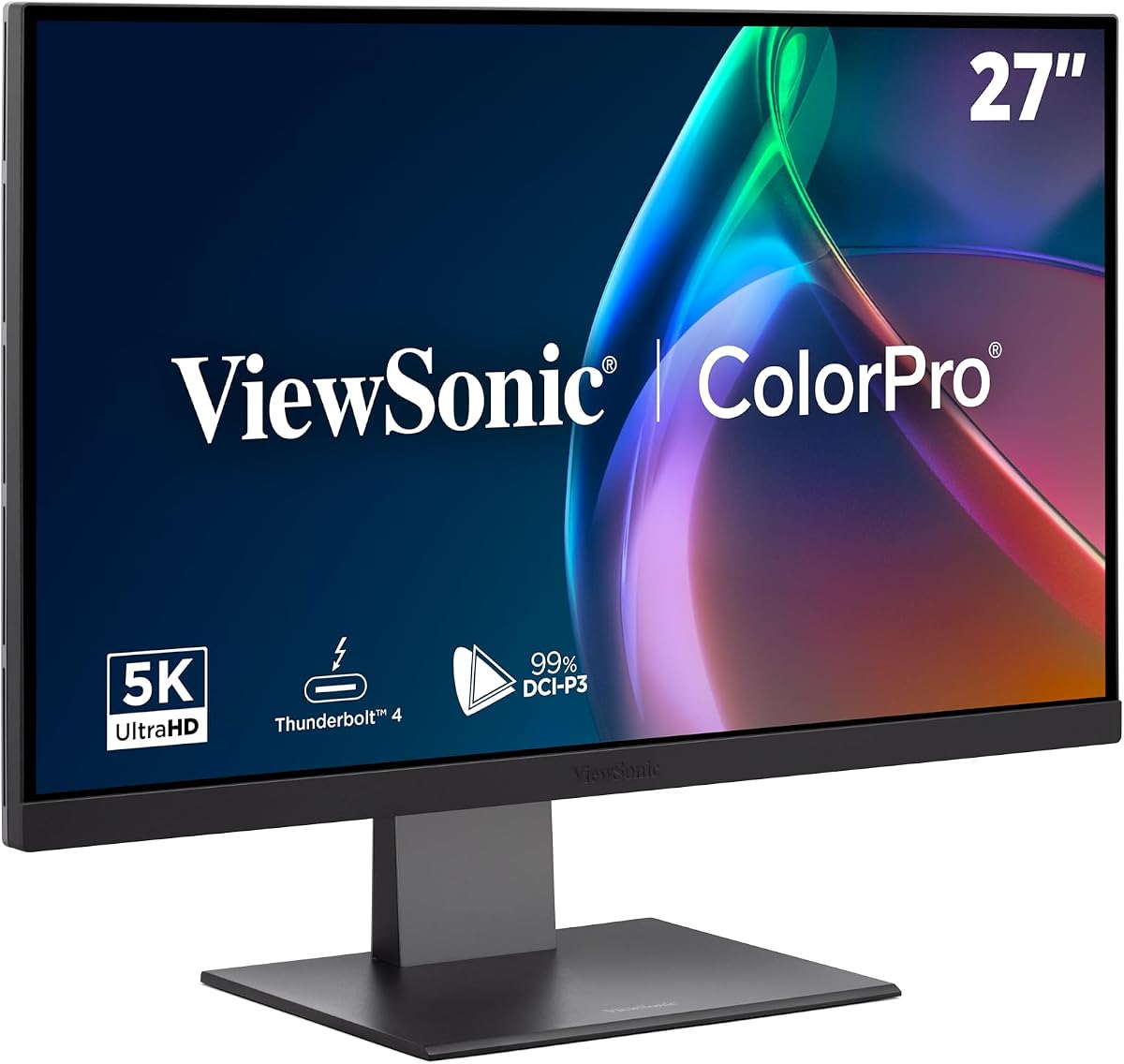
This ViewSonic model offers true-to-life color calibrated for creative outputs. It aligns with Mac standards ensuring consistency across devices.
We may earn a commission when you buy through this link, at no additional cost to you.
Key strengths include Pantone Validation and 100W power delivery. Daisy chain allows multi-monitor setups without extra hubs.
Trade-offs involve cost and availability. Yet color fidelity meets professional tiers for publishing and design.
Buy for creative professionals needing trusted color accuracy. Ideal for graphic design and publishing workflows.
Pantone Validated display ensures your colors match industry matching systems.
100W output keeps your MacBook charged while transferring data.
We may earn a commission when you buy through this link, at no additional cost to you.
Selecting the right 27 Inch 5K Monitor involves weighing resolution, color, and connectivity. This guide helps you prioritize what matters most.
5K resolution on a 27-inch screen provides around 218 PPI which matches Retina standards for sharp text and fine details.
Look for 5120×2880 to ensure you get maximum clarity for creative or coding tasks.
Professional work requires accurate color. Check for sRGB and DCI-P3 coverage near 99 percent.
Factory calibration reduces Delta E values ensuring your screen matches print and web output standards.
USB-C with power delivery simplifies connections for laptops. Thunderbolt 4 adds speed for external drives.
Ensure HDMI and DP versions support 5K refresh rates if you plan to game or watch media.
IPS panels offer wide viewing angles ideal for collaboration. High refresh rates like 120Hz reduce motion blur.
Gaming benefits from fast response times but creative work values color consistency over speed.
Adjustable stands with height tilt and pivot help maintain healthy posture during long sessions.
VESA mounting allows desk arms if you need flexible positioning for dual screen setups.
Blue light filters and flicker-free tech reduce strain during extended use. Look for certification labels.
Matte coatings prevent glare which improves visibility in bright offices without affecting color accuracy.
KVM switches let you control multiple computers with one keyboard. Daisy chain support reduces cable clutter.
Built-in speakers or HDR support add versatility depending on whether you prioritize audio or contrast.
Longer warranties and responsive support teams protect your investment. Brands like BenQ and ASUS offer extended terms.
Check return policies in case of dead pixels or brightness uniformity issues.
Connect your monitor using USB-C or DisplayPort for best performance. Enable high resolution settings in your system preferences.
Calibrate your screen regularly using built-in tools or external colorimeters to maintain accuracy over time.
Clean the panel with a microfiber cloth and avoid harsh chemicals. Adjust brightness to match ambient lighting for eye comfort.
Yes modern Mac minis with Thunderbolt 4 or USB-C can drive 5K displays. Ensure you use certified cables to get full refresh rates and power delivery.
For design and editing 5K provides sharper text and more workspace. For casual use 4K may suffice but 5K offers future proofing.
With USB-C you may need only one cable for video and power. Thunderbolt 4 can daisy chain multiple monitors without extra hubs.
Most work with Windows via HDMI or DP. Check driver support for USB-C power delivery to ensure full functionality.
For work 60Hz is fine. For gaming 120Hz or higher reduces motion blur and makes gameplay feel smoother and more responsive.
Use a dry microfiber cloth to wipe dust. Avoid sprays directly on the panel. Do not press hard to protect the pixels.
Our top picks cover various needs from professional color work to immersive gaming. The ASUS ProArt leads in accuracy while KTC offers value.
Prioritize color gamut and connectivity if you work with visuals. Gamers should look for high refresh rates and adaptive sync support.
Prices fluctuate so check current listings before buying. Verify warranty terms and return policies to ensure a smooth purchase experience.