
NETGEAR Nighthawk WiFi 7 Router RS700S
4.4Editor score
19 Gbps speed
3500 sq ft coverage
10 Gig ready
Compare the top high end WiFi router models for speed, coverage, and security to find the best network solution for your modern smart home needs.
Modern homes demand robust connectivity for streaming, gaming, and remote work. A high end WiFi router provides the speed and stability required to handle multiple devices simultaneously without lag or interruption.
We evaluated ten leading models based on performance, coverage, security features, and ease of use. Our analysis considers real-world usage scenarios to ensure you select a device that meets your specific household requirements effectively.
Each pick highlights key strengths and potential limitations to help you make an informed decision. Please note that product availability and pricing can change frequently, so check current listings before purchasing your new networking gear.
4.4Editor score

4.3Editor score

4.3Editor score
This table compares the top ten high end WiFi routers available today. Review the specifications and ratings to find the perfect match for your network speed and coverage needs.





The TP-Link BE6500 is a top performer among high end WiFi routers. It earns a strong rating for its ability to support the latest Wi-Fi 7 standards. Its standout qualities include Multi-Link Operation and robust security features that protect your network.
We may earn a commission when you buy through this link, at no additional cost to you.
This device delivers speeds up to 6.5 Gbps across dual bands. It connects up to 90 devices simultaneously without lag. The built-in HomeShield service adds essential protection for IoT devices and family members using the network.
While it lacks compatibility with TP-Link Deco mesh systems, the EasyMesh standard allows expansion with other brands. The price point is competitive given the advanced hardware. Most users find the trade-off acceptable for the performance gained.
Buyers with modern laptops and smartphones should choose this model. It handles 4K streaming and gaming effortlessly. We recommend it for households seeking future-proof connectivity without spending on ultra-premium models.
MLO transfers data across bands simultaneously. This reduces latency and improves reliability for video calls and gaming.
The device meets secure-by-design standards. Advanced HomeShield features keep your home network safe from online threats.
We may earn a commission when you buy through this link, at no additional cost to you.
The TP-Link AXE5400 stands out for its Tri-Band Wi-Fi 6E design. It offers a dedicated 6 GHz band for faster speeds and near-zero latency. This makes it excellent for gaming and video chatting without interference from other signals.
We may earn a commission when you buy through this link, at no additional cost to you.
Its unique housing design ensures optimal heat dissipation for reliability. The dual-core CPU and high-speed memory handle multiple tasks efficiently. You can connect numerous devices simultaneously thanks to OFDMA technology that increases capacity significantly.
However, this model does not support the newer Wi-Fi 7 standard. It also lacks a 2.5 Gbps port which limits wired connection speeds for some users. These limitations are acceptable if you prioritize the 6 GHz experience over raw future speed.
This router is ideal for homes with many Wi-Fi 6E devices. It works with most internet service providers. We suggest it for users who need reliable performance and extended range without needing the absolute latest tech.
The 6 GHz band provides cleaner spectrum. This means less congestion and more responsive connections for high-bandwidth activities.
EasyMesh compatibility lets you extend coverage. You can add compatible routers to eliminate dead zones throughout your home.
We may earn a commission when you buy through this link, at no additional cost to you.
The NETGEAR Nighthawk WiFi 7 delivers reliable tri-band performance. It supports speeds up to 9.3 Gbps across all bands. This router is built to keep up with busy households streaming and gaming simultaneously without significant lag.
We may earn a commission when you buy through this link, at no additional cost to you.
Management is simple via the free Nighthawk app. You can pause devices and run speed tests remotely. The 2.5 Gbps WAN port allows you to unlock multi-gig internet plans if your provider supports them.
While it covers up to 2500 square feet, physical barriers like walls can reduce range. Also, the advanced Armor security requires a subscription after the trial. These are common trade-offs for routers at this price point.
Choose this router if you want solid speed and smart management features. It works with most cable and fiber providers. We recommend it for users needing a dependable router that grows with their internet plan.
A dedicated third band prevents congestion. Fast devices get their own lane to maintain high speeds constantly.
The Nighthawk app provides total control. Manage your network from anywhere with ease and intuitive tools.
We may earn a commission when you buy through this link, at no additional cost to you.
The NETGEAR RS700S is the pinnacle of high end WiFi routers. With 19 Gbps speeds and 3500 sq ft coverage, it handles the largest homes and fastest internet plans. Its 12-stream design ensures strong reach even through walls.
We may earn a commission when you buy through this link, at no additional cost to you.
The 10 Gig WAN port is a standout feature for fiber users. It connects gaming rigs and NAS drives without bottlenecks. The included Advanced Router Protection and automatic updates keep your family safe online consistently.
The high price is a barrier for many users. You must also pay for Armor to keep advanced security after the trial. However, for those needing maximum capacity, these costs are justified by the performance.
This router suits large households with many heavy users. It supports 200 devices simultaneously. We recommend it for power users who refuse to compromise on speed and range in their home network.
The 10 Gig port unlocks premium fiber plans. It future-proofs your wired connections for years to come.
With 12 streams, congestion is minimized. Even 200 devices can connect without slowing down the network.
We may earn a commission when you buy through this link, at no additional cost to you.
The ASUS ROG GT-BE98 Pro is a beast for gaming enthusiasts. It offers 30 Gbps speeds using Quad-Band technology. This router prioritizes PC gaming traffic with Triple-Level Game Acceleration for a smoother experience.
We may earn a commission when you buy through this link, at no additional cost to you.
Dual 10G ports provide unmatched wired flexibility. You can connect multiple high-speed devices directly to the router. The external dual-feeding antennas boost signal strength for better coverage across large areas.
The price is very high compared to standard routers. Casual users might find the features complex to configure. However, competitive gamers who need low latency and maximum bandwidth will appreciate these specialized capabilities.
Buy this if you run a dedicated gaming setup. It ensures your PC gets priority over other devices. We recommend it for serious players who want the fastest possible network environment.
Triple-Level acceleration optimizes every step. It prioritizes gaming traffic from your PC to the game server.
Four bands increase total capacity. Devices spread across bands to avoid congestion and maintain speed.
We may earn a commission when you buy through this link, at no additional cost to you.
The Synology RT6600ax focuses on security and network management. It allows up to five separate networks to isolate vulnerable devices. This segmentation helps contain threats before they spread to your main devices.
We may earn a commission when you buy through this link, at no additional cost to you.
Its comprehensive VPN solution supports remote desktop and site-to-site tunnels. The threat prevention features actively block malicious traffic. The 2.5 Gbps port ensures your ISP speeds are fully utilized for wired devices.
However, this router requires a steeper learning curve to set up. It lacks some of the consumer-friendly features found in others. Those who prioritize control and isolation over simplicity will find this model rewarding.
Choose this if you need strong network boundaries. It works well for small businesses or tech-savvy users. We recommend it for households with complex security requirements and diverse devices.
Define separate networks for different needs. Isolate IoT devices to protect your main data and accounts.
The built-in server offers flexible remote access. Securely connect to your home network from anywhere.
We may earn a commission when you buy through this link, at no additional cost to you.
The ASUS Rog Strix Gs-Be18000 delivers strong Wi-Fi 7 performance with a sleek look. It supports the latest standards for high-speed connectivity. This router is designed to blend into modern home setups while providing top-tier gaming capabilities.
We may earn a commission when you buy through this link, at no additional cost to you.
Its hardware supports tri-band speeds with a 2.5 Gig port. The robust design ensures stable operation under load. Users appreciate the balance of style and technical features that appeal to gaming enthusiasts.
Public details on specific features are limited compared to other models. The price point is high which may deter budget-conscious buyers. Yet the ROG branding suggests reliability and performance that fans expect.
This router suits users who value design alongside power. It fits well in living spaces where style matters. We recommend it for gamers who want a device that looks and performs well.
Sleek design fits modern decor. Avoid the look of bulky tech while maintaining top performance.
Optimized features for gaming traffic. Ensure your sessions run smoothly with low latency and high speed.
We may earn a commission when you buy through this link, at no additional cost to you.
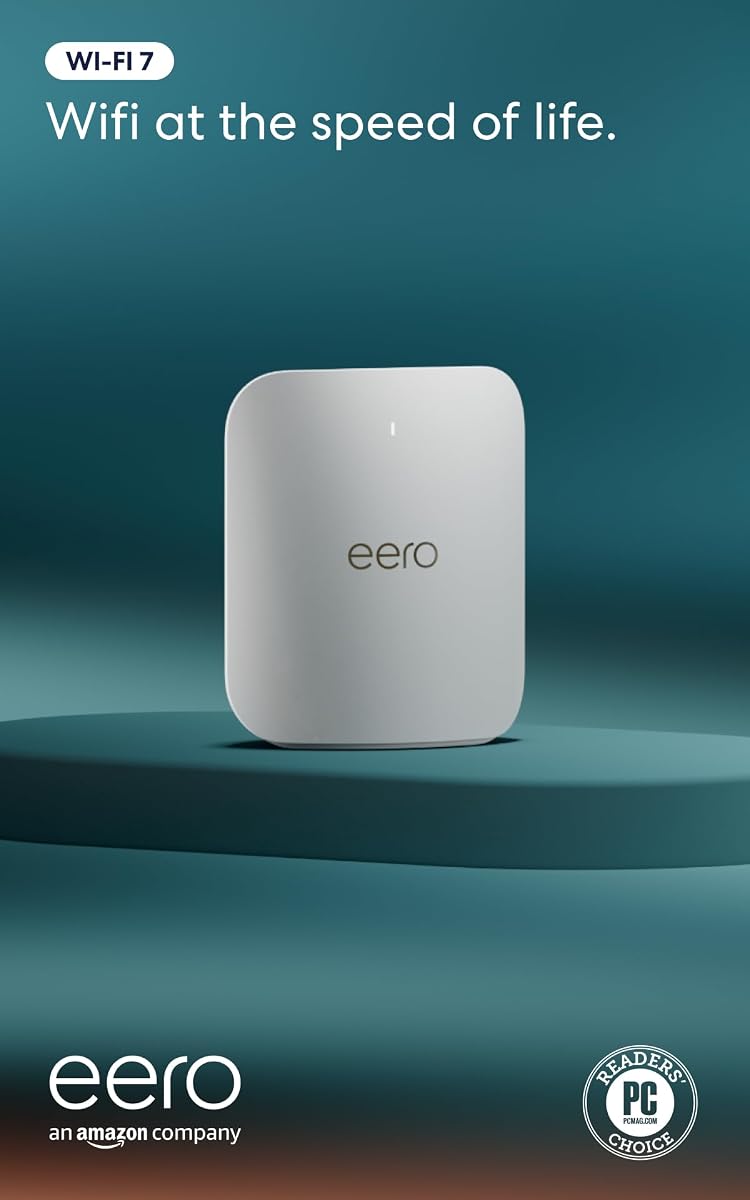
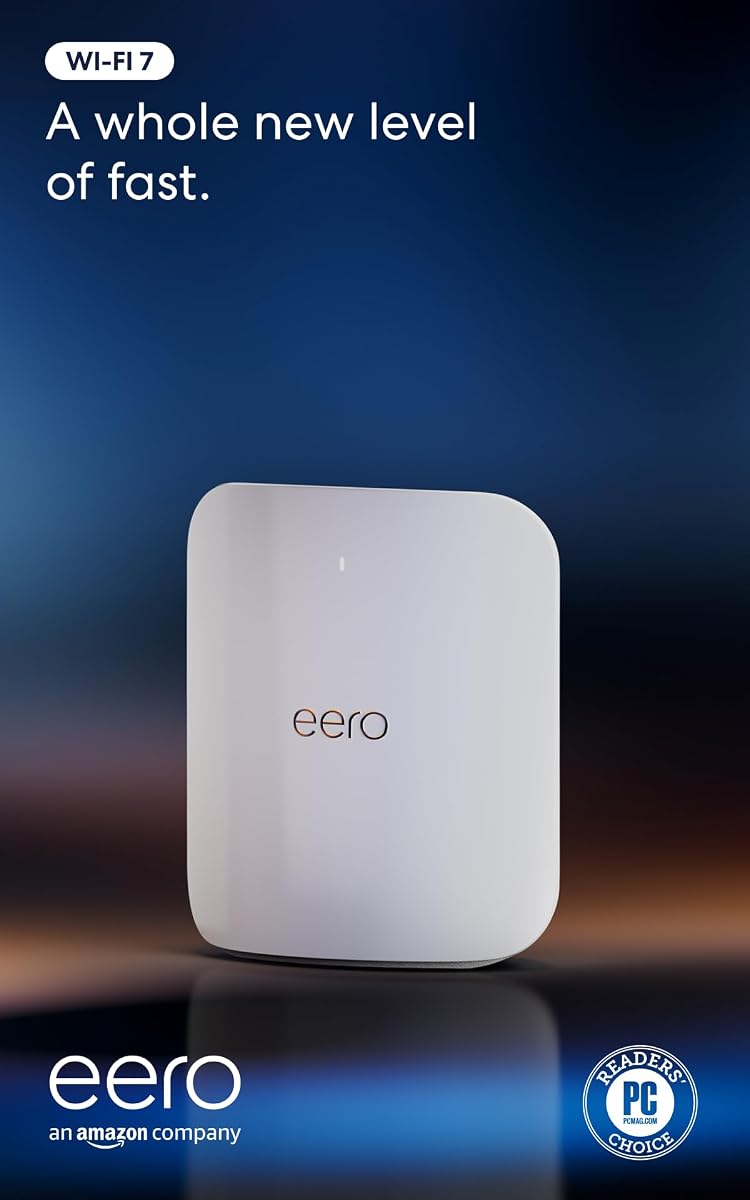
The eero Pro 7 simplifies high-speed networking for modern homes. It uses patented TrueMesh software to find the ideal data path. This eliminates dead spots and keeps you connected across floors with ease.
We may earn a commission when you buy through this link, at no additional cost to you.
It supports internet plans up to 5 Gbps with auto-sensing ports. You can easily expand coverage by adding more units. The app manages your network intuitively so even non-tech users can set it up.
Advanced settings are limited compared to traditional routers. Some features require a Plus subscription to unlock. However, for users prioritizing simplicity and reliability over customization, this trade-off is minor.
This router is perfect for users wanting plug-and-play performance. It works with existing eero systems. We recommend it for households seeking a hassle-free mesh network that just works.
TrueMesh proactively optimizes connections. It avoids interference to keep your network stable.
Adding units is seamless. Expand coverage without complex configuration by simply plugging in new nodes.
We may earn a commission when you buy through this link, at no additional cost to you.
The eero Max 7 provides massive speed and coverage. With 10 Gbps support and dual 10 Gig ports, it handles the fastest plans. TrueMesh reliability ensures data finds the ideal path for efficient transfer.
We may earn a commission when you buy through this link, at no additional cost to you.
It connects over 250 devices and covers 2500 square feet. As a smart home hub, it supports Thread and Matter devices. This makes it a central point for managing connected home technology easily.
The price is higher due to premium hardware features. You lose some manual configuration options in favor of simplicity. Users who want the most powerful eero system will find it worth the investment.
Choose this if you need future-proof speeds. It is ideal for larger homes with many devices. We recommend it for those seeking a complete smart home networking solution.
It supports Thread and Matter devices. Connect your smart home tech directly without extra hubs.
Supports 250+ devices. Ensure all your gadgets stay connected without slowdown.
We may earn a commission when you buy through this link, at no additional cost to you.
The NETGEAR RS90 offers Wi-Fi 7 technology at an affordable price. It delivers speeds up to 3.6 Gbps for daily tasks. This model is a solid entry point for those wanting next-gen wireless without a high premium.
We may earn a commission when you buy through this link, at no additional cost to you.
It supports a 2.5 Gbps WAN port for fast internet. The Nighthawk app simplifies management significantly. Coverage reaches up to 2000 sq ft which suits many standard homes effectively.
Dual-band design limits capacity compared to tri-band options. You might see congestion if many devices connect simultaneously. However, for light to medium usage, these trade-offs are acceptable.
Buy this if you want cost-effective speed. It handles streaming and gaming well. We recommend it for budget-conscious buyers who still want a reliable and fast router.
Affordable access to new tech. Enjoy faster speeds without spending on top-tier models.
The app guides you through setup. Manage your network easily with intuitive tools.
We may earn a commission when you buy through this link, at no additional cost to you.
Choosing the right router involves balancing speed, coverage, and security. Here are key factors to consider before making your purchase.
Newer standards like Wi-Fi 7 offer faster speeds and better latency. Ensure your devices support the standard to take full advantage of the hardware.
Look for the latest Wi-Fi 7 routers for future-proofing and performance.
Speed ratings indicate maximum potential throughput. A higher total speed allows more devices to use the network at full speed simultaneously.
Match router speed with your internet plan to avoid bottlenecks.
Coverage determines how far the signal reaches. Consider your home size and the number of walls to ensure the signal reaches every corner.
Choose a router with square footage matching your home size.
Built-in security protects connected devices from threats. Look for options like firewall, intrusion detection, and automatic updates.
Prioritize routers with robust built-in security services.
Ports allow wired connections for high-speed devices. High-end routers often include 2.5 Gbps or 10 Gbps ports for gaming rigs or NAS drives.
Ensure your router has enough high-speed ports for wired devices.
Mesh compatibility helps expand coverage without new hardware. Systems like EasyMesh allow you to add extenders from different brands.
Check if the router supports mesh expansion for future needs.
Apps simplify network management and monitoring. Look for intuitive apps that allow remote control and guest network setup easily.
Choose a router with a reliable and easy-to-use app.
Prices vary widely based on features and brand. Determine your needs to avoid paying for performance you will not use.
Balance cost against required performance features for best value.
Place your router in a central elevated location. This ensures maximum signal distribution throughout your home without obstruction.
Keep the router away from direct sunlight and heat sources. Ensure proper ventilation to prevent overheating during heavy use.
Regularly update the firmware for security and performance. Access the settings page to check for available updates and apply them.
High end routers offer faster speeds, wider coverage, and better security features. They support advanced technologies like Wi-Fi 7 and multi-gigabit ports for demanding networks.
Most routers work with standard modems, but high-speed models benefit from multi-gigabit modems. Check your modem's port speed to match your router's capabilities.
Yes, high end routers connect many devices simultaneously without lag. Some models include dedicated IoT security and smart home hub features for added convenience.
Upgrading to Wi-Fi 7 improves speed and reduces latency for gaming and streaming. It is worth it if you have compatible devices and a fast internet plan.
You can use mesh systems or range extenders compatible with your router. Place additional units strategically to cover dead zones effectively.
Basic security is free on most models, but advanced protection often requires a subscription. Check the product details to understand what is included.
High quality routers typically last five to seven years with proper care. Regular firmware updates help maintain security and performance over time.
Our top picks cover a range of needs from budget-friendly to premium performance. The TP-Link BE6500 offers excellent value while the NETGEAR RS700S delivers maximum power.
Prioritize features like coverage area and security based on your household size. Choose a model that supports your future internet needs to avoid frequent upgrades.
Remember that prices change frequently so verify current deals before buying. A good router is an investment in your home's digital infrastructure.