
Seagate 1TB Mobile HDD SATA 6Gb/s
4.4Editor score
7mm thin laptop design
Lightweight for portability
Standard SATA 6Gb/s interface
Finding the right storage for your Eufy Homebase 3 is crucial for ensuring uninterrupted video recording and smart home security. A compatible hard drive expands your capacity significantly, allowing you to store weeks of footage locally without relying on cloud subscriptions. This guide helps you navigate the options to secure your home effectively.
We have analyzed ten top-rated drives from leading manufacturers like Western Digital and Seagate. Our comparison focuses on compatibility, endurance, capacity, and performance metrics relevant to continuous surveillance workloads. We selected these models based on their reliability, user reviews, and technical specifications for home security systems.
Each pick in this list showcases specific strengths, from budget-friendly options to high-endurance surveillance drives. You will find detailed breakdowns of features, pros, and cons to help you make an informed decision. Please note that availability and pricing can change, so verify details before purchasing.
4.4Editor score

4.4Editor score

4.6Editor score
As an Amazon Associate we earn from qualifying purchases.
This table provides a side-by-side overview of all ten products, highlighting key specifications to help you compare capacity, cache, and form factors at a glance.





This Seagate drive is engineered specifically for surveillance systems, making it an ideal match for continuous recording needs. With a 4.4 rating, users praise its ability to handle multiple video streams without failure. The built-in health management ensures you can monitor drive status easily.
We may earn a commission when you buy through this link, at no additional cost to you.
The Image Perfect firmware optimizes the drive for clear, crisp video recording. It supports up to 10,000 hours of HD video, which is crucial for security setups. The 180TB/year workload rating ensures durability under constant write-intensive conditions typical of home cameras.
While designed for security, it can be used in compatible homebase systems. However, it may cost more than standard desktop drives. This premium is justified by the reliability and specialized features that prevent data loss in critical monitoring scenarios.
If you prioritize security and reliability for your Eufy Homebase 3 or similar systems, this drive is a top choice. It balances capacity, performance, and durability effectively. We recommend it for users who need long-term, stable recording without cloud dependency.
The Image Perfect firmware is tuned for multi-stream video recording, ensuring no dropped frames during critical moments.
With a 180TB annual workload rating, this drive handles the constant writing demands of 24/7 surveillance setups effortlessly.
We may earn a commission when you buy through this link, at no additional cost to you.
This 1TB mobile drive offers a compact solution for users needing smaller form factors. It is lightweight and thin, making it easy to integrate into tight spaces. Users appreciate its affordability compared to larger desktop drives.
We may earn a commission when you buy through this link, at no additional cost to you.
With a 128MB cache, it handles moderate data transfers smoothly. The SATA 6Gb/s interface ensures compatibility with modern systems. While not specifically for surveillance, it works well for smaller setups or portable storage needs.
The 1TB capacity is sufficient for shorter recording retention periods. It lacks the endurance of surveillance drives, so it may wear faster under constant use. However, for budget-conscious buyers, it provides reliable short-term storage.
Choose this drive if you need a compact, budget-friendly option for basic storage. It is suitable for systems where space is limited. Verify compatibility with your homebase power requirements before installation.
The 7mm thin profile makes it ideal for systems with limited physical space for internal storage components.
As one of the most affordable options, it delivers reliable 1TB storage for users on a tight budget.
We may earn a commission when you buy through this link, at no additional cost to you.
This 6TB drive provides massive storage for extensive surveillance footage. With a 4.6 rating, users highlight its reliability for long-term recording. The Drive Health Management software adds a valuable layer of monitoring.
We may earn a commission when you buy through this link, at no additional cost to you.
The 256MB cache improves data buffering during high-speed writes. It supports up to 10,000 hours of HD video, perfect for multi-camera setups. The 3.5 inch form fits standard desktop and server chassis easily.
The capacity comes with a larger physical size and power requirement. It may need external cooling in compact enclosures. However, for users needing weeks of storage without overwriting, the value is clear.
If you need maximum local storage for your homebase, this premium drive is the best choice. It ensures you never miss critical footage due to lack of space. Invest in this for comprehensive home security coverage.
With 6TB capacity, you can store weeks of HD footage without constant overwriting, ensuring long-term archival.
Built-in management tools allow you to proactively monitor drive health, preventing unexpected failures during recording.
We may earn a commission when you buy through this link, at no additional cost to you.
WD Blue drives are known for general computing reliability. This 1TB model is rated highly for consistent performance. It includes cloning software, which helps with initial setup and data migration tasks.
We may earn a commission when you buy through this link, at no additional cost to you.
The 5400 RPM speed balances power efficiency with adequate performance. Users report low noise levels, making it suitable for quiet environments. The F.I.T. Lab certification ensures compatibility across various systems.
It lacks the specialized firmware of surveillance drives. For continuous recording, it may wear faster. However, for moderate storage needs, it offers proven reliability from a trusted brand at a reasonable value.
Choose this if you need a reliable drive for general storage or short-term recording. It is a solid option for those who value brand trust. Ensure your system can handle 24/7 writes if using for surveillance.
WD Blue drives are widely trusted for everyday computing, offering consistent performance for general storage needs.
Free Acronis True Image software simplifies cloning and backup processes during initial drive installation and setup.
We may earn a commission when you buy through this link, at no additional cost to you.
This 5TB drive combines high capacity with a compact 2.5 inch form factor. It is designed for desktop use, offering solid performance for storage expansion. Users appreciate the balance between space and capacity.
We may earn a commission when you buy through this link, at no additional cost to you.
With 128MB cache, it handles standard read/write tasks efficiently. The 2.5 inch size makes it versatile for different enclosures. However, it is optimized for desktop workloads, not continuous surveillance recording.
The endurance is lower than surveillance-specific drives. For moderate recording, it may suffice. However, for constant writes, it might wear out sooner. Check power requirements for your homebase setup.
If you need 5TB in a small footprint, this is a strong contender. It is suitable for systems that need bulk storage. Verify your system supports 2.5 inch drives before purchasing.
The 2.5 inch form factor allows you to store 5TB of data in a much smaller space than 3.5 drives.
BarraCuda drives are tuned for standard desktop applications, providing stable performance for typical storage needs.
We may earn a commission when you buy through this link, at no additional cost to you.
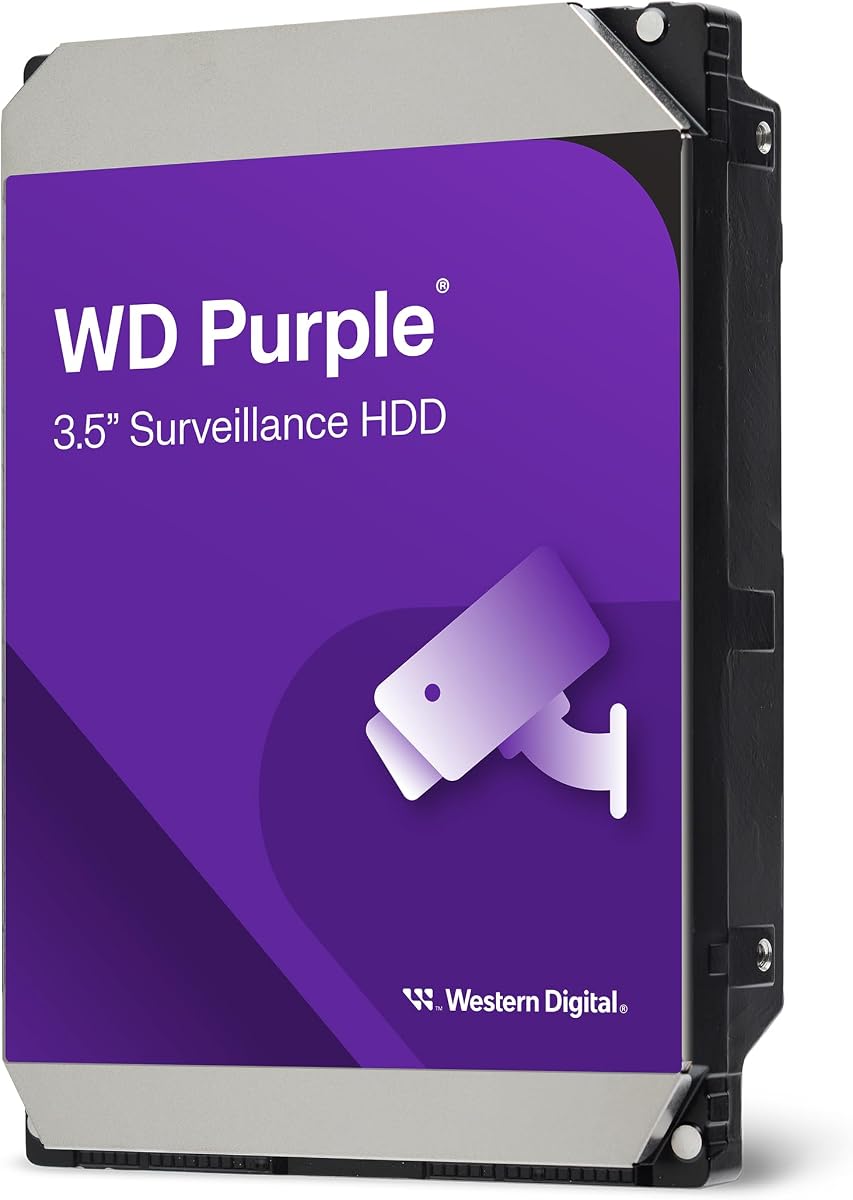
WD Purple drives are built specifically for surveillance workloads. With AllFrame technology, it reduces frame loss during recording. Users recommend it for multi-camera setups needing stable performance.
We may earn a commission when you buy through this link, at no additional cost to you.
It supports up to 16 bays in NAS systems, making it versatile. The tarnish-resistant components enhance longevity in varied environments. It is ideal for users who need robust video handling capabilities.
The 2TB capacity may limit retention time for high-res footage. It works best when part of a RAID setup. For homebase systems, it provides professional-grade recording stability.
Choose this drive if you need a reliable surveillance solution. It handles continuous recording better than general drives. Ensure your homebase supports 3.5 inch drives and SATA connections.
WD AllFrame reduces pixel loss and improves playback, ensuring clearer footage during critical recording periods.
This drive supports up to 16-bay configurations, offering flexibility if you plan to expand your system later.
We may earn a commission when you buy through this link, at no additional cost to you.
This 8TB drive offers massive storage for extensive data needs. With a 4.7 rating, it is highly praised for capacity and speed. It is designed for desktop use, providing strong performance.
We may earn a commission when you buy through this link, at no additional cost to you.
The sustained transfer rate helps with quick access to large files. Frustration Free Packaging makes it easy to handle. However, it is optimized for general desktop use, not continuous recording.
For surveillance, it may wear faster due to constant writes. It is best for users who need bulk storage for backup. Consider power and cooling requirements for homebase installation.
If you need extreme capacity for storage, this is an excellent choice. It offers reliable performance for high-data environments. Verify compatibility with your homebase before purchasing.
With 8TB of storage, you can store thousands of hours of data, ideal for archival and backup needs.
The 190MB/s sustained rate ensures quick access and writing, reducing bottlenecks during data transfers.
We may earn a commission when you buy through this link, at no additional cost to you.
This Skyhawk drive is custom-built for surveillance applications. With 4TB capacity, it stores up to 10,000 hours of HD video. Users appreciate its reliability for continuous recording.
We may earn a commission when you buy through this link, at no additional cost to you.
The RV sensors maintain performance in multi-drive setups. It handles the demands of 24/7 video workloads well. However, it requires proper ventilation for long-term reliability.
While optimized for NVR, it can work for homebase storage. The endurance is high, but power needs are significant. Ensure your system provides stable power to prevent data loss.
For users prioritizing video reliability, this drive is a strong choice. It balances capacity and performance well. Check power requirements before installation to ensure stable operation.
Image Perfect firmware is designed specifically for surveillance, reducing errors and ensuring clear video playback.
Rotational vibration sensors protect performance in multi-drive environments, preventing read errors during heavy loads.
We may earn a commission when you buy through this link, at no additional cost to you.
Skyhawk AI drives support AI channels for advanced detection. With a 5.0 rating, it is highly reliable for demanding systems. The 550TB/year workload rating is top-tier.
We may earn a commission when you buy through this link, at no additional cost to you.
It offers Rescue Data Recovery Services for added security. However, 1TB capacity may not be enough for long-term storage. It is best for AI-focused setups needing high-endurance drives.
The helium design reduces power and heat. However, cost is significantly higher. For budget-conscious buyers, other options may offer better value.
Choose this if you need AI capabilities and high reliability. It is a premium choice for professional setups. Verify system compatibility and budget before purchasing.
Supports up to 32 AI channels, making it ideal for smart systems using advanced motion and object detection.
Includes 3 years of Rescue Data Recovery Services, offering an extra layer of protection against data loss.
We may earn a commission when you buy through this link, at no additional cost to you.
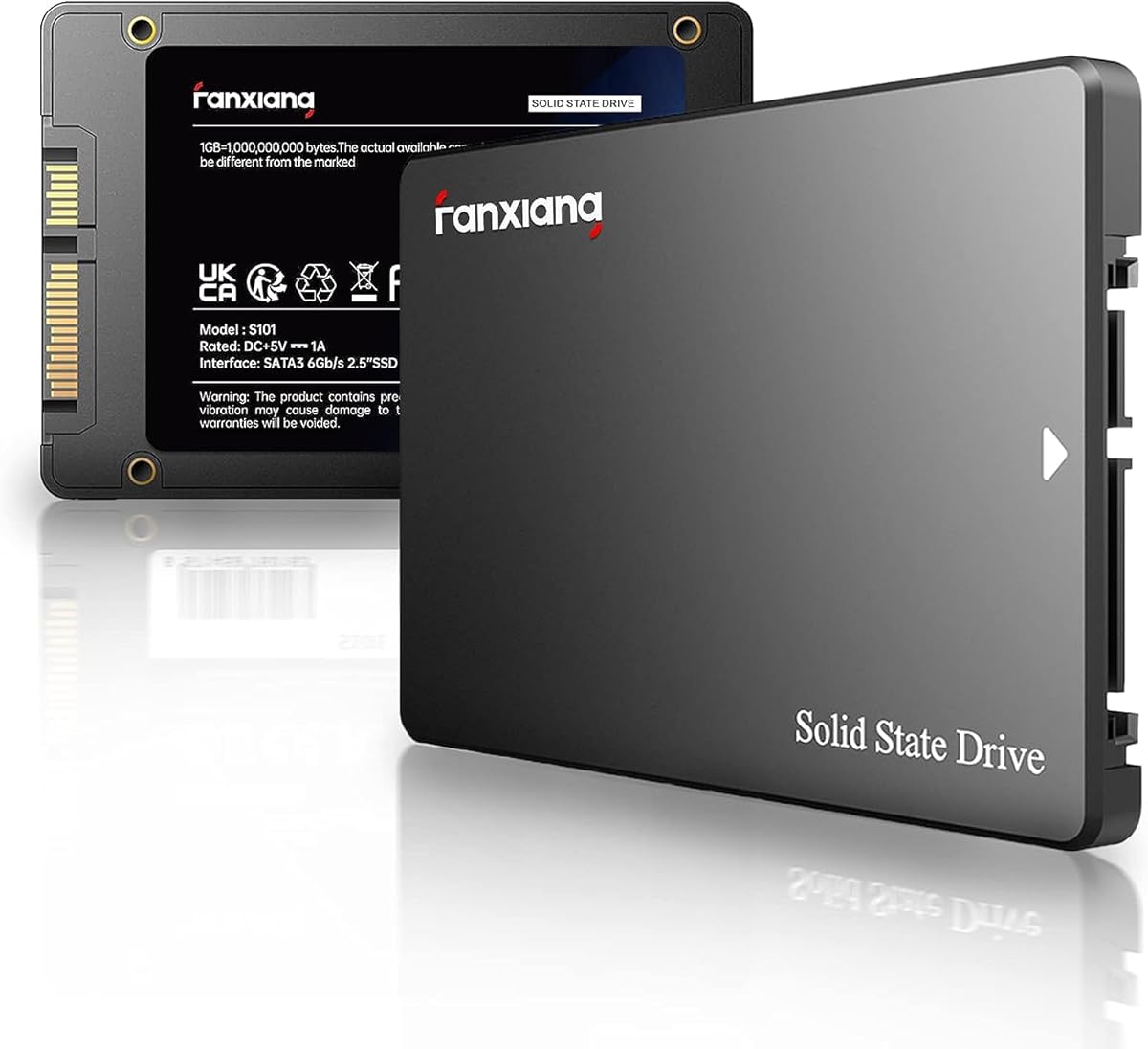
This SSD offers blazing fast speeds for rapid file transfers. With a 4.5 rating, users praise its responsiveness. It has no moving parts, making it more resistant to physical shocks.
We may earn a commission when you buy through this link, at no additional cost to you.
The 3D NAND TLC chips ensure a longer lifespan than QLC. It boots faster than HDDs, improving overall system performance. However, it may cost more per TB compared to HDDs.
For surveillance, HDDs are often preferred for write endurance. But for speed-critical tasks, this SSD excels. Check system power and interface support before installation.
If you prioritize speed and silent operation, this SSD is ideal. It offers reliable performance for general storage. For continuous writes, consider HDD options with higher endurance ratings.
Read and write speeds up to 520MB/s allow for rapid file transfers, reducing wait times significantly.
Without moving parts, this SSD operates silently, eliminating noise from your homebase setup or storage unit.
We may earn a commission when you buy through this link, at no additional cost to you.
Selecting the right drive depends on your storage needs, compatibility, and usage patterns. This guide breaks down the key factors to consider before making a purchase.
Determine how much footage you need to store. Higher capacities like 4TB or 6TB offer longer retention times without overwriting. Smaller capacities like 1TB or 2TB work for shorter retention periods.
Choose capacity based on your recording schedule and number of cameras.
Surveillance drives are rated for 180TB/year workloads, while desktop drives are for lighter use. Higher endurance ensures the drive handles 24/7 writes without failure.
Prioritize drives with higher workload ratings for continuous security recording.
Ensure the drive fits your Homebase unit. 2.5 inch drives are compact for 3.5 inch drives are larger but offer more capacity. Check your device's specifications.
Verify physical size compatibility before purchasing to avoid fit issues.
Most Homebase systems use SATA interfaces. Ensure the drive supports SATA 6Gb/s for optimal speed and compatibility. M.2 or NVMe drives may not fit.
Check interface requirements to ensure the drive connects properly with your system.
Look for features like Drive Health Management or Image Perfect firmware. These tools help monitor drive status and optimize for video recording.
Advanced features add value by preventing data loss and improving performance.
Larger drives may require more power. Ensure your system can supply stable power to the drive. Poor power can lead to data corruption.
Verify power supply capacity to support your chosen drive model.
Check the manufacturer warranty. Most drives offer 3 to 5 years of coverage. Longer warranties indicate higher confidence in product quality.
Select drives with solid warranties for better protection against defects.
Balance performance with cost. Surveillance drives cost more but last longer. For casual use, desktop drives may suffice. Evaluate long-term value.
Choose a price point that fits your budget while meeting your reliability needs.
Install the drive carefully following the manufacturer guidelines. Ensure it is securely mounted to prevent vibration damage. Use proper connectors to avoid loose connections.
Regularly check drive health using available software tools. Update firmware when prompted to maintain compatibility. Monitor temperature to prevent overheating during use.
Back up critical data periodically if possible. If the drive fails, have a recovery plan ready. Proper maintenance extends the drive lifespan significantly.
Capacity depends on how long you need to keep footage. For most users, 2TB to 6TB offers a balance of storage and cost. Larger capacities are better for multi-camera setups.
Yes, surveillance drives are optimized for 24/7 recording. They have higher endurance ratings and specialized firmware. Desktop drives may fail faster under constant write workloads.
Most Homebase systems use SATA 6Gb/s. Ensure the drive supports this standard. Older SATA interfaces may work but limit speed and performance.
With proper care, surveillance drives last 3 to 5 years. Lifespan depends on usage intensity and environmental factors. Regular health checks help predict failures.
It depends on compatibility. SSDs offer speed but may not be optimized for continuous writes. Check if your system supports SSDs before purchasing.
For most systems, the existing power is sufficient. Larger drives may require more power. Verify specifications to avoid voltage issues.
Contact the manufacturer for warranty service. Use recovery tools if available. Backup data regularly to prevent loss in case of failure.
Surveillance drives are designed for quiet operation. However, mechanical parts may produce minimal noise. Place them in a well-ventilated area to reduce heat noise.
We reviewed ten top drives ranging from budget to premium options. Each offers distinct benefits for storage and reliability. Selecting the right one depends on your specific needs and constraints.
Prioritize capacity and endurance for security setups. For casual storage, smaller drives may suffice. Balance performance with cost to find the best value.
Always check current availability and compatibility. Prices and stock vary, so verify details before buying. With the right drive, your homebase will function smoothly for years.