
HP 14 HD Chromebook
4.4Editor score
Intel Quad-Core N4120
14 Inch HD Display
Up to 14 Hours Battery
Finding a reliable laptop without breaking the bank is a common challenge for students and professionals alike. Cheap Chromebook models offer an affordable entry point into the world of cloud computing and seamless productivity tools.
We have evaluated ten distinct models based on performance, display quality, battery life, and overall value. Each product was selected to represent a different price point and use case within the budget laptop market.
Every pick includes detailed specifications and honest assessments of strengths and weaknesses. Please note that pricing and availability fluctuate frequently, so always check the current listing before purchasing.
4.4Editor score

4.2Editor score
4.4Editor score
As an Amazon Associate we earn from qualifying purchases.
The following table provides a side-by-side comparison of all ten models to help you quickly identify the right fit for your specific needs and budget.




This model stands out as a top choice for those seeking value without sacrificing essential features. It holds a solid rating and delivers reliable performance for everyday tasks like web browsing and document editing.
We may earn a commission when you buy through this link, at no additional cost to you.
The Intel Quad-Core N4120 processor ensures smooth multitasking while the 14-hour battery life keeps you productive throughout the day. The inclusion of USB-C and HDMI ports adds versatility for connecting external displays or peripherals.
While the 64GB storage is modest, cloud integration minimizes local space needs. The HD display is adequate for casual use but may lack sharpness compared to higher resolution screens.
It is ideal for students and home users who need a dependable machine for basic computing. We recommend this model for anyone prioritizing battery life and portability over raw power.
The extended battery life ensures you can work or study for extended periods without needing access to a power outlet.
With multiple USB ports and HDMI output, this device supports a wide range of peripherals and external monitors for enhanced productivity.
We may earn a commission when you buy through this link, at no additional cost to you.
This HP model offers a balanced mix of portability and performance suitable for school and light work. It features a sleek design and supports 4K streaming for media consumption.
We may earn a commission when you buy through this link, at no additional cost to you.
The fast charge technology allows you to regain significant battery power in just 45 minutes which is incredibly useful for busy schedules. The stereo speakers provide good audio quality for video calls and entertainment.
The design is environmentally friendly with sustainable materials used in construction. However, the storage and RAM are fixed which limits long-term upgrades as needs grow.
It is a strong contender for users who value design and battery efficiency. Choose this if you need a portable device that handles media well without breaking the bank.
This laptop is ENERGY STAR certified and EPEAT Silver registered reflecting HP's commitment to environmental responsibility.
The custom-tuned stereo speakers deliver clear sound quality making video calls and watching movies more enjoyable.
We may earn a commission when you buy through this link, at no additional cost to you.
This Dell model is a robust choice for younger students or users needing a compact device. The 2-in-1 form factor allows it to function as a tablet for drawing or reading.
We may earn a commission when you buy through this link, at no additional cost to you.
The touchscreen adds interactivity which is beneficial for educational apps and casual browsing. Being a renewed model it offers significant savings while maintaining essential functionality.
The small footprint makes it easy to carry in a backpack. Storage is limited to 32GB but cloud storage often compensates for this restriction effectively.
Ideal for educational settings or as a secondary device for basic tasks. We suggest this for anyone needing a portable touch interface without a premium price tag.
The touch display supports direct interaction making it easier to navigate apps and interact with educational content.
Its compact design ensures it fits easily into small bags making it perfect for students on the go.
We may earn a commission when you buy through this link, at no additional cost to you.
This Lenovo device earns our top pick for its balance of modern specs and usability. The MediaTek processor provides a noticeable speed boost over standard budget chips.
We may earn a commission when you buy through this link, at no additional cost to you.
The Full HD display delivers sharper visuals for content creation and media consumption. WiFi 6 ensures stable and fast internet connections even in crowded network environments.
The touchscreen adds versatility for navigation and creative work. While slightly pricier than other options the performance and display quality justify the investment.
Best for students or professionals needing reliable speed and clarity. We recommend this model for those who want a premium feel without the premium cost.
The Full HD resolution ensures crisp text and images making it comfortable to read for long periods.
WiFi 6 support provides faster speeds and better performance in areas with many connected devices.
We may earn a commission when you buy through this link, at no additional cost to you.
This Acer laptop offers a large workspace thanks to its 15.6-inch display. It comes with a value bundle including earbuds and a mouse making it ready to use out of the box.
We may earn a commission when you buy through this link, at no additional cost to you.
The anti-glare coating improves visibility in bright environments. The processor handles daily tasks efficiently and the battery lasts through typical school or work days.
While the resolution is standard the screen real estate aids productivity for split-screen tasks. The included accessories add immediate value for those who lack peripherals.
It is perfect for home users needing a larger screen on a budget. We recommend this for anyone who values convenience and included extras.
The larger display allows for more comfortable viewing and easier multitasking between applications.
The inclusion of earbuds and a mouse ensures you have everything needed to start working immediately.
We may earn a commission when you buy through this link, at no additional cost to you.
This ASUS model stands out with double the storage of many competitors. The IPS panel ensures better viewing angles and color accuracy compared to standard displays.
We may earn a commission when you buy through this link, at no additional cost to you.
The refreshed condition allows for cost savings while maintaining performance levels. The 128GB storage accommodates more local files and apps without relying solely on cloud services.
It features a clean design and modern connectivity options like HDMI for external displays. The used status requires careful inspection but offers significant value.
It is ideal for users needing extra local storage for documents and media. We suggest this for tech-savvy buyers comfortable with refurbished hardware.
The 128GB storage allows you to keep more files locally reducing reliance on internet connections.
The IPS panel provides consistent colors and brightness even when viewed from the side.
We may earn a commission when you buy through this link, at no additional cost to you.
This HP model is highly rated for its reliability and build quality. It features B&O tuned speakers that deliver excellent sound for a device in this price range.
We may earn a commission when you buy through this link, at no additional cost to you.
The design is sleek and comfortable to type on. Despite having a basic processor it handles browsing and streaming tasks with ease.
Battery life is solid and charging is fast. The 32GB storage is a limitation but works well for users who store data primarily in the cloud.
It is great for users prioritizing audio and design. We recommend this for those who need a simple reliable machine for media and communication.
The B&O tuned speakers provide rich sound quality making music and video enjoyable.
Fast charging ensures you are ready to go quickly even after a short charge session.
We may earn a commission when you buy through this link, at no additional cost to you.
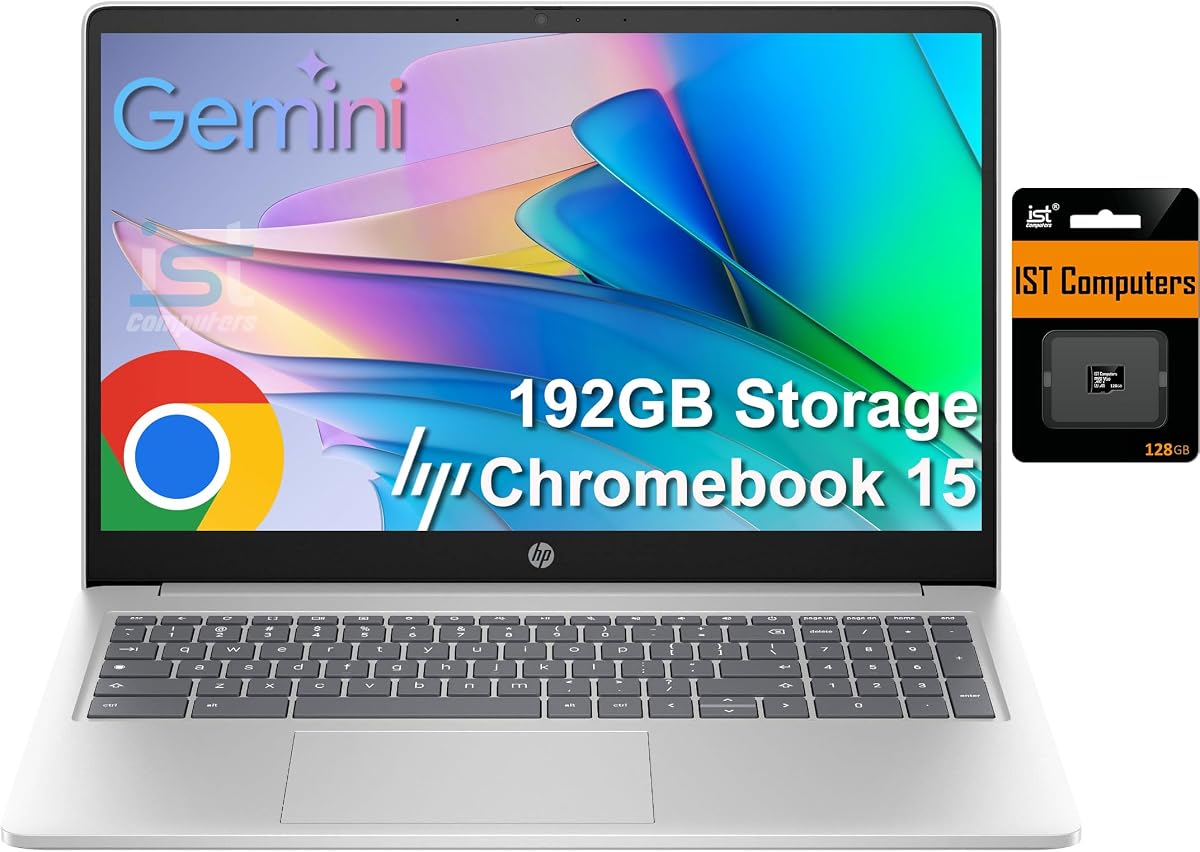
This model is a powerhouse for budget Chromebooks with its 8GB DDR5 RAM and expanded storage. It offers performance closer to higher-end laptops at a competitive price point.
We may earn a commission when you buy through this link, at no additional cost to you.
The extra RAM allows for smoother multitasking and keeps many tabs open. The large display with numeric keypad is beneficial for data entry and financial tasks.
The storage expansion provides ample room for files and applications. It is heavier than smaller models but provides a desktop replacement experience.
Ideal for students or professionals needing robust performance. We recommend this for users who cannot compromise on speed and multitasking capabilities.
The DDR5 RAM provides faster data access and improved multitasking compared to standard DDR4 models.
The numeric keypad and larger screen make data entry and spreadsheet work significantly more efficient.
We may earn a commission when you buy through this link, at no additional cost to you.
This Acer model brings modern memory tech to a budget device with DDR5 RAM. The IPS display ensures good color reproduction and the WiFi 6 keeps connections fast.
We may earn a commission when you buy through this link, at no additional cost to you.
The refreshed condition makes it affordable while retaining newer internal components. The processor is standard but the improved memory helps efficiency.
The design features a unique color that stands out. It is a great option for users wanting modern tech features without paying new retail prices.
It suits buyers looking for a balance of new tech and affordability. We suggest this for those comfortable with refurbished devices.
DDR5 RAM offers faster speeds and better power efficiency than older memory types.
WiFi 6 provides improved performance in congested network areas ensuring stable internet access.
We may earn a commission when you buy through this link, at no additional cost to you.
This model is designed for educational environments and young learners. Its small size and durability make it robust for daily student use.
We may earn a commission when you buy through this link, at no additional cost to you.
The low price point makes it accessible for bulk purchases or second device needs. Performance is basic but sufficient for reading and web browsing tasks.
Storage is very limited requiring significant reliance on cloud storage. It is an entry-level option that gets the job done for simple tasks.
Ideal for classrooms or as a basic travel companion. We recommend this for those who need a highly portable and inexpensive device.
Built to withstand daily use in schools this device is tough enough for active environments.
Its small size makes it easy to slip into any bag for transport anywhere.
We may earn a commission when you buy through this link, at no additional cost to you.
Selecting the right budget laptop requires understanding key features that impact daily usability and longevity.
The processor dictates how smoothly your Chromebook runs applications and browser tabs. Look for Intel N-series or MediaTek Kompanio chips for better efficiency and speed compared to older models.
Prioritize quad-core processors for multitasking to ensure the device handles multiple tasks without lag.
RAM determines how many apps you can keep open simultaneously. Modern Chromebooks usually come with 4GB to 8GB of RAM which affects performance significantly.
Aim for at least 4GB for daily use and 8GB if you plan to keep many tabs open or run heavier web apps.
Storage on Chromebooks is often limited to 32GB or 64GB eMMC. Check if the device supports expandable storage via SD card slots if you need more local space.
If you store most files in the cloud smaller storage is acceptable but verify the storage type supports fast boot times.
Screen resolution and panel type affect how clear text and images appear. Full HD IPS screens offer better viewing angles and color accuracy than HD TN panels.
For better eye comfort and visual clarity prioritize models with higher resolution and IPS technology.
Long battery life is essential for productivity on the go. Aim for models rated for at least 10 hours of real-world usage to last through a full work or school day.
Check reviews for actual battery performance as manufacturer claims can sometimes be optimistic.
Ports like USB-C and HDMI allow you to connect external displays and peripherals. Ensure the device has enough inputs for your specific needs like chargers and monitors.
Modern devices often rely on USB-C so verify adapters are available if needed for legacy connections.
Physical durability matters especially for students or frequent travelers. Look for robust designs and MIL-STD certifications if you need ruggedness.
Check the hinge and keyboard quality to ensure they withstand regular use over time.
Chrome OS receives regular updates but some devices have shorter auto-update expiration dates. Verify the device supports updates for a long period to ensure security.
Choose reputable brands that offer warranties and reliable customer support for peace of mind.
Keep your Chromebook updated by enabling automatic updates in the settings menu. This ensures you have the latest security patches and performance improvements without manual intervention.
Manage storage regularly by clearing unused apps and browser cache. Utilize cloud storage services to offload files and keep your local storage running efficiently.
Protect your device from physical damage by using a padded case or sleeve. Avoid exposing it to extreme temperatures or moisture to maintain longevity.
Yes budget Chromebooks are excellent for students as they offer essential tools for writing and research. Their long battery life supports full school days and their lightweight design aids portability.
No you cannot run Windows apps directly on Chrome OS. However many Chromebooks support Android apps which can serve similar functions for productivity and media.
Most budget Chromebooks last three to five years depending on usage. Regular software updates and proper care help extend their functional lifespan significantly.
Yes most modern models include HDMI or USB-C ports that allow connection to external monitors. This enables a dual-screen setup for improved productivity.
Yes cloud storage is crucial due to limited local storage on budget models. It ensures your files are accessible from any device and backed up securely.
Intel Celeron N4120 and MediaTek Kompanio processors offer the best balance of performance and efficiency. They handle daily tasks smoothly without draining battery quickly.
Most budget Chromebooks have soldered RAM which cannot be upgraded. Always check the specifications before purchasing to ensure the RAM meets your future needs.
We have explored ten distinct options ranging from basic entry-level laptops to more capable models with advanced features. Each provides a unique balance of performance and affordability.
Focus on the factors that matter most to your specific workflow whether it is display quality battery life or processing power. Your daily tasks will determine the best fit.
Always verify current prices and availability before purchasing as these fluctuate frequently. This guide serves as a starting point to streamline your decision process.