
ProElife 2-Pack Anti Glare
4.6Editor score
Matte finish reduces glare significantly
5H hardness scratch resistance coating
Anti-fingerprint low surface energy layer
This guide compares the best MacBook Neo Screen Protector options to help you find the right clarity privacy or anti glare film for your 2026 MacBook Neo 13
Protecting your investment is crucial when you own a new MacBook Neo. A high quality screen protector prevents scratches while maintaining visual clarity and touch sensitivity for daily use.
We evaluated ten top rated screen protectors based on installation ease, material durability, and optical performance. Our analysis focuses on real world protection for the 2026 MacBook Neo model with the A18 Pro chip.
Each pick highlights specific benefits like privacy filtering, blue light reduction, or matte finishes. Prices and stock fluctuate frequently so please verify current details before you decide to purchase online.
4.6Editor score

4.2Editor score

4.2Editor score
The following table provides a side-by-side overview of key specifications for all ten products analyzed in this guide. Each entry includes critical details to help you differentiate between options quickly.


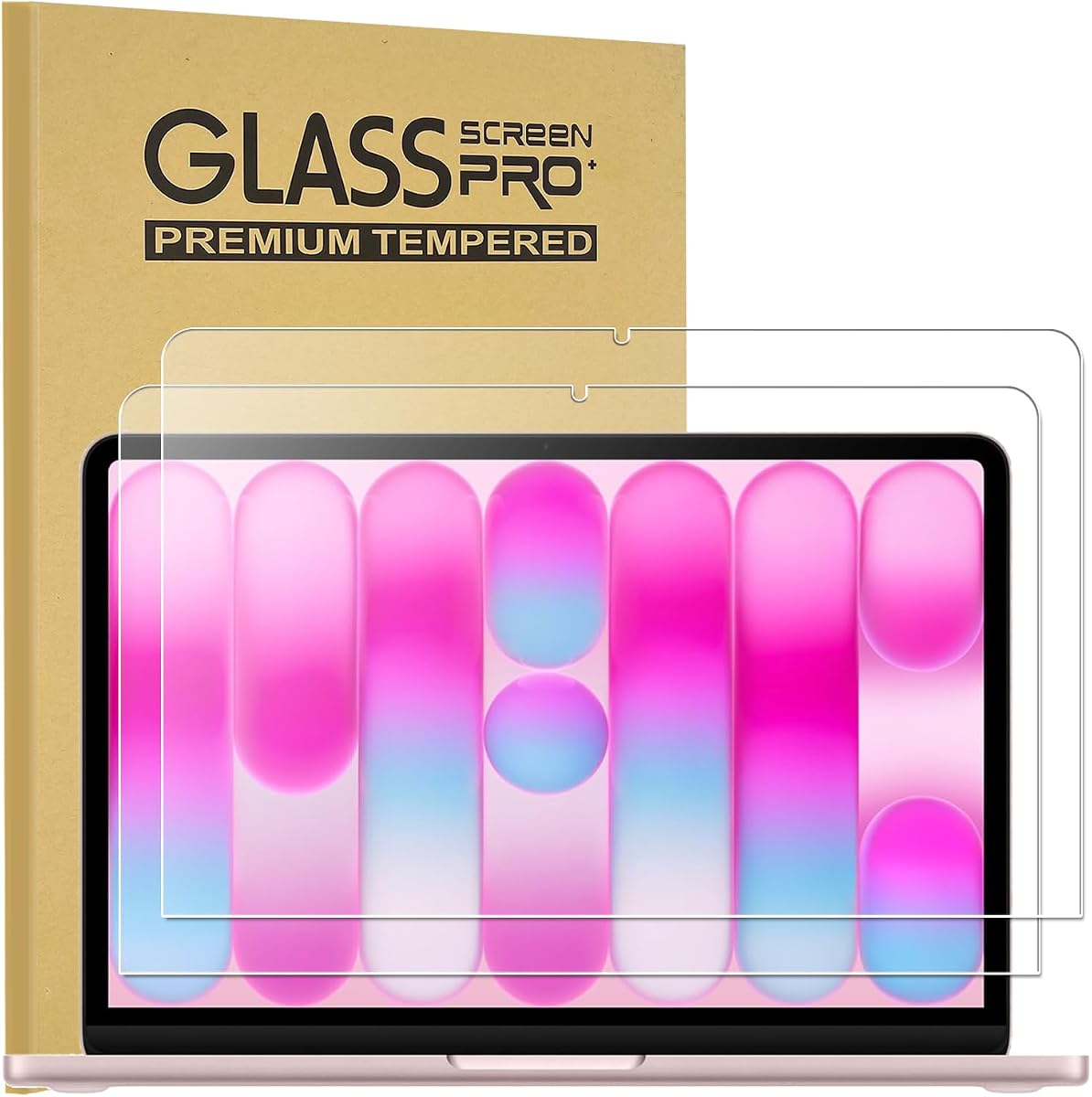

The ProCase 2 Pack Screen Protector stands out as a top choice for users prioritizing optical clarity and robust physical protection. With a 4.2 rating from verified buyers, it offers a balanced solution for the 2026 MacBook Neo model featuring the A18 Pro chip. Its design ensures that your display looks as stunning as the day you purchased the device.
We may earn a commission when you buy through this link, at no additional cost to you.
This product uses premium tempered glass with a 9H hardness rating, which is excellent for resisting scratches from keys, pens, and daily wear. The HD Clear Quality ensures high light transmittance, so colors remain true-to-life and text appears crisp. The static-cling adhesive layer is engineered for bubble-free installation, allowing you to achieve a smooth result with a little patience.
While the tempered glass provides superior durability, it is slightly thicker than PET films, which might be a consideration if you use a tight-fitting case. However, the laser-cut dimensions account for the camera, ambient light sensor, and display hinge perfectly. This means you won't face alignment issues or obstruction of critical sensors during use.
We recommend this protector for anyone who wants reliable scratch resistance without compromising the visual fidelity of their Retina display. It is ideal for students and professionals who type frequently or travel often. If you value a clean screen free of fingerprints and scratches, this option delivers consistent performance over time.
The HD Clear Quality maintains high light transmittance so your colors remain vibrant and text stays sharp.
The static-cling adhesive layer automatically pushes out air bubbles as you apply the protector for a smooth finish.
We may earn a commission when you buy through this link, at no additional cost to you.
The ProElife 2-Pack Anti Glare Screen Protector offers an affordable solution for those seeking to reduce eye strain and reflections. With a high 4.6 rating, it has gained significant trust among users who work in bright environments. This matte film significantly enhances contrast while protecting your screen from common scratches and smudges.
We may earn a commission when you buy through this link, at no additional cost to you.
The Anti Glare Filter is the main selling point here, as it reduces glare and reflections to protect your eyes from fatigue during long work sessions. The 5H hardness on the hard coat side provides decent scratch resistance for daily use. Additionally, the anti-fingerprint low surface energy component helps keep the screen clean without needing constant wiping.
One detail to note is that small bubbles may appear during installation due to the PET foaming process. However, the instructions state that these can gradually disappear within 48 hours if you let the protector settle. The package includes a hard card to help remove minor bubbles, ensuring a flawless result with patience.
This is an excellent choice for budget-conscious buyers who need a matte finish. It suits users who type for long hours and want to minimize eye strain. If you prioritize comfort and cost over maximum durability, this protector provides strong value and reliable performance for your MacBook Neo.
The matte finish reduces glare and reflections which enhances contrast and protects your eyes from strain.
Low surface energy components resist fingerprints and oil so your screen stays clean longer.
We may earn a commission when you buy through this link, at no additional cost to you.
Supershieldz provides a straightforward and reliable option with three clear protectors in one box. Rated at 4.3 stars, this PET film focuses on clarity and ease of use without overcomplicating the user experience. It is designed to ensure maximum resolution while protecting your screen from daily scratches and scrapes.
We may earn a commission when you buy through this link, at no additional cost to you.
The film is made from high quality Japanese PET material which is known for being easy to install and leaving no residue when removed. It maintains high definition transparency so the display looks sharp. The Real touch sensitivity ensures a natural feel and flawless touch screen accuracy which is important for touchpad gestures.
Since PET is a softer material compared to tempered glass, it offers protection against light dust and scrapes rather than deep scratches. The benefit is that it is very thin and flexible making installation simple for most users. It fits well without interfering with the bezel or camera setup on the 13 inch model.
We suggest this pick for users who want a basic clear shield at a low cost. The three pack ensures you have spares if a replacement is needed later. It is a practical choice for those who prioritize a clear view and natural touch response over heavy duty scratch resistance.
The high quality Japanese PET film allows for easy installation and leaves no sticky residue when you remove it.
Real touch sensitivity provides a natural feel that ensures flawless touch screen accuracy for your daily tasks.
We may earn a commission when you buy through this link, at no additional cost to you.
The KEANBOLL 3 Pack Anti Glare Screen Protector is designed to provide a clear viewing experience while reducing unwanted light. With a 4.2 rating, users appreciate the matte finish that helps keep the screen clean and free of fingerprints. It is specifically engineered for the 2026 MacBook Neo with the A18 Pro chip.
We may earn a commission when you buy through this link, at no additional cost to you.
This protector features a matte finish that reduces glare and reflections significantly. The anti-fingerprint coating helps keep the screen clean so you see a clearer image throughout the day. The durable material safeguards your screen against scratches, scuffs, and daily wear and tear making it a practical choice for daily commuters.
It is important to double-check your device model before purchasing because this protector does not fit other sizes or models. The fit is precise for the A3404 model which ensures full coverage without gaps. The three pack gives you extra protection if you want to replace the film after heavy use.
We recommend this for users who often work in varied lighting conditions. The matte finish minimizes reflections from windows or overhead lights. If you prefer a cleaner screen and don't mind a slight reduction in sharpness this option offers reliable protection at a reasonable price point.
The anti-fingerprint coating keeps the screen clean and smudge-free for a clearer viewing experience during work.
Durable material safeguards your screen against scratches scuffs and daily wear and tear to keep it looking new.
We may earn a commission when you buy through this link, at no additional cost to you.
This Magnetic Privacy Screen Protector is a premium option for users who need privacy without permanent adhesive. Rated at 4.2 stars, it uses strong magnets for one-second installation. It blocks side views beyond 30 degrees ensuring your data stays private in public spaces like airports or offices.
We may earn a commission when you buy through this link, at no additional cost to you.
The magnetic attachment allows easy removal without leaving residue or damaging the original anti-reflective coating. It features advanced privacy technology that limits visibility to the person directly in front. The material is scratch-resistant PET with high transparency so it delivers vivid visuals while reducing glare and reflections.
It is ultra-thin at 0.065mm so it fits most protective cases and does not affect the laptop lid closure. The anti-blue light technology relieves eye strain during long use. While the price is higher than standard films, the convenience of removal and privacy features justify the cost for business travelers.
We recommend this for professionals who handle sensitive data in open environments. The ability to snap it on and off quickly is a major benefit. If privacy is your top priority and you want to avoid glue this magnetic shield is a superior choice for your MacBook Neo.
Strong magnetic attachment enables one-second installation and removal without adhesive residue to fully protect screen integrity.
Boasting high-transparency PET material this protector delivers vivid visuals and reduces glare while retaining brightness.
We may earn a commission when you buy through this link, at no additional cost to you.
This Magnetic Privacy Screen Protector offers multi-layered protection to limit viewing angles to plus or minus 30 degrees. With a 4.0 rating, it provides solid privacy for users working in shared spaces. The data is visible only to those directly in front which prevents peeping from the sides.
We may earn a commission when you buy through this link, at no additional cost to you.
The privacy filter includes an anti-blue light coating that reduces UV radiation by 97 percent and blocks 90 percent of blue light. This helps minimize eye strain during extended sessions. The matte finish reduces glare but note that it may slightly soften the sharpness and vibrancy of the screen.
The package includes a storage folder and a cleaning kit so you can keep the screen clean easily. It is designed to fit the 13 inch MacBook Neo model with model number A3404. Customer support is available to help with any purchase or usage issues you might encounter.
We suggest this protector for travelers or students who need privacy on trains or in cafes. The included accessories make it convenient to carry. If you need a filter that reduces light and protects your data this option is a strong candidate for your setup.
Multi-layered privacy filter limits viewing angle to plus or minus 30 degrees so data is visible only to those in front.
The anti-blue light coating reduces 97 percent of UV radiation and 90 percent of blue light to minimize eye strain.
We may earn a commission when you buy through this link, at no additional cost to you.
The Peslv Magnetic Privacy Screen features a reinforced magnetic strip that allows installation in just seconds. Rated at 4.2 stars, it is designed with high quality materials imported from Japan and Germany to ensure performance. The magnetic strip strengthens the force to make the privacy screen stick tightly to your device.
We may earn a commission when you buy through this link, at no additional cost to you.
It offers stunning privacy protection by ensuring only a plus or minus 30 degree angle is visible. The high definition light transmission layer brings super high definition picture quality close to the original screen. It reduces 95 percent of blue light and 92 percent of UV light to protect your eyesight during work.
The removable design comes with a storage clip so you can take it on and off as needed. This makes it perfect for various occasions like offices or airports. The matte surface intercepts 95 percent of reflected light while the anti-scratch layer protects against daily use.
We recommend this for users who value high definition and privacy. The 1:1 restoration ensures the size matches your screen perfectly. If you want a premium privacy solution that does not compromise visual quality this magnetic screen is an excellent investment for your MacBook.
Modeled in accordance with the real screen size 1:1 restoration ensures the size is perfectly matched for the display.
The filter layer reduces 95 percent of blue light and 92 percent of UV light to protect your eyesight.
We may earn a commission when you buy through this link, at no additional cost to you.
IPROKKO focuses on filtering harmful blue light while maintaining true-to-original color for a better viewing experience. With a 4.2 rating, it is designed for the 2026 MacBook Neo 13-inch model. The advanced Japanese materials for the matte PET screen film provide a clear comfortable view in any lighting condition.
We may earn a commission when you buy through this link, at no additional cost to you.
Unlike traditional filters that make screens dim this product filters harmful blue and UV light with up to 99 percent efficiency. The nano-silicone adhesive layer automatically pushes out bubbles and self-adheres for a smooth result. It is only 0.05mm thick even with functional coatings making it ultra-slim.
This is ideal for students and seniors who spend long hours on their laptops. It helps reduce eye strain and sleep disruption while keeping the screen clear. The 1:1 fit features an exact camera cutout and won't interfere with closing the lid of your device.
We recommend this for anyone concerned about blue light exposure. The nano-installation makes it easy to apply without bubbles. If you want to protect your eyes from harmful light without compromising color accuracy this film is a top choice.
Unlike traditional filters that cause dim screens this product delivers true-to-original color while protecting your eyes.
The nano-silicone adhesive layer automatically pushes out bubbles and self-adheres for a perfectly smooth application.
We may earn a commission when you buy through this link, at no additional cost to you.
This KEANBOLL 2 Pack Tempered Glass Screen Protector delivers crystal clear transparency for optimal viewing. Rated at 4.4 stars, it is designed specifically for the 2026 MacBook Neo 13-inch with model A3404. The 9H hardness rating effectively protects your laptop screen from scratches and impacts.
We may earn a commission when you buy through this link, at no additional cost to you.
The ultra-tough surface ensures long-lasting protection against daily wear and tear. It fits perfectly for the MacBook Neo screen so you can keep your device looking new. The package includes everything needed for a bubble-free installation to ensure a smooth finish.
Glass protectors are more durable than PET films but they are heavier and more rigid. It is important to ensure your screen is clean before applying. The two pack allows you to have a spare if one breaks during handling.
We recommend this for users who want strong physical protection. If you carry your laptop in a bag with other items this screen resists scratches better than films. It is a solid option for maintaining a pristine display over time.
The 9H hardness rating effectively protects your laptop screen from scratches and impacts during daily use.
Crystal clear transparency ensures optimal viewing experience so your display looks as good as new.
We may earn a commission when you buy through this link, at no additional cost to you.
SightPro is a trusted brand that offers a patented removable laptop privacy filter. With a 4.5 rating, this screen attaches instantly with magnets along the top bezel. It is TAA compliant and located in the US making it a reliable choice for corporate environments.
We may earn a commission when you buy through this link, at no additional cost to you.
The advanced multi-layered film filter blacks out your screen when viewing from the side while maintaining a crystal clear screen straight-on. It protects your eyes from harmful glare UV and blue light. The package includes one magnetic privacy screen filter and a microfiber cleaning cloth for easy maintenance.
Please note that when the privacy screen is attached your laptop will not close completely but sleep mode is still supported. This is a small trade-off for the convenience of no adhesive and easy removal. The fit is perfect for the 13-inch MacBook Neo Retina display.
We recommend this for healthcare providers and business travelers. The instant snap-on attachment makes it easy to use and store. If you need a high quality privacy solution that is easy to remove and reinstall this is a top recommendation.
Simply place the privacy screen along the top and let the magnets attach for instant snap-on magnetic attachment.
It protects your eyes from harmful glare UV and blue light while maintaining a crystal clear screen straight-on.
We may earn a commission when you buy through this link, at no additional cost to you.
Choosing the right screen protector depends on your specific needs such as privacy clarity or glare reduction. This section breaks down the key factors to consider before you purchase.
Screen protectors are generally made from either tempered glass or PET film. Tempered glass offers superior hardness and scratch resistance often rated at 9H. PET film is thinner and more flexible which allows for easier installation and a more matte finish.
Choose tempered glass if you need maximum physical protection. Choose PET if you prefer a matte texture or require blue light filtering features.
Privacy screen protectors use a louver system to restrict viewing angles. This ensures that only the person directly in front of the screen can see the data. This is crucial for working in public spaces like cafes or airports.
If you handle sensitive information a magnetic privacy filter is ideal because it can be removed when not needed for home use.
Glare can cause significant eye strain especially in bright environments. Matte or anti-glare screens diffuse light reflections to improve visibility. However, they may slightly reduce the sharpness of the display compared to glossy options.
Select an anti-glare model if you work near windows or under strong overhead lighting to protect your eyes from fatigue.
Blue light filters help reduce exposure to high energy light that can disrupt sleep cycles. These screens often tint the display slightly to block harmful wavelengths while maintaining color accuracy.
If you use your MacBook late at night a blue light filter can help you rest better and reduce eye strain during long hours.
Some protectors use static cling or nano-silicone adhesives to stick without glue. Others use magnetic frames for removable installation. Adhesive options provide a permanent fit while magnetic ones allow for quick removal.
Consider a magnetic attachment if you want to switch between a clean screen and a privacy filter on the go.
Thicker materials like glass offer better impact resistance but may interfere with case closure. Thin films are unobtrusive but offer less scratch resistance. Check the thickness spec if you use a protective case.
Opt for a ultra-thin design if you prioritize a slim profile and do not need heavy-duty impact protection.
Many products come with cleaning wipes dust absorbers and hard cards for installation. Having these tools included saves you time and money when setting up the protector.
Look for a package that includes a full cleaning kit to ensure a bubble-free and dust-free application process.
Some brands offer warranties against defects or bubbling issues. Customer support can be vital if you need replacement parts or installation guidance.
Choose a brand that provides clear support channels and a warranty to ensure peace of mind after purchase.
Clean the screen thoroughly before application using the provided wipes to remove oils and dust. This ensures the adhesive sticks properly and prevents bubbles from forming during installation.
Apply the protector slowly from one edge to the other to allow air to escape. Use the included hard card to push out any remaining bubbles gently for a smooth finish.
Avoid using harsh chemicals to clean the protector and instead use a soft microfiber cloth. This keeps the surface clear and prevents scratches over time.
Most protectors are laser-cut to avoid interfering with the ambient light sensor and camera. Ensure you check the model compatibility before buying to guarantee full functionality.
Most ultra-thin films work with cases. However, thicker tempered glass may prevent the lid from closing if the case is very tight.
Matte reduces glare and fingerprints but slightly softens sharpness. Glossy maintains color vibrancy but reflects more light.
You should replace it when there are deep scratches that interfere with viewing or if bubbles form and cannot be removed.
Most magnetic screens are case-friendly but some bulky cases might cover the bezel area where the magnets attach.
Specialized blue light filters block harmful wavelengths. Standard protectors generally do not offer this feature unless specified.
We reviewed ten top options for the MacBook Neo ranging from budget friendly PET films to premium magnetic privacy screens. Each product offers unique benefits for clarity protection or privacy.
Prioritize what matters most for your workflow. If you need scratch resistance choose glass. If you need privacy choose a magnetic filter. If you need glare reduction choose a matte film.
Prices and availability change frequently so verify the current stock and price before you decide to purchase. This ensures you get the best value for your needs.