
Bootable USB Drive for Windows 11
4.0Editor score
No TPM requirement included
UEFI and Legacy compatible
Small 8GB installer size
This guide compares the top bootable Windows 11 USB drives for installation and recovery, evaluating compatibility, features, and ease of use.
When your computer fails to boot or you need to reinstall the operating system, having a reliable bootable Windows 11 USB drive is essential. These tools allow you to restore functionality without relying on internal storage that might be corrupted or damaged during critical system failures.
We evaluated ten market options based on compatibility, included tools, and user feedback. Our analysis focuses on drives that support UEFI and Legacy BIOS, offer network driver inclusion, and provide clear instructions for beginners facing system crashes.
Each pick highlights specific strengths like TPM bypass support or password reset utilities. Please note that availability and pricing change frequently, so verify current stock before purchasing to ensure you get the right solution for your specific hardware configuration.
4.0Editor score

4.3Editor score

4.2Editor score
This table provides a side-by-side view of key specifications for all ten drives, helping you quickly identify which tool matches your system requirements and recovery needs.


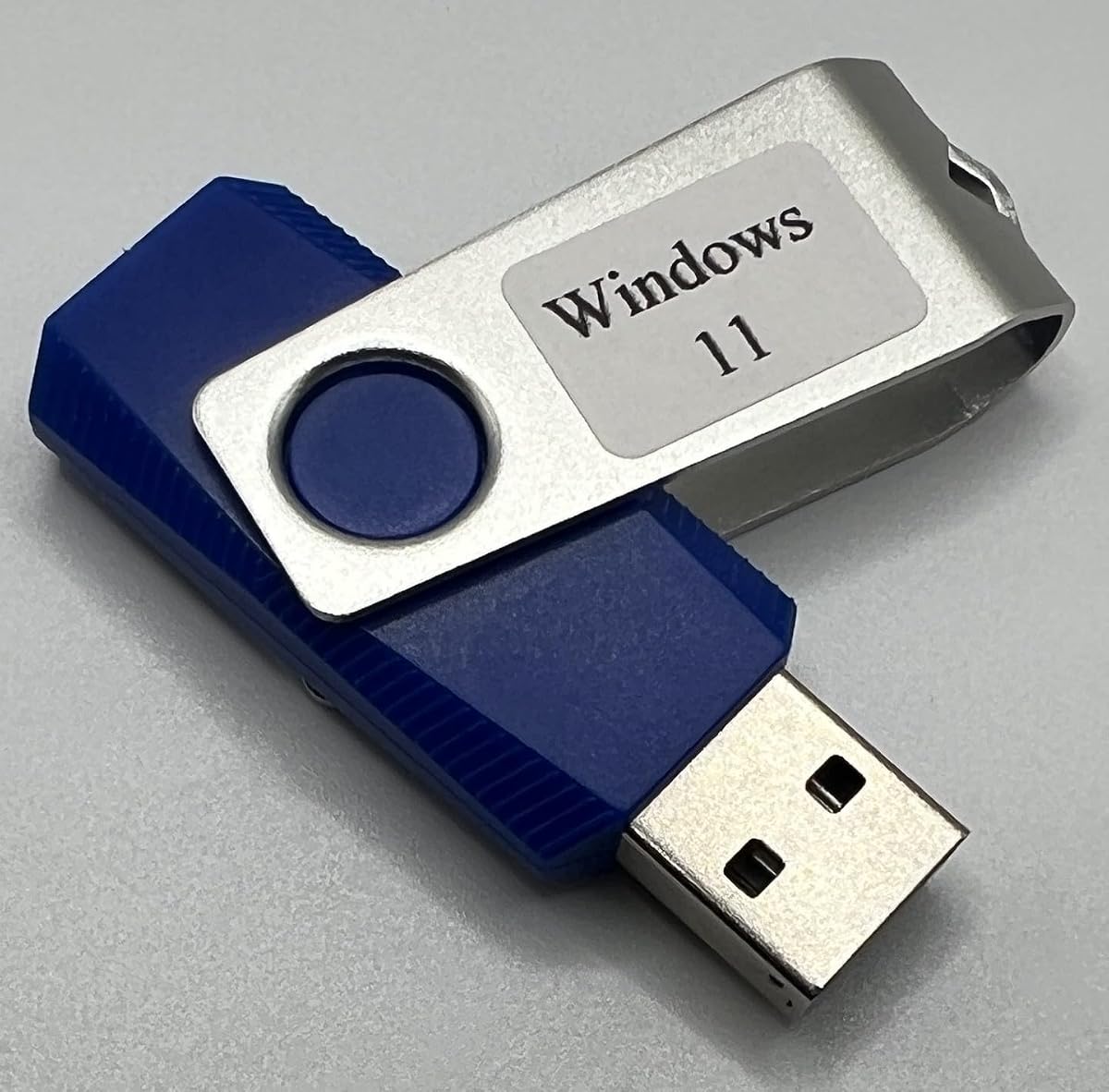


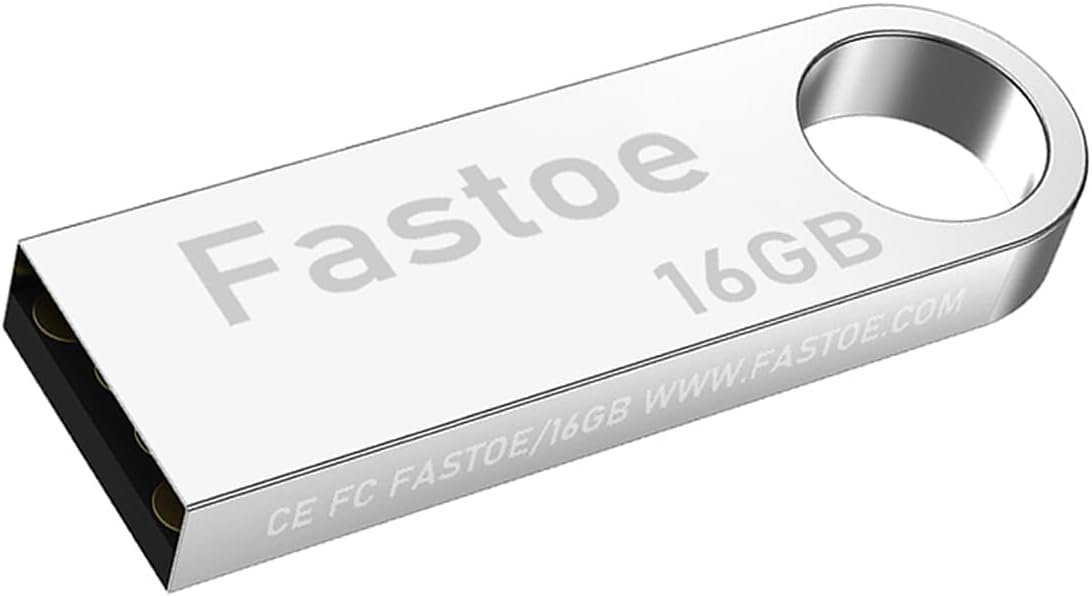
This drive stands out as a top choice with a strong 4.3 rating. It supports Windows 11 through 7 and includes network drivers essential for internet access post-install.
We may earn a commission when you buy through this link, at no additional cost to you.
The inclusion of network drives for WiFi and LAN ensures you can connect immediately after installing Windows. This avoids delays where hardware drivers must be downloaded manually via another device.
Users should note that existing Windows cannot be kept and Secure Boot may need disabling in BIOS. These steps are standard for bootable media but require careful attention during setup.
Technicians and home users needing a reliable reinstall tool will find this drive valuable. Its comprehensive package and clear instructions make it a safe bet for fixing boot issues.
WiFi and LAN drivers are included to ensure internet connectivity immediately after Windows installation without needing external downloads.
Hard drive partitioning and data recovery tools allow users to manage storage and salvage files before reinstalling the operating system.
We may earn a commission when you buy through this link, at no additional cost to you.
This compact option offers an affordable way to reinstall Windows 11 without TPM checks. It maintains a solid 4.0 rating among users seeking basic recovery tools.
We may earn a commission when you buy through this link, at no additional cost to you.
The 8GB size makes it lightweight and easy to carry, though it may limit extra tool storage. It focuses strictly on core installation and recovery functionalities without extra bloat.
Users must verify their PC can access BIOS before purchasing since this tool cannot fix hardware failures. It is designed for software reinstalls rather than physical repair diagnosis.
For budget-conscious buyers needing a simple Windows 11 installer, this drive provides essential functionality. Its tested origin adds trust for those wary of generic USB media.
The drive allows installation on systems lacking TPM 2.0 hardware by bypassing the standard Microsoft requirement for Windows 11 setup.
Its 8GB capacity keeps costs low and portability high, ideal for users who prioritize basic installation over extensive recovery suites.
We may earn a commission when you buy through this link, at no additional cost to you.
This 32GB option balances capacity and features with a 4.2 rating. It supports Windows 11 and 10 specifically while offering network drive inclusion for post-install connectivity.
We may earn a commission when you buy through this link, at no additional cost to you.
The USB 3.2 Gen interface ensures fast data transfer during the installation process. Users benefit from included WiFi and LAN drivers that remove dependency on external hardware.
Like other tools, it requires Secure Boot disable and does not preserve existing Windows installations. These are standard limitations for reinstall tools aimed at fixing boot loops.
It suits users needing a reliable balance between space and essential recovery features. The clear instructions and clean scan reports build confidence for first-time users.
USB 3.2 Gen technology reduces wait times during system installation compared to older USB standards commonly found in budget drives.
Compatibility across all major PC brands ensures users do not need to verify specific motherboard support before purchasing the tool.
We may earn a commission when you buy through this link, at no additional cost to you.
This premium drive expands functionality with password reset and hardware testing tools. It maintains a 4.2 rating by offering deeper troubleshooting capabilities beyond simple installation.
We may earn a commission when you buy through this link, at no additional cost to you.
The WinPE suite allows users to recover data or reset forgotten passwords before installing a new OS. This adds significant value for locked out users needing immediate access.
Hardware testing features help diagnose physical issues before reinstalling software which saves time on unnecessary installations. The clear guidelines ensure users understand limitations like Automatic Repair support.
It is best for advanced users or technicians who need diagnostic tools. The official resource installation ensures safety and reliability for critical system operations.
Forgotten administrator passwords can be reset using built-in utilities allowing access without needing to reinstall the operating system.
Hardware testing utilities identify failing components like RAM or drives before attempting software reinstallations to avoid data loss.
We may earn a commission when you buy through this link, at no additional cost to you.
This drive distinguishes itself by supporting Secure Boot without disabling it. It focuses on delivering official Windows versions directly from Microsoft for maximum security.
We may earn a commission when you buy through this link, at no additional cost to you.
PC-DNA connects users with US-based support via live chat rather than relying on automated responses. This provides guidance for complex issues that other drives leave unaddressed.
The tool works best for systems from 2013 onward due to UEFI BIOS requirements. Users with older Legacy BIOS systems will find this drive incompatible with their hardware.
Those prioritizing security and official downloads should consider this option. The combination of human support and Secure Boot compatibility addresses common user frustrations.
Unlike most recovery tools this drive functions even when Secure Boot is enabled in the BIOS setting streamlining the installation process.
Windows versions are downloaded directly from Microsoft servers ensuring users receive authentic and up-to-date files without third-party modifications.
We may earn a commission when you buy through this link, at no additional cost to you.
This drive offers a focused approach for Windows 11 with extensive recovery options. It maintains a 3.9 rating by balancing repair tools with clear setup instructions.
We may earn a commission when you buy through this link, at no additional cost to you.
The 16GB capacity provides enough space for restore images and repair utilities without unnecessary bloat. It supports both Home and Professional editions for broader compatibility.
Users benefit from detailed packaging instructions that simplify boot setup for different configurations. This reduces confusion for those unfamiliar with BIOS settings or recovery partitions.
It suits users needing specific Windows 11 recovery features. The emphasis on instructions and restore options helps those dealing with performance or boot issues.
Users can revert to previous states without a full reinstall if the system crash was caused by recent updates or software changes.
Step-by-step guides included in the packaging ensure users understand proper boot setup and recovery procedures effectively.
We may earn a commission when you buy through this link, at no additional cost to you.
This drive includes a license key for installation which simplifies activation for users without existing product keys. It supports Windows 10 and 11 with Pro and Home editions.
We may earn a commission when you buy through this link, at no additional cost to you.
The 64GB capacity allows ample space for tools and files. Password recovery and network drivers are included to ensure connectivity and access after reinstalling Windows.
Users must temporarily disable Secure Boot on newer systems to boot from the drive. The package includes video guides to assist with this BIOS configuration step.
It is a good option for those needing activation support. The combination of tools and licensing help makes it a convenient all-in-one solution.
A single activation key is provided in the package allowing users to install and activate Windows without purchasing a separate license.
The 64GB capacity provides substantial space for additional tools or backups compared to smaller 8GB or 16GB alternatives.
We may earn a commission when you buy through this link, at no additional cost to you.
This drive supports Windows 11 10 and 7 with a full WinPE utility suite. It maintains a 4.2 rating by offering extensive backup and diagnostic capabilities.
We may earn a commission when you buy through this link, at no additional cost to you.
Users can backup important files before reinstalling which protects against data loss during the process. The suite helps troubleshoot startup problems effectively.
Video tutorials guide users through booting from USB which aids beginners. Clear instructions are also included in packaging to help with troubleshooting.
It suits users needing a broad OS range. The inclusion of backup tools ensures data safety during repair operations.
Important files can be saved to an external drive before wiping the system ensuring no personal data is lost during repair.
Support for Windows 7 alongside newer versions allows users to maintain older legacy systems without purchasing separate tools.
We may earn a commission when you buy through this link, at no additional cost to you.
This drive offers a 30-in-1 suite providing extensive installation and recovery options. It maintains a 4.0 rating by supporting Windows 11 down to 7.
We may earn a commission when you buy through this link, at no additional cost to you.
Users can reinstall or repair older computers making them useful again without needing new hardware. The ready-to-use media eliminates the need for custom downloads.
Selection menus may be complex for beginners but offer flexibility for technicians. Users must note that no activation keys are included in the package.
It is a powerful choice for technicians working with multiple machines. The broad version support makes it versatile for different system ages.
Thirty distinct tools provide options for installation recovery and repair ensuring users have options for various failure types.
Maintenance tools help keep older computers functional by allowing reinstallations that can resolve persistent software errors.
We may earn a commission when you buy through this link, at no additional cost to you.
This installer focuses specifically on Windows 11 Pro and Home versions. It ensures reliability with a clean official version of the OS.
We may earn a commission when you buy through this link, at no additional cost to you.
Users benefit from plug and play setup with included guides. The 16GB capacity provides enough space for standard installation needs.
Online technical support is available for users needing assistance with installation. This adds a layer of trust for users worried about software integrity.
It is a straightforward choice for Windows 11 reinstalls. The focus on simplicity and clean files suits those needing basic recovery options.
The drive contains an original version of Windows 11 ensuring no third-party modifications affect system security or stability.
Online support services provide answers to installation questions ensuring users can resolve errors quickly without delays.
We may earn a commission when you buy through this link, at no additional cost to you.
Selecting the right bootable drive requires understanding compatibility and included tools to ensure it works with your hardware.
Ensure the drive supports your specific Windows version whether it is Windows 11 10 or older versions like 7 or 8.1. Some drives focus exclusively on Windows 11 while others offer broader support.
Check product details to confirm it matches your target OS before purchasing.
Most modern systems require UEFI boot support while older machines may rely on Legacy BIOS. Verify that the drive supports the boot mode of your computer.
Look for drives that explicitly state UEFI and Legacy compatibility to avoid boot failures.
Post-installation internet access is crucial for updates and driver downloads. Drives that include WiFi and LAN network drivers simplify this step significantly.
Prioritize options that mention network drives included if you plan to reinstall on new hardware.
Windows 11 typically requires TPM 2.0 hardware which older PCs lack. Drives that bypass this requirement allow installation on unsupported systems.
Confirm the drive explicitly states no TPM requirement if you plan to use it on legacy machines.
Drives with WinPE suites or password reset utilities offer more value than basic installers. These tools help recover data or diagnose hardware issues before reinstalling.
Choose drives with maintenance tools if you need to troubleshoot or back up data during repair.
Setup can be confusing for beginners so drives with video tutorials or detailed manuals reduce frustration. Look for products that include visual guides for booting.
Instructions on Secure Boot settings are particularly helpful to avoid common configuration errors.
Larger drives like 64GB provide room for additional tools or backups compared to 16GB or 8GB options. Ensure capacity matches your need for extra software.
If you only need basic installation a smaller drive may suffice.
Ensure the drive is scanned and virus-free to protect your system. Official installation media should be free from spyware or unauthorized modifications.
Verify that the drive claims antivirus scanning before purchase.
To begin insert the USB drive into your computer and restart. Access the BIOS or boot menu by pressing the required key typically F12 F2 or Del during startup.
Select the USB drive as the boot device and follow the on-screen installation prompts. Ensure your hard drive is properly formatted or partitioned before proceeding.
Keep the drive in a protective case to avoid physical damage. Store it in a dry place and avoid exposing it to magnetic fields or extreme temperatures.
Most drives do not include a product key so you must have your own license or use an existing digital activation. Some premium options may include a key but verify before buying.
No these tools are designed for software reinstall and repair. They cannot fix physical hardware failures like a damaged motherboard or failed RAM.
Most boot drives replace existing Windows installations so you should backup important files before starting. Data recovery tools on some drives help if you lost data.
Many drives require Secure Boot to be disabled to boot successfully. Follow the tutorial instructions on the drive to adjust BIOS settings correctly.
Many options support multiple versions including 10 and 7 but some focus on Windows 11. Check the product description to confirm supported OS versions.
Installation depends on your hardware speed typically taking 30 to 60 minutes. USB 3.0 or higher drives help reduce wait times compared to older standards.
The 64GB Bootable USB Drive 3.2 stands out for its network driver inclusion and TPM bypass support making it a top choice for most users.
Consider your specific needs like budget or hardware tools when selecting. Drives with maintenance features offer better value for technicians or complex repairs.
Always check current availability and verify system compatibility before purchasing. Prices change frequently so compare options carefully to ensure the right fit.