
ASUS Dual GeForce RTX 3050
4.7Editor score
Ampere Architecture Support
Efficient Cooling Design
Solid Linux Compatibility
This guide compares the top Linux graphics cards for gaming, workstation, and budget needs based on compatibility, performance, and driver support in 2026.
Selecting the right graphics card for Linux systems requires careful consideration of driver support and hardware compatibility. Users need GPUs that work seamlessly with open-source kernels and proprietary stacks alike.
We evaluated ten distinct models ranging from budget entry-level options to powerful workstation accelerators. Each card was assessed for its architectural strengths, memory capacity, and real-world Linux driver maturity.
Each pick highlights specific use cases and key specifications to help you make an informed decision. Please note that product availability and pricing can change frequently across different online retailers.
4.7Editor score

3.9Editor score

4.7Editor score
The following table provides a side-by-side comparison of all ten graphics cards evaluated in this guide. It highlights key specifications and unique features for each model to facilitate quick decision-making.


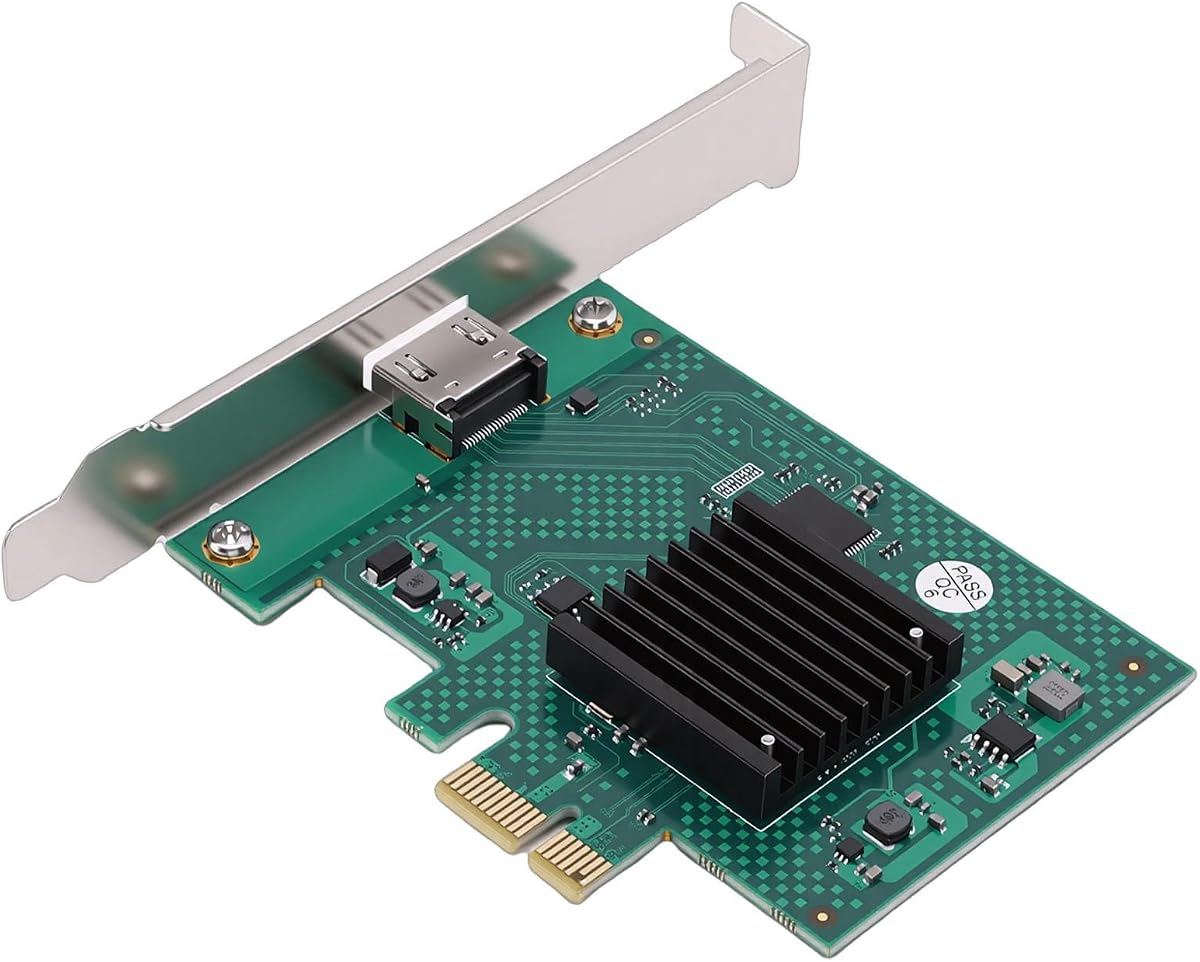


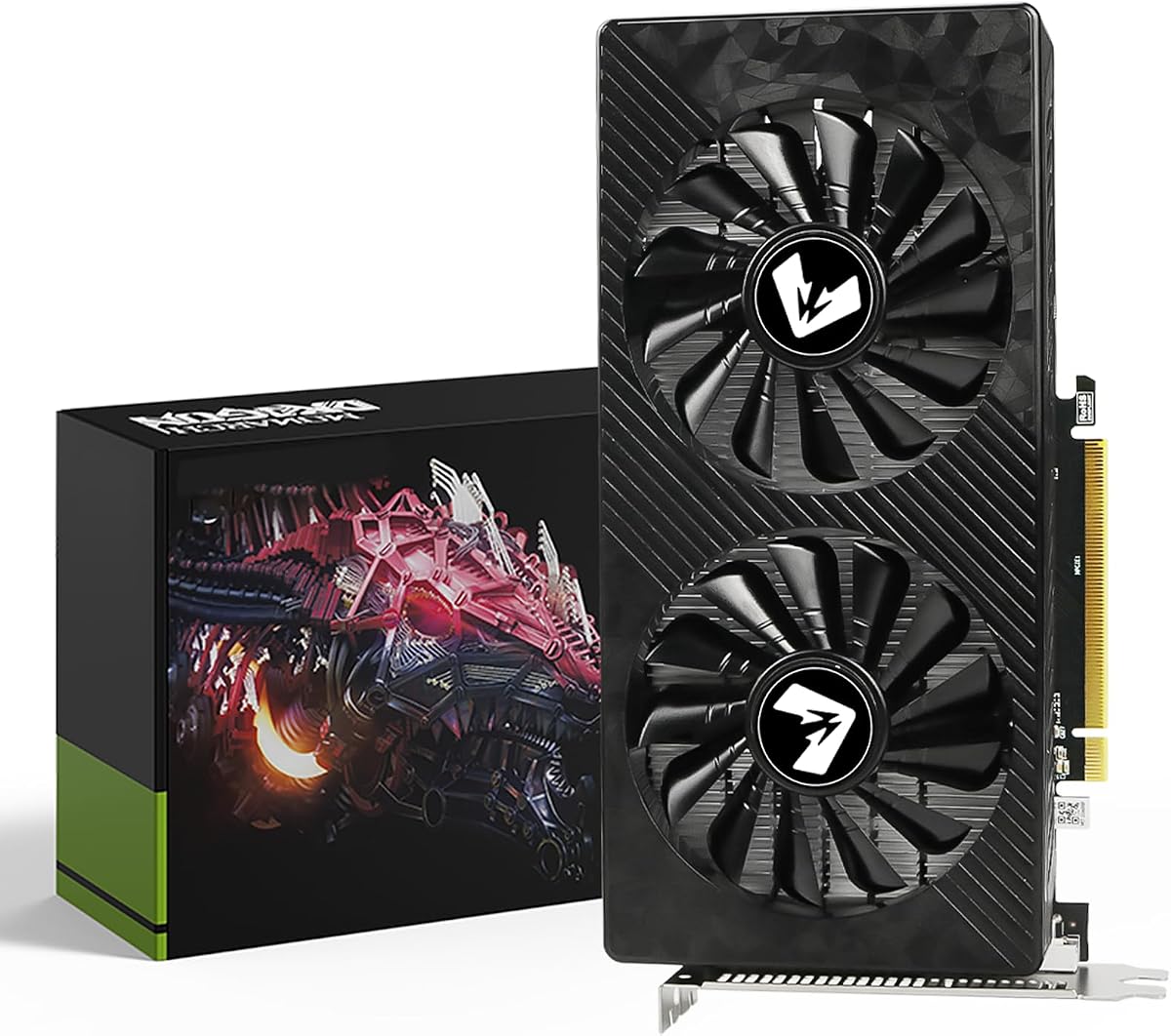
The ASUS Dual GeForce RTX 3050 is an excellent entry-level option for Linux users seeking modern features. Its Ampere architecture ensures solid support for contemporary open-source drivers and NVIDIA proprietary stacks.
We may earn a commission when you buy through this link, at no additional cost to you.
Key strengths include the Axial-Tech fan design which maintains low noise levels during typical Linux desktop workloads. The 2-slot form factor makes it ideal for compact workstation builds where space is limited.
Honest trade-offs involve the limited 6GB memory which may struggle with heavy rendering tasks. However for general purpose computing and moderate gaming on Linux this card remains reliable and stable.
This card is best suited for users upgrading from integrated graphics. It provides a smooth transition to a dedicated GPU without overwhelming power supplies or chassis dimensions.
The axial fan design ensures that airflow is optimized for the card size maintaining quiet operation.
Ampere cores provide improved throughput for AI and rendering tasks on Linux workstations.
We may earn a commission when you buy through this link, at no additional cost to you.
GIGABYTE RTX 3050 offers robust cooling and solid performance for Linux users needing more than integrated graphics. Its WINDFORCE fans handle heat effectively even under sustained loads.
We may earn a commission when you buy through this link, at no additional cost to you.
Key strengths involve the integration of Tensor and RT cores enabling AI acceleration and ray tracing. This makes it a versatile choice for content creators on Linux platforms.
Trade-offs include the narrow memory interface which limits peak bandwidth. While acceptable for 1080p workloads it may bottleneck in heavy compute tasks requiring high memory throughput.
This model is ideal for small form factor builds seeking performance in a compact chassis. It balances cost and capability well for general Linux workstation usage.
The dual fan setup ensures consistent temperatures even during long rendering sessions on Linux systems.
Tensor cores allow for faster machine learning inference tasks directly on Linux desktop environments.
We may earn a commission when you buy through this link, at no additional cost to you.
The PNY T1000 is a powerhouse for professional Linux environments requiring reliability and multi-monitor support. Its Turing architecture provides excellent stability for CAD and visualization tasks.
We may earn a commission when you buy through this link, at no additional cost to you.
Key strengths include support for up to four 5K displays making it perfect for expansive workspaces. Hardware encoding engines ensure smooth video playback without taxing the CPU.
Trade-offs involve the higher cost which may not suit casual users. Additionally it is designed for professional workflows rather than high FPS gaming on Linux.
This card is essential for engineers and designers needing ISV certified drivers. It guarantees compatibility with critical software tools and long term support for Linux systems.
Supporting four displays allows users to manage multiple applications simultaneously without performance hits.
ISV certification ensures that the GPU works reliably with industry standard software applications on Linux.
We may earn a commission when you buy through this link, at no additional cost to you.
The ASRock Arc Pro B60 is a specialized workstation GPU designed for heavy Linux compute tasks. Its 24GB memory makes it uniquely suited for large AI models and 3D rendering.
We may earn a commission when you buy through this link, at no additional cost to you.
Key strengths include native support for multi-GPU deployments allowing users to scale Linux performance across multiple cards. The blower style cooling ensures consistent heat dissipation in dense server racks.
Trade-offs involve the current maturity of Linux drivers which can be improving. However for specific professional use cases like LLM inference it offers significant advantages over gaming cards.
This card is a top choice for Linux server environments needing high memory bandwidth. It delivers future proof capabilities for AI and creative professional workflows.
With 24GB VRAM the card handles massive datasets and complex scenes without running out of memory.
Multi-GPU support allows for horizontal scaling in Linux clusters dedicated to artificial intelligence workloads.
We may earn a commission when you buy through this link, at no additional cost to you.
The GT 740 4GB is a practical choice for Linux users needing a quad-monitor setup without complex wiring. Its four HDMI ports allow direct connections to various display types.
We may earn a commission when you buy through this link, at no additional cost to you.
Key strengths include the passive power design drawing all energy from the PCIe slot. This makes installation effortless on older motherboards or small form factor systems.
Trade-offs involve the aging architecture which lacks modern compute features. While sufficient for multi-tasking and video playback it does not support advanced graphics rendering on Linux.
This card is ideal for office environments or trading desks requiring multiple displays. It ensures stable visual output for productivity tasks on Linux desktop systems.
Four HDMI outputs allow for a complete multi-monitor workspace without needing extra adapters or cables.
The low profile design ensures it fits into small cases while maintaining full functionality for Linux desktops.
We may earn a commission when you buy through this link, at no additional cost to you.
The SOYO GT 740 provides a reliable upgrade for Linux systems with limited power budgets. Its 128-bit bus offers decent bandwidth for basic Linux desktop acceleration and video playback.
We may earn a commission when you buy through this link, at no additional cost to you.
Key strengths include a triple display output combination of HDMI DVI and VGA supporting older and newer monitors. It also features efficient cooling for silent operation in home environments.
Trade-offs involve the older memory type which limits bandwidth compared to newer standards. However for general office use and light multimedia tasks it remains a capable performer.
This card is perfect for reviving older desktop PCs on Linux. It ensures stable visual output without requiring external power adapters or case modifications.
Supporting HDMI DVI and VGA ensures compatibility with a wide range of existing monitors and projectors.
The card draws power directly from the PCIe slot making it easy to install without new cables or units.
We may earn a commission when you buy through this link, at no additional cost to you.
The Gugxiom SM750 is designed for industrial Linux systems needing reliable 2D display output. Its broad temperature range ensures stability in harsh environments like server rooms or outdoor kiosks.
We may earn a commission when you buy through this link, at no additional cost to you.
Key strengths include support for display rotation making it versatile for vertical signage or unique setups. The PCIe x1 interface allows installation in systems with limited PCIe slot availability.
Trade-offs include the single output port which limits multi-monitor potential. Additionally specific Linux driver details may vary based on the OS version and kernel configuration.
This card is ideal for embedded Linux projects requiring consistent visual performance. It offers durability and specific features tailored to specialized industrial applications.
Built to withstand extreme temperatures the card remains reliable in challenging physical environments.
Supporting rotation angles like 90 and 180 degrees allows for creative display orientations in Linux setups.
We may earn a commission when you buy through this link, at no additional cost to you.
The maxsun RX 550 is a top recommendation for Linux users prioritizing open-source driver compatibility. AMD hardware is historically well supported in the Linux kernel ensuring immediate plug and play functionality.
We may earn a commission when you buy through this link, at no additional cost to you.
Key strengths include solid 4K video decode capabilities for media centers. The 9cm fan maintains quiet operation ideal for home theater PCs on Linux systems.
Trade-offs involve the limited gaming performance suitable mostly for entry-level titles. However for daily Linux desktop usage it provides a smooth and responsive experience.
This card is best for users building small form factor Linux media centers. It ensures stable multimedia playback with minimal heat output and noise.
AMD Radeon cards are known for excellent Linux driver support ensuring seamless integration with modern kernels.
Hardware 4K decode ensures smooth high resolution video playback without overloading the CPU.
We may earn a commission when you buy through this link, at no additional cost to you.
The msi GT 1030 offers a reliable entry point for Linux systems requiring dedicated graphics acceleration. Its low profile design fits easily into small cases without compromising airflow.
We may earn a commission when you buy through this link, at no additional cost to you.
Key strengths include support for both DisplayPort and HDMI allowing flexibility with modern and older monitors. NVIDIA drivers ensure consistent performance across most Linux distributions.
Trade-offs involve the limited memory and basic performance which restricts heavy gaming. However for office work and video playback it provides a solid and stable Linux experience.
This card is perfect for upgrading small office PCs to Linux. It ensures smooth desktop performance and support for multiple displays at a reasonable cost.
The low profile bracket allows installation in small cases while maintaining effective cooling and connectivity.
Supporting both DisplayPort and HDMI ensures compatibility with a wide variety of existing display hardware.
We may earn a commission when you buy through this link, at no additional cost to you.
The MOUGOL RX 580 is a robust choice for Linux users needing substantial graphics memory. Its 8GB capacity supports demanding applications like video editing and 3D rendering comfortably.
We may earn a commission when you buy through this link, at no additional cost to you.
Key strengths include dual fan cooling ensuring stable temperatures under load. AMD architecture guarantees excellent compatibility with open-source Linux kernel drivers for easy setup.
Trade-offs involve higher power requirements needing a dedicated 8-pin connector. However the performance per watt remains competitive for budget builds on Linux.
This card is ideal for home labs and gaming rigs on Linux. It delivers strong performance for both productivity and entertainment tasks effectively.
With 8GB VRAM the card handles high resolution textures and complex rendering tasks smoothly.
AMD GPUs are well recognized for their stability and driver support within the Linux ecosystem.
We may earn a commission when you buy through this link, at no additional cost to you.
Selecting the right GPU for Linux requires balancing driver support hardware features and use case specific needs.
Linux driver support varies significantly between vendors. AMD typically offers excellent open-source drivers in the kernel, while NVIDIA requires proprietary software for some features.
Always verify that the GPU is supported by your specific distribution before purchasing.
Memory capacity affects the ability to handle high-resolution textures and complex scenes. Linux workstations often benefit from 8GB or more for creative applications.
Higher memory bandwidth ensures smoother performance during rendering and gaming tasks.
Power draw influences your power supply needs and cooling requirements. Low profile cards often do not require external power connectors, simplifying installation.
Efficient cards reduce heat output and electricity costs in always-on Linux systems.
The physical size of the card must fit your chassis. Low profile designs are essential for small form factor PCs and compact workstations.
Cooling solutions affect noise levels, which are critical for home theater or quiet office setups.
Ensure the card has the necessary ports for your monitors. Linux multi-monitor setups benefit from cards with multiple DisplayPort or HDMI outputs.
Verify that the card supports the desired resolution and refresh rates for your applications.
Professional cards often offer ISV certification for stability in design software. Gaming cards are optimized for high frame rates and rendering throughput.
Choose based on your primary workflow requirements and application dependencies.
Some Linux setups require multiple GPUs for large AI models or extensive rendering. Look for cards that support multi-GPU configurations without conflicts.
Check compatibility with your motherboard and power supply for stable operation.
Budget GPUs often suffice for basic desktop tasks and video playback. Higher-end models provide necessary power for machine learning and 3D design.
Evaluate your specific needs to avoid overspending on unnecessary features.
Install the GPU physically into the PCIe slot and secure it with brackets. Ensure all necessary power cables are connected for full functionality.
Install the appropriate drivers using your distribution's software center or official vendor repositories. This ensures optimal compatibility and stability.
Regularly monitor temperatures using tools like nvtop or radeon-profile. Keep the case clean to maintain airflow and prevent dust buildup.
AMD cards generally offer better out-of-the-box open-source driver support within the Linux kernel. NVIDIA cards are excellent but sometimes require proprietary drivers for certain advanced features.
Not necessarily for basic tasks like web browsing. However a dedicated GPU improves multimedia playback and ensures smoother graphical user interfaces.
You can install drivers via your distribution package manager or NVIDIA's official repository. Ensure you select the correct version for your kernel.
Yes supported Linux allows multi-GPU setups. You may need to configure driver settings manually to ensure all cards are recognized properly.
Modern gaming titles typically benefit from 6GB or 8GB of VRAM. This ensures smoother performance at higher resolutions and detailed settings.
Standard case airflow is usually sufficient. However monitoring temperatures is vital to prevent throttling during heavy workloads or gaming sessions.
This guide highlighted top options ranging from budget picks like the ASUS Dual RTX 3050 to professional cards like the PNY T1000. Each offers unique strengths tailored to specific Linux workflows.
Prioritize driver support and memory capacity when selecting a GPU. These factors determine long-term stability and performance for your specific needs.
Remember to check current pricing and stock availability before purchasing. Market conditions change frequently so verify details directly with retailers.