
Cosmo Mini 100 Copy Stand
4.3Editor score
Compact portable design
Under one minute setup
Includes 9×7 Floating Magnet Board
This guide compares the top copy stands for film scanning and photo digitizing to help you find the right tool for archiving negatives and documents.
Finding the right copy stand for film scanning and photo digitizing ensures your archival work is precise and efficient. A good stand provides stability and alignment for consistent results across all your projects.
We evaluated ten real products based on build quality, adjustability, and compatibility with cameras and smartphones. Each option offers unique features suited for different needs and budgets in the current market.
Each pick highlights specific strengths and ideal use cases to help you decide. Please note that availability and details may change over time so verify specifications before purchasing.
4.3Editor score
4.2Editor score

4.6Editor score
The following table provides a side-by-side comparison of all ten products evaluated in this guide. It highlights key specifications and features to help you make an informed decision quickly.


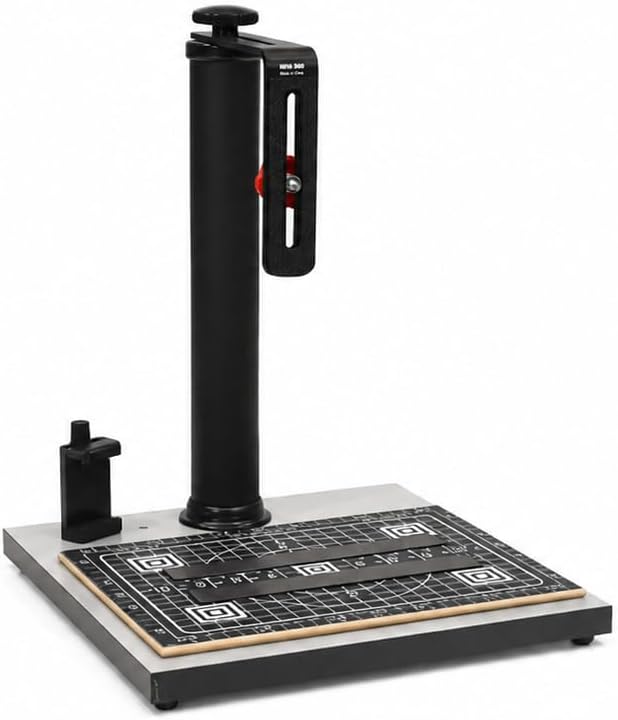


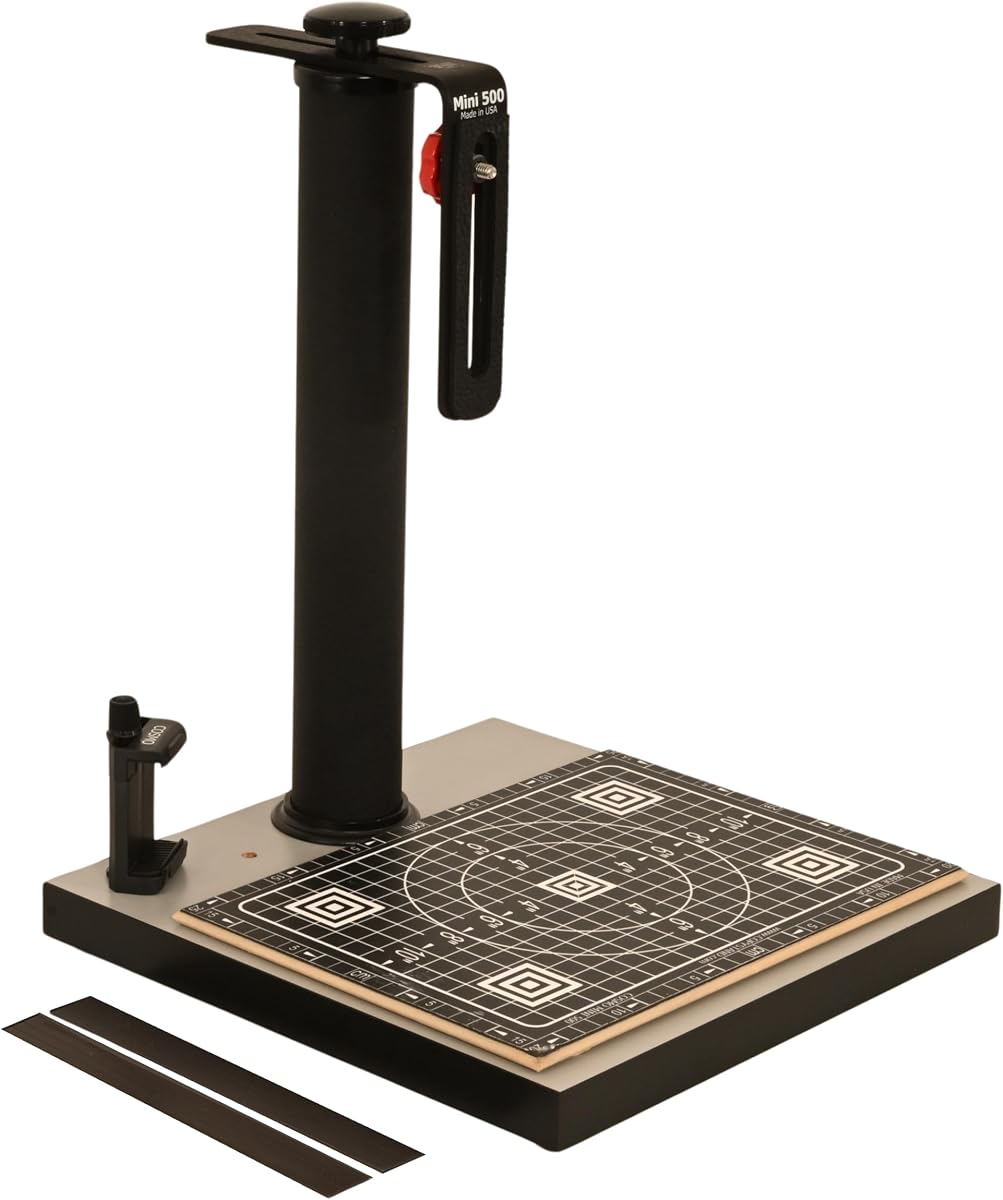
The Cosmo Mini 500 Copy Stand stands out as a reliable tool for hobbyists digitizing old photos. It offers a sturdy build and precise alignment features that ensure consistent results.
We may earn a commission when you buy through this link, at no additional cost to you.
Its heavy-duty baseboard provides excellent stability. The adjustable bracket allows for flexible positioning while the Floating Magnet Board keeps originals flat and aligned perfectly.
While it is not designed for professional large-format work it handles small items well. The lack of an included light box may require an extra purchase for backlit items.
This stand is ideal for home users wanting quality scans without a flatbed scanner. It balances durability and ease of use effectively for everyday digitizing projects.
The Floating Magnet Board includes ½ precision grid lines for accurate positioning of every item.
Supports both high-pixel cameras and smartphones with an integrated adjustable phone holder.
We may earn a commission when you buy through this link, at no additional cost to you.
The Cosmo Mini 100 Copy Stand is a compact solution perfect for students and casual users. It excels at digitizing small photos and items with ease and portability.
We may earn a commission when you buy through this link, at no additional cost to you.
Its design allows for quick assembly and transport. The Floating Magnet Board helps keep items flat while the adjustable column accommodates various camera heights comfortably.
The baseboard is smaller which limits large format use. It is best suited for lightweight setups and does not support heavy DSLR cameras.
If you need a budget friendly and portable option this stand delivers. It simplifies mobile deposits and small archiving tasks efficiently.
Assembles in under one minute making it ready for immediate use anywhere.
Ideal for jewelry coins checks and small collectibles with perfect smartphone alignment.
We may earn a commission when you buy through this link, at no additional cost to you.
The Cosmo Mini 300 Copy Stand offers a solid balance between portability and functionality. It supports a wider height range than smaller models for more flexible shooting angles.
We may earn a commission when you buy through this link, at no additional cost to you.
Its steel tube column provides rigidity and stability. The baseboard dimensions allow for slightly larger items than the Mini 100 while remaining compact enough for home use.
The weight is higher than lighter models which may affect portability. It is not intended for professional setups but works well for serious hobbyists.
This stand is a good middle ground for those needing more adjustability. It delivers reliable performance for archiving photos and documents efficiently.
Adjusts from 7 to 17 inches vertically to fit different lenses and framing needs.
Built with black wrinkle powder coated steel for long lasting rigidity and support.
We may earn a commission when you buy through this link, at no additional cost to you.
The Copy Macro Stand is designed specifically for film digitization and macro shooting. Its stable aluminum base ensures rock-solid support for heavy DSLR setups and lenses.
We may earn a commission when you buy through this link, at no additional cost to you.
Features like the built-in bubble level and quick-release plate enhance precision. The adjustable height allows you to frame negatives or slides consistently without tilt.
It lacks smartphone compatibility and has a smaller base than other models. This makes it less versatile for general document scanning or phone users.
For focused film scanning tasks this stand offers professional-grade stability. It is a specialized tool for those prioritizing image quality in negatives.
Engineered to eliminate camera shake when digitizing 135 or 120 negatives and slides.
Includes a camera quick-release plate for secure and fast DSLR mounting.
We may earn a commission when you buy through this link, at no additional cost to you.
The Kaiser 205411 Copy Stand RS 2-XA represents professional-grade engineering for precise digitizing. Its non-reflective base and scale markings ensure accuracy and minimal glare.
We may earn a commission when you buy through this link, at no additional cost to you.
The rotatable column offers unique flexibility for positioning. The adjustable arm allows for fine-tuning of horizontal distance to the column.
While it has a lower load capacity it is designed for smaller SLRs and digital cameras. The price is higher but justified by durability and precision features.
This stand is ideal for serious photographers needing consistent results. It is a reliable investment for archival work requiring high quality standards.
Baseboard includes printed fine grid and inch/cm scales for exact measurement.
The column rotates 180 degrees allowing versatile mounting angles for setups.
We may earn a commission when you buy through this link, at no additional cost to you.
The Cosmo Mini 500 V2 offers a slightly larger baseboard than its predecessor. This provides more workspace for documents and larger items while maintaining portability.
We may earn a commission when you buy through this link, at no additional cost to you.
It includes the classic Floating Magnet Board with precision grids. The adjustable bracket supports both cameras and smartphones effectively for diverse needs.
There is limited public rating data for this specific model. It shares features with the Mini 500 but offers a marginally larger working surface.
If you need extra base space this version is worth considering. It balances compact size with increased utility for everyday digitizing.
The 13 x 12.5 inch baseboard accommodates larger documents and photos easily.
Supports both high-pixel cameras and smartphones with stable alignment.
We may earn a commission when you buy through this link, at no additional cost to you.
The Cosmo Mini 700 V1 is designed for large format digitizing needs. Its substantial baseboard accommodates big pictures and documents with room to spare.
We may earn a commission when you buy through this link, at no additional cost to you.
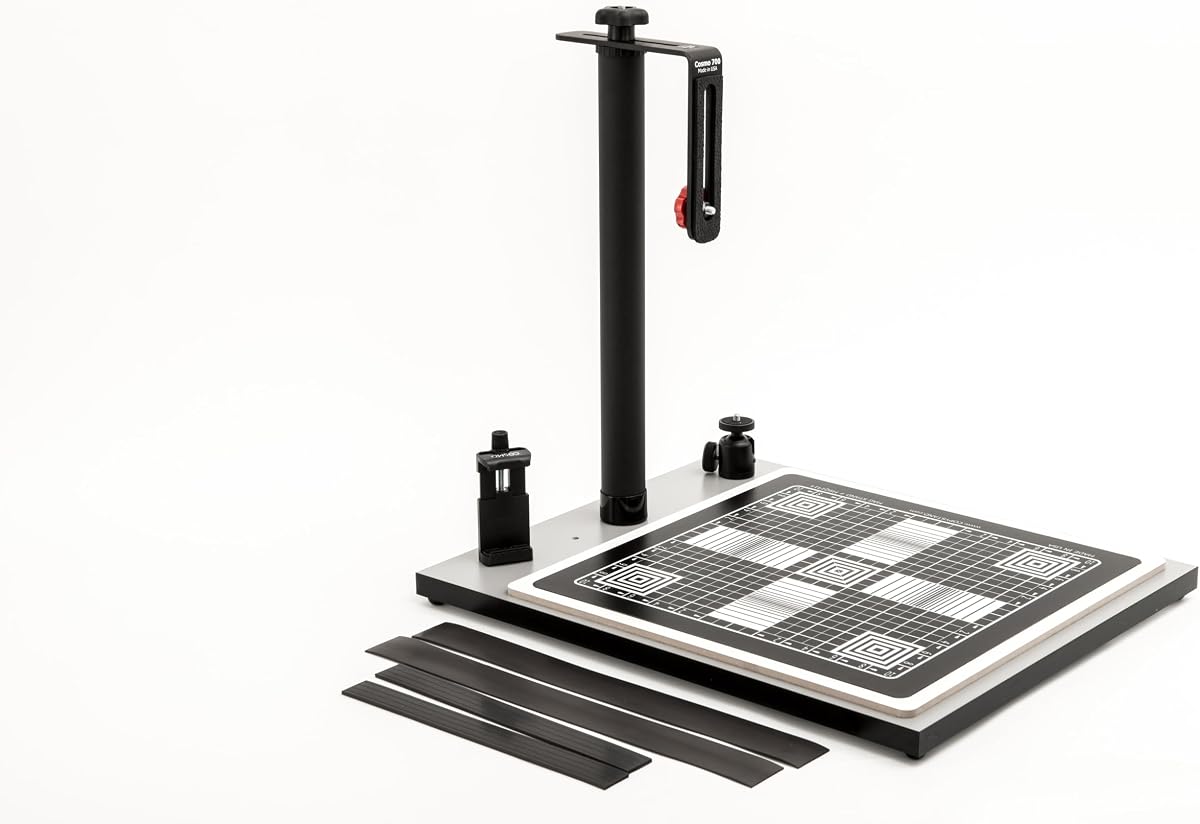
A large 15×15 Floating Magnetic Board ensures alignment. The included ball head allows for precise angle adjustments for 3D objects or food photography.
The weight of 14 lbs may limit portability. It is best suited for stationary use on a desk or table for larger projects.
This stand excels for content creators needing overhead shots. It offers a robust solution for digitizing larger items with consistent quality.
The 15.5 x 18.5 inch baseboard handles big documents and food plates easily.
Included ball head provides smooth and precise angle control for unique shots.
We may earn a commission when you buy through this link, at no additional cost to you.
The Cosmo Mini 700 V2 has gained excellent customer ratings for its versatility. It supports both food photography and large document scanning with high quality results.
We may earn a commission when you buy through this link, at no additional cost to you.
Its baseboard size allows for generous spacing. The Floating Magnetic Board keeps items flat while the ball head enables perfect framing for overhead shots.
The weight is substantial so transport may require care. It is optimized for stationary setups on desks or workstations for consistent output.
This stand is a top choice for online vendors and food photographers. It delivers reliable performance for content creation needs.
Earns a high customer rating due to stability and versatile application range.
Handles oversized documents and chef plates with precision alignment and ease.
We may earn a commission when you buy through this link, at no additional cost to you.
The Kaiser RS1 Copy Stand offers high-end features for professional photography needs. Its extra wide column provides exceptional stability and vibration resistance.
We may earn a commission when you buy through this link, at no additional cost to you.
The roll-off spring mechanism compensates for weight changes. Interchangeable bushings allow for flexibility with different camera mounts and setups.
It is one of the more expensive options available. The build quality is superior for those needing precise control over camera movement.
For serious photographers needing advanced stability this stand is ideal. It ensures consistent results for professional digitizing and copying tasks.
The column is extra wide and designed to resist vibration during capture.
Roll-off spring mechanism provides smooth weight compensation for heavy camera arms.
We may earn a commission when you buy through this link, at no additional cost to you.
The Photography Copy Holder is a desktop magnetic stand that is perfect for quick copying. It scores a perfect customer rating for its reliability and ease of use.
We may earn a commission when you buy through this link, at no additional cost to you.
Its wood base is laminated with precision grids. The magnetic strips fix originals in place while allowing you to move the stand for panning.
It does not include a vertical column. You must place it on a separate copy stand or desk for overhead shots.
This holder is ideal for those needing a magnetic surface. It is affordable and highly rated for specific magnetic positioning needs.
Magnetic strips secure originals and allow smooth movement for panning video.
Surface includes ½ inch precision grids with squared corners for exact alignment.
We may earn a commission when you buy through this link, at no additional cost to you.
Choosing the right copy stand involves evaluating stability, compatibility, and specific use cases. Consider the following factors to ensure your selection meets your digitizing requirements.
The baseboard size determines how large documents or photos you can digitize. Larger boards offer more workspace but may be less portable.
Choose a baseboard that fits your typical items without excessive clutter around the edges.
Column height affects your ability to frame different objects. Adjustable columns provide flexibility for varying lens focal lengths.
Look for stands that allow sufficient vertical range to accommodate your camera setup comfortably.
Ensure the stand supports your camera or smartphone. Check weight limits and mounting options for your specific device.
Versatile stands allow both phone and camera use for greater flexibility in different scenarios.
A sturdy base is essential to prevent camera shake during capture. Heavier bases with leveling feet provide the most reliable support.
Prioritize metal or thick wood construction to maintain alignment during long shooting sessions.
Grid lines and magnetic boards help position items precisely. These tools reduce post-processing time by ensuring straight and level images.
Select models with built-in grids or accessories to streamline your digitizing workflow.
Built quality impacts the lifespan of the stand. Materials like steel and aluminum resist wear from frequent adjustments and movement.
Invest in stands with coated tubes and robust brackets to withstand daily use.
Quick assembly saves time and encourages consistent use. Look for designs that require minimal tools or steps to configure.
Simple setups make the stand more accessible for casual or occasional digitizing projects.
Start by assembling the stand on a flat stable surface. Ensure all bolts and knobs are tightened securely before mounting your camera.
Place your original on the baseboard or magnetic board. Align it using the grid lines to ensure it is straight and flat.
Mount your camera or phone vertically and adjust the height to frame the item perfectly. Clean the lens and base regularly to avoid dust on images.
Copy stands offer greater flexibility and quality potential for film digitizing. They allow manual lighting and positioning which can produce better results than standard flatbed scanners.
Yes many modern copy stands include phone holders. These ensure your smartphone camera is perfectly aligned vertically above your work surface for consistent photos.
Continuous LED light boxes are often recommended for even illumination. Ensure the lights are bright and balanced to avoid color casts on your digitized images.
Use a soft dry cloth to remove dust and debris. Avoid harsh chemicals that could damage the melamine or printed grid surfaces on the board.
Mini models are compact and easy to transport. Larger stands are heavier and better suited for fixed setups on desks or workstations.
No they are designed to support standard DSLRs mirrorless cameras and smartphones. Check weight limits to ensure your specific camera fits safely.
We have reviewed ten versatile copy stands for film scanning and photo digitizing. Each model offers unique strengths suited for different needs and budgets.
Prioritize stability and alignment features to ensure your digitized files are accurate. A quality stand significantly reduces post-processing time and effort.
Remember that prices and availability change. Verify current specifications and details before purchasing to make sure the stand meets your specific requirements.