
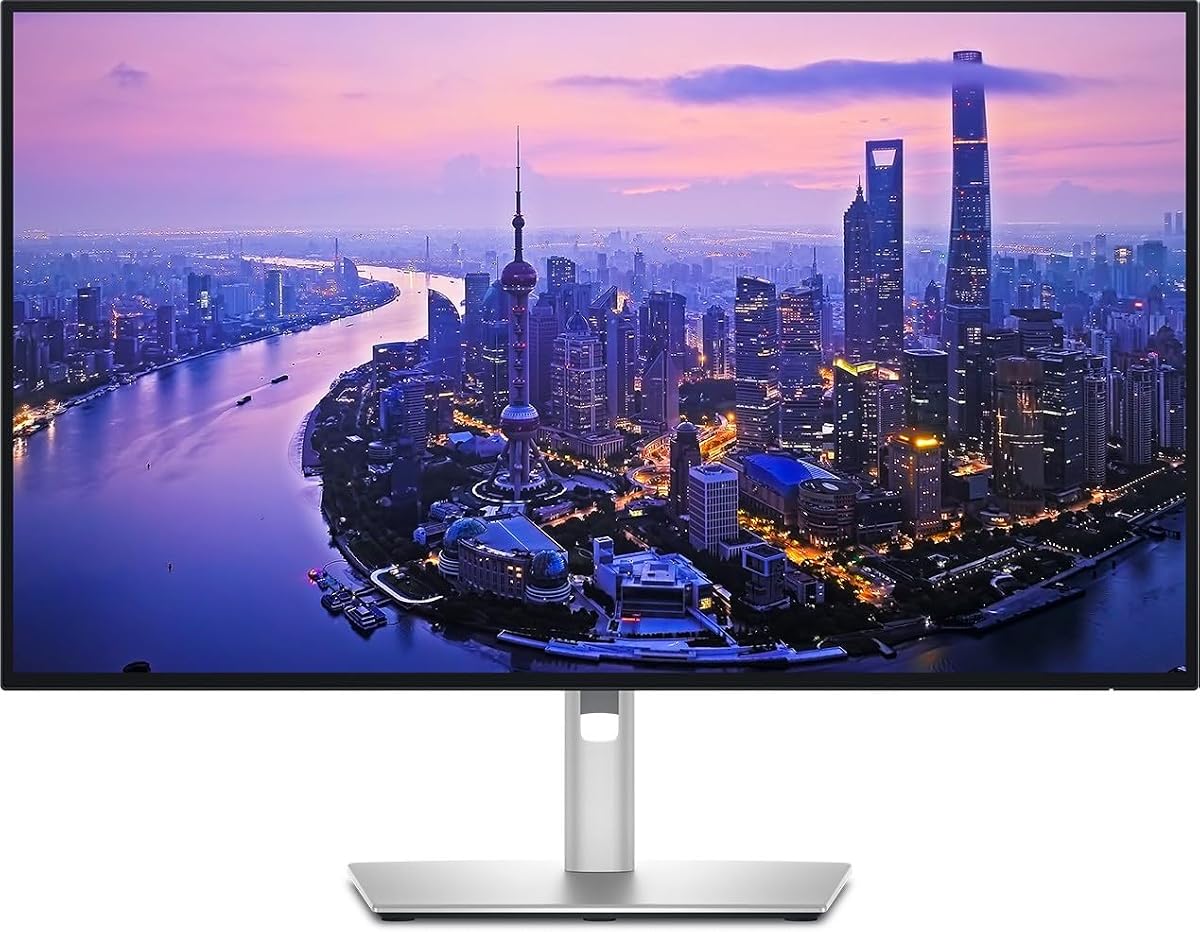
Dell UltraSharp 32 Thunderbolt Hub Monitor – U3226QER, 120 Hz, 4K UHD
4.6Editor score
Enhanced IPS Black panel contrast
Built-in KVM switch support
Ideal Mac companion tested
Finding the right display for your workflow is crucial for productivity and visual clarity. Modern professionals need screens that offer high resolution alongside fast connectivity options to handle large files and multiple devices efficiently.
We evaluated the leading models on the market based on display quality, connectivity features, and ergonomic design. Our comparison focuses on monitors that support Thunderbolt technology to ensure seamless integration with laptops and desktop systems.
Each selection highlights specific strengths such as color accuracy, refresh rates, and port versatility. Keep in mind that pricing and availability can fluctuate, so verify current details before making your final purchase decision.
4.6Editor score
4.4Editor score

4.4Editor score
As an Amazon Associate we earn from qualifying purchases.
The following table provides a side-by-side overview of key specifications and features for each model to help you compare them quickly.


This monitor is a top choice for professionals who demand precise color reproduction and seamless connectivity. It holds a solid rating from users who appreciate its factory calibration and versatile port options.
We may earn a commission when you buy through this link, at no additional cost to you.
The display covers 99% of the DCI-P3 color space and is calibrated to ensure Delta E is less than 1.5. This level of accuracy is essential for graphic designers and video editors. The 120Hz refresh rate provides smooth motion for multitasking workflows.
Thunderbolt 4 connectivity allows you to transmit video, data, and up to 140W power through a single cable. This simplifies desk setups significantly. Daisy chain support enables connections to additional monitors without clutter.
If you work in creative fields requiring exact color representation, this model is highly recommended. The ergonomic stand allows for comfortable viewing at any angle. Its features justify the investment for serious professionals.
The factory calibration ensures colors are true to life right out of the box, saving time on manual adjustments.
Thunderbolt 4 support means you can connect your laptop and peripherals with one cable while charging your device.
We may earn a commission when you buy through this link, at no additional cost to you.
This monitor offers a premium experience for creators and executives who need a large workspace with advanced features. It has a high rating due to its superior contrast and connectivity options.
We may earn a commission when you buy through this link, at no additional cost to you.
The IPS Black panel provides a 3000:1 contrast ratio with deeper blacks than conventional IPS. This makes shadows richer and colors pop more vividly. It is ideal for photo and video editing work.
Developers can use the built-in KVM switch to switch between two machines with a single keyboard and mouse. The monitor is tested with macOS devices and offers Display P3 color accuracy for Mac users.
Consider this model if you want a high-end display that integrates well with Mac setups. The Ethernet port keeps you connected while you work. Its design adds a premium look to any professional space.
The enhanced panel technology delivers deeper blacks and better contrast, improving the viewing experience for dark content.
Built-in KVM allows seamless switching between devices without needing separate peripherals for each computer.
We may earn a commission when you buy through this link, at no additional cost to you.
This monitor provides excellent value for those seeking a 4K display with modern connectivity at a lower cost. It is well-received for its color accuracy and eye comfort features.
We may earn a commission when you buy through this link, at no additional cost to you.
The display delivers vibrant colors with 99% sRGB coverage and has HDR readiness for excellent depth. ComfortView Plus reduces harmful blue light emissions to less than 35% without sacrificing color accuracy.
Connectivity is handled via a single USB-C cable that delivers up to 65W power to keep your desk organized. AMD FreeSync Premium ensures a smooth experience with refresh rates up to 120Hz.
It is a great choice for users who need reliable performance without paying for enterprise features. The sound quality is improved over previous generations. It balances features and price effectively.
ComfortView Plus technology reduces blue light to minimize eye strain during long work sessions.
Single USB-C connection simplifies the desk setup by reducing cable clutter.
We may earn a commission when you buy through this link, at no additional cost to you.
This monitor focuses on connectivity and productivity with a built-in hub that supports daisy chaining. It is suitable for designers who need sharp visuals and flexible connections.
We may earn a commission when you buy through this link, at no additional cost to you.
It covers 100% of sRGB and Display P3 color spaces with factory calibration for accurate reproduction. The Thunderbolt hub supports high-speed data transfer and single-cable connection to laptops.
Multiple ports allow you to connect peripherals and storage devices through the display. This transforms the monitor into a full connectivity hub. The stand offers tilt swivel and pivot options.
Choose this if you need to connect many devices without extra adapters. The sustainable design aligns with modern values. However, check user feedback before purchasing due to mixed ratings.
The built-in hub allows multiple peripherals to connect through the monitor efficiently.
100% sRGB and Display P3 ensure true-to-life color for professional creative work.
We may earn a commission when you buy through this link, at no additional cost to you.
This monitor delivers stunning image quality with HDR support and high color gamut expression. It is well rated for its ability to display vibrant content and versatile connectivity.
We may earn a commission when you buy through this link, at no additional cost to you.
The display reproduces clear images with up to 95% DCI-P3 color gamut. It is compatible with DisplayHDR 400 to support specific brightness levels. The Switch app allows screen splitting for multitasking.
Connectivity includes USB Type-C with power delivery up to 90W to charge laptops. Built-in speakers provide decent audio. The stand allows height tilt and pivot adjustments.
It is a solid option for general professionals and casual users needing high resolution. The HDR support adds visual depth to media. Consider it for its balance of features and connectivity.
DisplayHDR 400 certification provides optimized contrast and brightness for supported content.
The Switch app enables easy screen splitting to manage multiple applications simultaneously.
We may earn a commission when you buy through this link, at no additional cost to you.
This model is designed for environments requiring reliable connectivity and high resolution. It shares features with other UltraSharp models such as hub functionality and ergonomic stands.
We may earn a commission when you buy through this link, at no additional cost to you.
It supports daisy chaining and high-speed data transfer through Thunderbolt. The display offers sharp visuals for productivity. It is suitable for office setups where cable management is a priority.
Multiple ports allow connection of various peripherals. The stand provides tilt and height adjustments. Corporate buyers often prefer these models for their durability and warranty support.
Consider this if you are purchasing for a business environment. The hub simplifies desk setups for employees. Verify availability and support details before ordering large quantities.
Designed for business use with robust features for daily professional work.
Thunderbolt hub reduces clutter by centralizing device connections.
We may earn a commission when you buy through this link, at no additional cost to you.
This monitor is tailored for Mac users who require precise color and fast data transfer. It is designed to align with the visual standards of the Mac ecosystem.
We may earn a commission when you buy through this link, at no additional cost to you.
It covers 100% sRGB and 98% DCI-P3 with Pantone validation for industry-leading accuracy. Thunderbolt 4 delivers 40 Gbps data transfer and up to 100W power to charge devices.
The ergonomic stand includes tilt swivel rotate and height adjustments. It supports high-speed daisy chain setups. The 24 inch size saves desk space while maintaining clarity.
Creative professionals using macOS will find this model highly compatible. The color accuracy supports detailed editing. It is an excellent choice for compact creative workspaces.
Designed specifically to match Mac visual performance and color standards.
Certified color fidelity ensures accurate reproduction of professional color systems.
We may earn a commission when you buy through this link, at no additional cost to you.
This monitor provides exceptional clarity for professionals across industries with a large display. It is highly rated for its visual excellence and eye comfort technology.
We may earn a commission when you buy through this link, at no additional cost to you.
The 32 inch panel delivers high pixel density with HDR10 optimizing contrast and colors. It reveals greater detail for intricate designs. Eye Saver Mode minimizes blue light to reduce strain.
Setup is simplified with HDMI and DP ports. Game Mode adjusts contrast for clearer scenes. The IPS panel offers wide viewing angles for comfortable viewing.
It is a practical choice for those needing screen real estate without premium connectivity. The high rating reflects user satisfaction. Consider it for general productivity tasks.
Eye Saver Mode certified by TÜV reduces blue light to prevent fatigue.
Large 32 inch panel allows multitasking without multiple monitors.
We may earn a commission when you buy through this link, at no additional cost to you.
This monitor offers immersive visuals and seamless connectivity with an integrated Thunderbolt hub. It is designed to boost efficiency with expansive screen real estate.
We may earn a commission when you buy through this link, at no additional cost to you.
The display brings content to life with vibrant colors and incredible detail. The Thunderbolt hub streamlines workspace by connecting peripherals through the monitor. The bezels are slim for a modern look.
It reduces the need for multiple monitors when working on detailed tasks. The design complements any professional environment. The stand provides stability and adjustment.
Choose this if you want a large screen with built-in connectivity. It balances aesthetics with performance. Users report improved workflow efficiency with this setup.
Embedded hub allows versatile connectivity options for multiple devices.
32 inch panel provides ample space for multitasking workflows.
We may earn a commission when you buy through this link, at no additional cost to you.
This monitor enables a simpler dual UHD setup with two Thunderbolt 3 ports for daisy chaining. It is rated well for its productivity features and large screen.
We may earn a commission when you buy through this link, at no additional cost to you.
You can transmit video and data at speeds up to 40Gbps while charging devices at 90W. The Picture-by-Picture feature allows two sources on one screen. The stand is swivel adjustable.
The VA panel offers wide viewing angles and deep dark blacks. 99.9% sRGB ensures accurate colors. Borderless bezels give a seamless look.
Ideal for users wanting a dual display experience with single cables. It supports Mac and PC systems. Consider it for office or creative setups needing extra space.
Connect multiple monitors with just one cable for a cleaner setup.
Picture-by-Picture allows viewing two separate sources simultaneously on one screen.
We may earn a commission when you buy through this link, at no additional cost to you.
Selecting the right monitor involves balancing display quality, connectivity, and ergonomics. Here are the key factors to consider.
A 4K UHD resolution provides sharp text and high pixel density which is essential for detailed work. Look for IPS panels for better viewing angles and color accuracy compared to VA panels.
Prioritize displays with high color gamut coverage such as sRGB or DCI-P3 for professional tasks.
Thunderbolt 4 offers faster data transfer speeds and higher power delivery compared to standard USB-C. It simplifies desk setups by allowing video and power over a single cable.
Ensure the monitor supports the Thunderbolt version your laptop requires to avoid compatibility issues.
Factory calibration ensures colors are accurate out of the box without manual adjustment. Look for Delta E values less than 2 for professional color critical work.
Color spaces like DCI-P3 and sRGB should cover a high percentage for true-to-life reproduction.
Refresh rates of 60Hz are standard but higher rates offer smoother motion for multitasking. Response times affect blur which is important for dynamic workflows.
Choose a refresh rate that matches your usage whether for static design work or faster scrolling.
Adjustable stands with tilt swivel and height options reduce neck strain during long sessions. A pivot feature is useful for reading vertical documents.
VESA mount compatibility allows wall mounting for flexible workspace configurations.
Additional ports like HDMI DisplayPort and USB-A expand connection options beyond Thunderbolt. Built-in hubs reduce the need for external docks.
Ethernet ports can provide stable network connectivity without extra cables.
Higher wattage power delivery ensures your laptop stays charged while connected. Look for 65W or more for most professional laptops.
Verify that the power delivery meets your device requirements to avoid needing a separate charger.
Prices vary significantly based on brand and features. Set a budget that balances performance with cost effectively.
Consider long-term value by choosing monitors with durable builds and good warranty support.
Connect your laptop directly to the Thunderbolt port on the monitor for the best performance. Ensure your operating system supports Thunderbolt to utilize all features.
Adjust the brightness and color settings to match your workspace lighting. This helps reduce eye strain during extended use.
Clean the screen with a soft microfiber cloth to avoid scratches. Avoid harsh chemicals and keep the monitor dust-free for optimal clarity.
The main advantage is the combination of high resolution and fast data transfer. Thunderbolt allows video data and power to travel over one cable simplifying setup.
Not all models support daisy chaining. Check the specifications to confirm if the monitor can connect to multiple displays in a chain.
Yes Thunderbolt ports are compatible with USB-C devices but the full speed and features depend on the laptop support.
A refresh rate of 60Hz is sufficient for most productivity tasks. Higher rates offer smoother motion if you work with dynamic content.
Use built-in calibration tools or software like Dell Display Manager. Factory calibration is often the best starting point for accuracy.
Yes using Thunderbolt daisy chaining or multiple video ports. Ensure your laptop supports multiple display outputs.
The top picks for this category include the Dell UltraSharp U2725QE for color accuracy and the ViewSonic VP2488-4K for Mac users.
Prioritize display quality and connectivity features that match your specific workflow needs.
Prices and availability may change so check current offers before finalizing your purchase.