
NIMO 15.6 AI Creator Laptop
5.0Editor score
Ryzen 5 6600H processor
16GB RAM and 512GB SSD
Full HD IPS display
Vloggers need reliable machines for editing, recording, and streaming. A good laptop balances power with portability to keep creators productive on the go.
We evaluated ten top models based on processor speed, graphics capability, screen quality, and battery endurance. Our list covers diverse budgets and specific creator needs.
Each pick highlights key strengths and ideal use cases for vlogging workflows. Prices and availability change frequently, so verify current details before purchasing.
5.0Editor score

4.9Editor score

4.3Editor score
As an Amazon Associate we earn from qualifying purchases.
This side-by-side comparison highlights the core specifications and standout features of each laptop to help you find the perfect match for your vlogging setup.




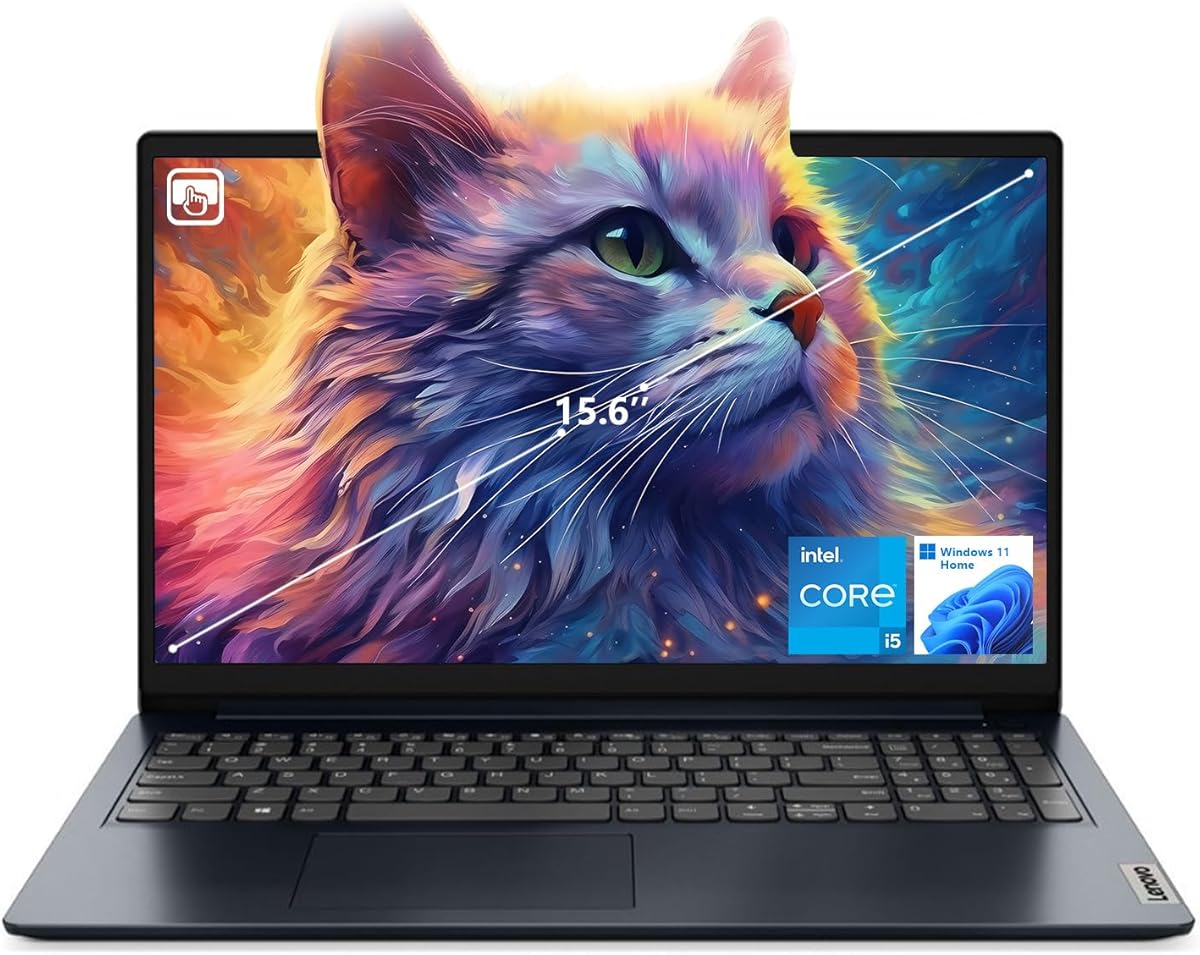

The NIMO 15.6 AI Creator Laptop delivers excellent value for vloggers on a tight budget. With a 5.0 rating, it stands out as a reliable daily driver for content creation tasks.
We may earn a commission when you buy through this link, at no additional cost to you.
Its AMD Ryzen 5 6600H processor handles basic editing and multitasking smoothly. The 16GB DDR5 RAM ensures fluid switching between apps, while the 512GB SSD provides quick access to media files.
While integrated graphics mean longer export times for 4K footage, it is suitable for 1080p workflows. The upgradeable design allows future expansion, extending the laptop lifespan without high upfront costs.
Beginners and casual vloggers should consider this model for its balanced performance and warranty support. It offers a dependable foundation for growing your content creation business without overspending.
The Ryzen 5 6600H provides robust processing power for everyday tasks without the cost of high-end chips.
Dual SO-DIMM and M.2 slots let you add more RAM or storage as your project files grow.
We may earn a commission when you buy through this link, at no additional cost to you.
The GEEKOM GeekBook X14 Pro is a top-tier choice for vloggers prioritizing display quality and portability. Its 2.8K OLED screen offers vivid colors essential for accurate color grading in the field.
We may earn a commission when you buy through this link, at no additional cost to you.
Powered by the Core Ultra 9 185H with a dedicated NPU, it excels at AI-enhanced tasks like noise reduction. The lightweight chassis makes it easy to carry on location shoots or travel.
The OLED panel consumes more power than standard LCDs, but the large 72Wh battery helps sustain work. The 32GB RAM ensures no lag when managing large media libraries.
Professional creators seeking a premium mobile workstation will appreciate this device. It combines high-end specs with a sleek form factor ideal for on-the-go content production.
The 2.8K OLED screen with 100% DCI-P3 coverage ensures your content looks vibrant and accurate.
At just 2.2 lbs, this laptop is easy to carry anywhere without adding bulk to your gear.
We may earn a commission when you buy through this link, at no additional cost to you.
The NIMO 15.6 FHD AI-Creator-Laptop earns our Editor's Choice for its incredible price-to-performance ratio. The Ryzen 7 8745HS delivers near-desktop performance for creative workloads.
We may earn a commission when you buy through this link, at no additional cost to you.
Radeon 780M graphics handle video editing and casual gaming efficiently without needing a dedicated GPU. This reduces heat and battery drain while maintaining smooth playback and rendering times.
The 32GB RAM and 1TB SSD provide ample headroom for large projects. The dual slot design allows future upgrades, making it a long-term investment for growing creators.
It is the best pick for vloggers needing powerful hardware without spending top dollar. This model balances speed, storage, and longevity effectively for serious content creation.
Radeon 780M graphics offer discrete-level performance for editing and rendering tasks efficiently.
A 1TB SSD ensures you have plenty of space for 4K footage and project files.
We may earn a commission when you buy through this link, at no additional cost to you.
The HP 17 Laptop offers a spacious screen that simplifies timeline editing and multi-window workflows. The 17.3-inch display provides ample real estate for detailed video production tasks.
We may earn a commission when you buy through this link, at no additional cost to you.
Equipped with Windows 11 Pro, it offers enterprise-level security features. The Ryzen 5 7520U ensures efficient power management for general productivity and lighter editing sessions.
While 8GB RAM is entry-level, the DDR5 technology helps maintain smooth performance. The included accessories streamline setup, making it a convenient solution for mobile workstations.
Vloggers who need a desktop-replacement screen on the go will appreciate this option. Its large display and privacy features cater well to focused editing and conferencing needs.
The 17.3-inch screen allows you to view timelines and footage without constant scrolling.
Windows 11 Pro and physical camera shutter add layers of security for sensitive content.
We may earn a commission when you buy through this link, at no additional cost to you.
This HP 17 Laptop scores a perfect 5.0 rating for reliability and performance. It is optimized for video editing workloads with a capable Ryzen 5 processor.
We may earn a commission when you buy through this link, at no additional cost to you.
The 512GB SSD ensures quick access to project files and system apps. Wi-Fi 6 connectivity guarantees stable uploads and downloads, crucial for cloud-based workflows.
The full-size keyboard with numeric keypad enhances data entry efficiency. While 8GB RAM requires careful management, DDR5 speeds mitigate bottlenecks during multitasking.
Creators needing a large screen and reliable performance without high costs will find it suitable. It offers a balanced setup for vloggers focused on productivity.
High user ratings confirm the laptop delivers consistent speed and stability daily.
Wi-Fi 6 ensures fast and stable internet for uploading large video files.
We may earn a commission when you buy through this link, at no additional cost to you.
The Dell 16 Laptop provides a comfortable viewing experience with ComfortView Plus to reduce eye strain. The 16-inch screen offers a modern 16:10 aspect ratio for extra vertical space.
We may earn a commission when you buy through this link, at no additional cost to you.
Intel Core 7 processing ensures smooth multitasking. The FHD camera supports crisp video calls for client meetings. Dell's onsite service adds peace of mind for business users.
Adaptive thermals manage heat effectively without loud fans. The 16GB RAM is ideal for handling multiple browser tabs while working.
Vloggers prioritizing eye comfort and reliable support will appreciate this model. It balances performance with user-friendly features for long editing sessions.
ComfortView Plus reduces blue light to minimize fatigue during long work hours.
Adaptive thermals adjust performance based on surface placement for efficiency.
We may earn a commission when you buy through this link, at no additional cost to you.
The Acer Aspire Laptop 2026 brings AI features to content creation. The dedicated NPU accelerates tasks like background blur and video effects locally.
We may earn a commission when you buy through this link, at no additional cost to you.
With 32GB RAM and 2TB SSD, it handles massive files effortlessly. The touchscreen allows intuitive retouching and precise editing gestures.
Wi-Fi 6E ensures stable connectivity in crowded networks. The included hub eliminates dongles for external displays and storage.
Professionals seeking an all-in-one home office solution will find this ideal. It combines AI efficiency with robust storage for complex workflows.
The NPU enables real-time AI features that speed up editing and communication.
2TB SSD provides plenty of space for archives and large media libraries.
We may earn a commission when you buy through this link, at no additional cost to you.
The Lenovo Yoga 7i offers flexible usage modes for different workflows. The 2K touchscreen delivers vivid visuals for editing, while the 360-degree hinge supports tablet use.
We may earn a commission when you buy through this link, at no additional cost to you.
Core Ultra 7 ensures energy efficiency and performance. The Gigabit LAN port guarantees strong connections for high-demand tasks. WiFi 6E keeps latency low during video calls.
Multiple ports provide convenient connectivity without dongles. This device suits vloggers who need presentation modes or sketching capabilities.
It is best for those valuing adaptability over raw speed. The flexible design and solid specs make it a versatile tool for hybrid creators.
Switch between laptop, tablet, and tent modes to fit any workspace scenario.
Gigabit LAN and WiFi 6E ensure reliable connections for streaming and uploads.
We may earn a commission when you buy through this link, at no additional cost to you.
The Lenovo IdeaPad 1i Laptop balances budget and capability well. It comes with 16GB RAM standard, which is rare at this price point.
We may earn a commission when you buy through this link, at no additional cost to you.
Touchscreen support aids intuitive interaction with content software. The 512GB SSD provides quick boot times and ample space for basic projects.
DDR4 memory is efficient but slower than newer standards. Still, it handles multitasking effectively for casual editing and streaming.
Entry-level creators seeking affordable versatility will find it suitable. It offers practical features for daily vlogging without unnecessary costs.
16GB DDR4 RAM ensures smooth switching between apps during daily work.
Touchscreen navigation simplifies editing and browsing on the go.
We may earn a commission when you buy through this link, at no additional cost to you.
The NIMO 15.6 AI Creator Laptop offers strong performance and flexibility. The Ryzen 7 processor and 32GB RAM ensure smooth editing for complex projects.
We may earn a commission when you buy through this link, at no additional cost to you.
The lay-flat hinge facilitates easy collaboration during client meetings. Dual SSD slots allow future storage expansion, adapting to growing file needs.
100W PD fast charging keeps you productive during travel. The robust build and warranty provide long-term reliability for daily use.
Vloggers needing a reliable upgradeable workstation will find it suitable. It combines speed, storage, and practical design features for professional use.
The 180-degree hinge allows screen sharing without awkward viewing angles.
Dual SSD slots provide flexibility to add more storage as needed.
We may earn a commission when you buy through this link, at no additional cost to you.
Selecting the right laptop involves balancing performance, portability, and budget. Here are key factors to consider.
A powerful CPU like Ryzen 7 or Core Ultra 7 accelerates rendering and multitasking.
Look for at least 6 cores to handle video editing smoothly.
Vlogging workflows benefit from 16GB to 32GB of memory for fluid operation.
More RAM prevents stuttering when managing large files and apps.
Integrated graphics like Radeon 780M or Intel Arc suffice for 1080p projects.
For 4K editing, dedicated GPUs offer faster render speeds and efficiency.
A high-resolution OLED or IPS screen ensures accurate color grading.
Look for 100% DCI-P3 coverage and 120Hz refresh rates for smooth playback.
NVMe SSDs provide quick load times for applications and media files.
At least 512GB is recommended, though 1TB is ideal for large video libraries.
Long battery life is essential for recording sessions away from power outlets.
Prioritize models with 70Wh+ batteries to sustain editing on the go.
Multiple ports like USB-C, HDMI, and SD card readers simplify peripheral connection.
USB4 or Thunderbolt support allows fast data transfer and external GPU use.
Lightweight designs under 3 lbs are easier to carry during travel.
Compact builds ensure the laptop fits easily into a camera bag or backpack.
Keep your laptop on a hard, flat surface to prevent overheating during intensive rendering tasks.
Use external cooling pads if you frequently export large video files for extended periods.
Clean the screen and keyboard regularly to maintain performance and hygiene.
16GB is the minimum for smooth 1080p editing, while 32GB allows for 4K workflows and heavy multitasking.
Yes, modern integrated graphics like Radeon 780M handle 1080p editing well. For 4K, dedicated GPUs are faster.
Larger screens like 17 inches provide better visibility of timelines but reduce portability. Balance based on your workflow.
Aim for at least 8 to 10 hours of battery life to ensure productivity during outdoor shoots.
Yes, SSDs significantly reduce boot times and file access speeds compared to traditional hard drives.
USB-C for charging and data, HDMI for monitors, and an SD card reader for camera media transfers are vital.
Our top picks balance performance and affordability to suit diverse vlogging needs effectively.
Prioritize processing power and display quality to ensure high-quality content creation.
Check current prices and availability before purchasing to find the best deal for your budget.